Cart
0
You just spent real money on a new laptop or phone, and six months later someone tells you there's a newer model. Suddenly your purchase feels like it's already behind. That anxiety is real — but it's also often overblown, and sometimes it's completely justified. The difference comes down to understanding what actually makes a device feel old.
It's rarely about the hardware dying. It's about software support drying up, batteries losing capacity, or the gap between what your device can do and what apps now demand widening too fast to ignore. Once you know which forces apply to which category, you can shop with a much clearer head.
Smartphones: The Category With the Shortest Clock
Phones feel outdated faster than almost anything else in consumer electronics — not because they break, but because software support is the real expiration date. Once a manufacturer stops pushing security updates and OS upgrades to your model, you're on borrowed time from a safety standpoint, even if the phone still works fine.
Android manufacturers vary widely on how long they commit to updates. Apple has historically supported iPhones for longer, often five or six years from launch. Android flagships from major brands have been improving on this front, but mid-range and budget Android phones often get shorter windows. That's worth factoring in at purchase time, not just the specs on the box.
Battery degradation is the other culprit. Lithium-ion batteries lose capacity with every charge cycle. After a couple of years of heavy daily use, you may find yourself hunting for an outlet by mid-afternoon. For some people, a battery replacement extends the phone's useful life significantly. For others, the combination of a slowing battery and aging software is the nudge to upgrade.
Realistic lifespan: 3–5 years for a flagship with strong software support; shorter for budget models with limited update commitments. If you're buying a phone and care about longevity, look at the manufacturer's stated update policy before you look at the camera specs.
Laptops: The Category That Rewards Patience
A well-chosen laptop can serve you for a surprisingly long time — often longer than people expect when they're standing at the checkout. The key variables are build quality, RAM, and whether the operating system will still receive support in five years.
Processing power is the area where laptops age most gracefully. A chip that was mid-tier three years ago still handles email, video calls, document editing, and light browsing without complaint. Where laptops start to struggle is when they were underpowered at purchase — too little RAM, a slow storage drive — and the software around them has grown heavier. A laptop that felt snappy with 8GB of RAM in 2019 may feel sluggish running a modern browser with fifteen tabs open.
Windows 10 end-of-support in October 2025 is a real-world example of how OS lifecycle affects hardware decisions. If your laptop can't run Windows 11, you'll need to think about what that means for security patches going forward. It's not that the machine stops working — it's that the software safety net disappears.
Realistic lifespan: 5–8 years for a well-specced machine bought with some headroom. Budget laptops bought at the low end of their spec range often feel the squeeze sooner, around 3–4 years. If you're buying a laptop today, getting adequate RAM and a solid-state drive isn't a luxury — it's the difference between a 4-year machine and a 7-year one.
Headphones and Earbuds: Longer Than You Think (With One Caveat)
Passive, wired headphones are among the most durable consumer electronics you can own. There's no battery to degrade, no firmware to go unsupported, no wireless standard to become obsolete. A quality pair of wired headphones bought today can realistically last a decade or more with basic care.
Wireless earbuds and headphones are a different story. The built-in batteries in true wireless earbuds degrade just like phone batteries — often faster, because the charging case puts them through frequent short charge cycles. After two to three years of daily use, battery life can drop noticeably. Some models allow battery replacement; many don't.
If you're weighing wired versus wireless, lifespan is one of the genuine trade-offs worth thinking through. Our guide to choosing between wired and wireless headphones goes deeper on that decision.
Realistic lifespan: Wired headphones — 7–10+ years with reasonable care. True wireless earbuds — 2–4 years before battery degradation becomes a real inconvenience.
Speakers and Soundbars: The Long Game
Passive speakers — the kind that connect to an amplifier via a cable — are some of the most enduring electronics around. The technology hasn't changed fundamentally in decades, there's no software to update, and a well-built speaker can outlive most other gadgets in your home by a wide margin.
Smart speakers and Bluetooth soundbars introduce more complexity. Bluetooth standards evolve, and a soundbar that was cutting-edge four years ago may lack the codec support that newer TVs and phones use. Smart speakers tied to a platform (a voice assistant ecosystem) are also dependent on the company continuing to support that platform — a risk that's materialized for some products in recent years.
Realistic lifespan: Passive and Bluetooth speakers — 7–10+ years for the hardware itself. Smart speakers with platform dependencies — treat them more like a 4–6 year investment and factor in the ecosystem risk.
Security Cameras: More Software-Dependent Than They Look
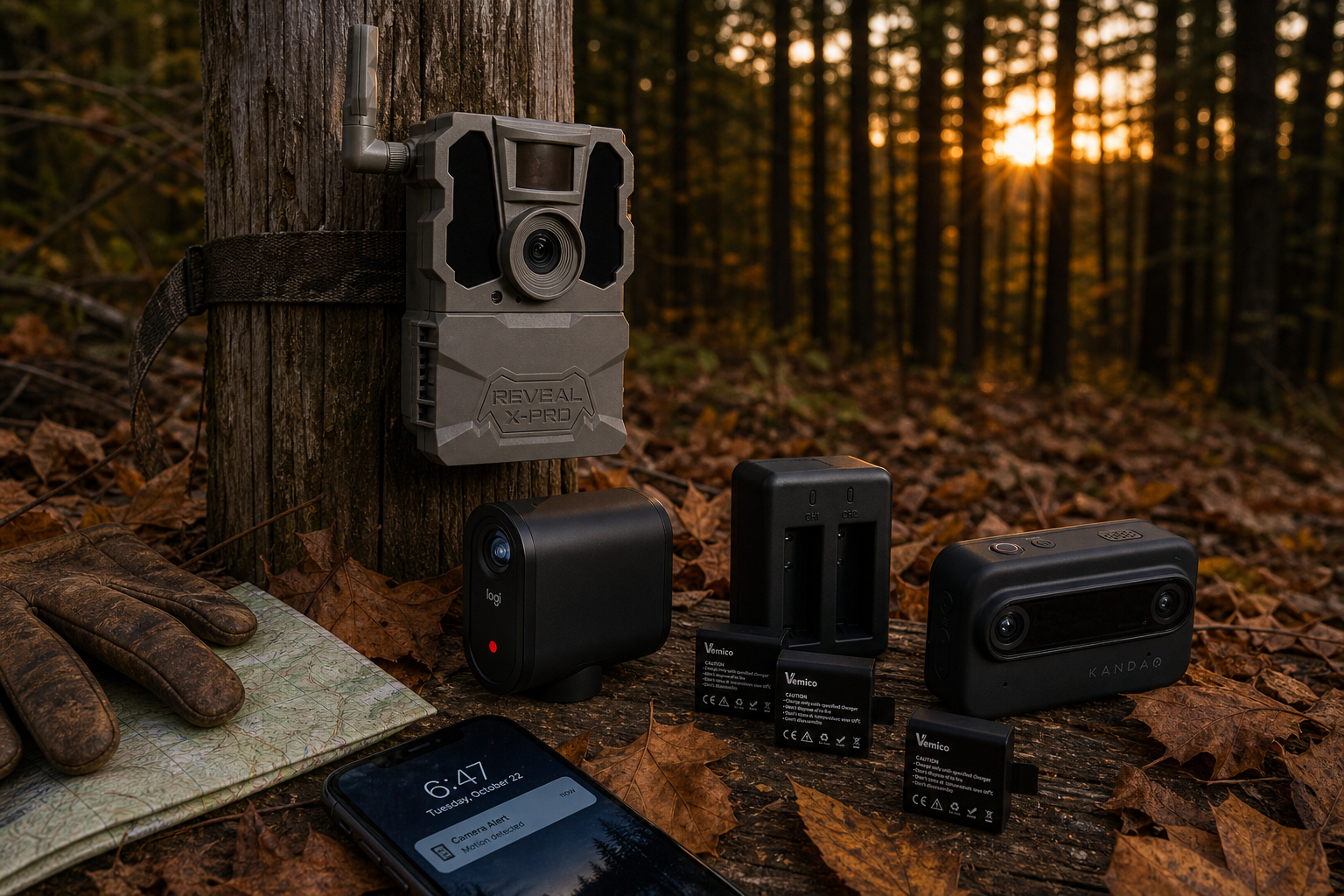
A security camera is hardware, but it's also a software product. The app, the cloud storage subscription, the firmware updates — these are what keep it useful and, more importantly, secure. Cameras that manufacturers abandon (no more firmware updates, app support ending) become a liability rather than an asset, because unpatched vulnerabilities in a network-connected camera are a real security concern.
The physical hardware in a security camera can last many years. The question is whether the company behind it will. Buying from established brands with a track record of long-term support matters more in this category than in almost any other.
Realistic lifespan: 4–7 years before software support or ecosystem changes prompt a replacement. The hardware often outlasts the software support — which is the part that actually matters for security.
Monitors: The Quiet Overachievers
Monitors are quietly one of the best long-term purchases in consumer electronics. The display panel itself doesn't degrade meaningfully over the kind of timeframes most people think about, and the connection standards (HDMI, DisplayPort) have remained stable enough that a monitor bought several years ago still connects to a new laptop without issue.
The main reason people replace monitors is resolution and refresh rate — not because the old one stopped working, but because they've moved to a setup that makes the difference visible. If you buy with adequate resolution for your actual use case today, that push to upgrade comes much later.
Realistic lifespan: 7–10 years for the panel itself. Most people upgrade monitors for feature reasons long before the hardware fails.
The Three Forces That Actually Age a Device
Across every category, three things drive the gap between a device's physical life and its useful life:
- Software support ending — security patches stop, OS updates stop, apps stop being optimized for your hardware. This hits phones and smart devices hardest.
- Battery degradation — anything with a built-in lithium-ion battery has a countdown. Phones, wireless earbuds, and laptops all feel this. Passive speakers and wired headphones don't.
- Spec creep — software gets heavier over time. A device bought at the minimum spec for today's demands will feel slow sooner than one bought with headroom. This hits underpowered laptops and budget phones hardest.
None of these are reasons to avoid buying. They're reasons to buy smarter — to look at software support commitments, to choose a laptop with more RAM than you think you need right now, to factor a battery replacement into your thinking before you write off a phone.
Should You Buy Now or Wait?
The honest answer: there will always be something newer. The question isn't whether a better version is coming — it always is — it's whether the current version does what you need it to do today, and for how long.
If a device is mid-cycle (the manufacturer just released a new model), the previous generation often represents real value, since it typically receives the same software support window from that point forward. If a device is at the end of its generation and a refresh is imminent, waiting a few weeks can be worth it. But if you need it now, buy it now — the performance gap between generations is rarely as dramatic as the marketing suggests.
The categories where waiting matters most: phones (software support windows reset with new models) and laptops (spec jumps between generations can be meaningful). The categories where it matters least: passive speakers, wired headphones, and monitors — where the technology is mature and the differences between generations are incremental.
Browse laptops, speakers, security cameras, monitors, and more at Electroeshop — over 25,000 products across every major tech category, all delivered from the USA.
Frequently Asked Questions
How do I know if my phone is still getting security updates?
For iPhones, Apple publishes a list of supported models on its website. For Android, check your phone's Settings under "Software update" or "Security update" — it will show the date of the last patch. If that date is more than a year old, your manufacturer has likely stopped supporting that model. Many Android manufacturers now publish their update commitment (e.g., "4 years of OS updates") on product pages, so it's worth checking before you buy.
Is it worth repairing an old device instead of replacing it?
It depends on the category. A battery replacement on a phone or laptop that's otherwise working well is almost always worth it — it's a fraction of the replacement cost and can add years of useful life. For true wireless earbuds with degraded batteries, check whether the manufacturer offers a replacement service; many don't, which effectively makes them disposable after a few years. For hardware failures (cracked screens, damaged ports), compare the repair cost against the device's remaining useful life honestly before committing.
Does a higher price always mean a longer lifespan?
Not automatically, but there's a real correlation in some categories. Flagship phones from major manufacturers typically get longer software support windows than budget models — that's a meaningful lifespan difference, not just a specs difference. For laptops, spending more to get adequate RAM and a solid-state drive at purchase genuinely extends useful life. For speakers and monitors, build quality at higher price points often translates to hardware that lasts longer. The weakest correlation is in smart home devices, where platform risk can make an expensive device obsolete regardless of build quality.
What's the biggest mistake people make when buying electronics for longevity?
Buying at the minimum spec for today's needs rather than with a little headroom. A laptop with just enough RAM to run your current software comfortably will feel slow in two or three years as browsers and apps grow heavier. A phone bought at the low end of its manufacturer's lineup may get fewer years of software updates than the flagship from the same brand. Buying slightly above your immediate needs — not the top of the line, just not the floor — is usually the best longevity strategy per dollar spent.