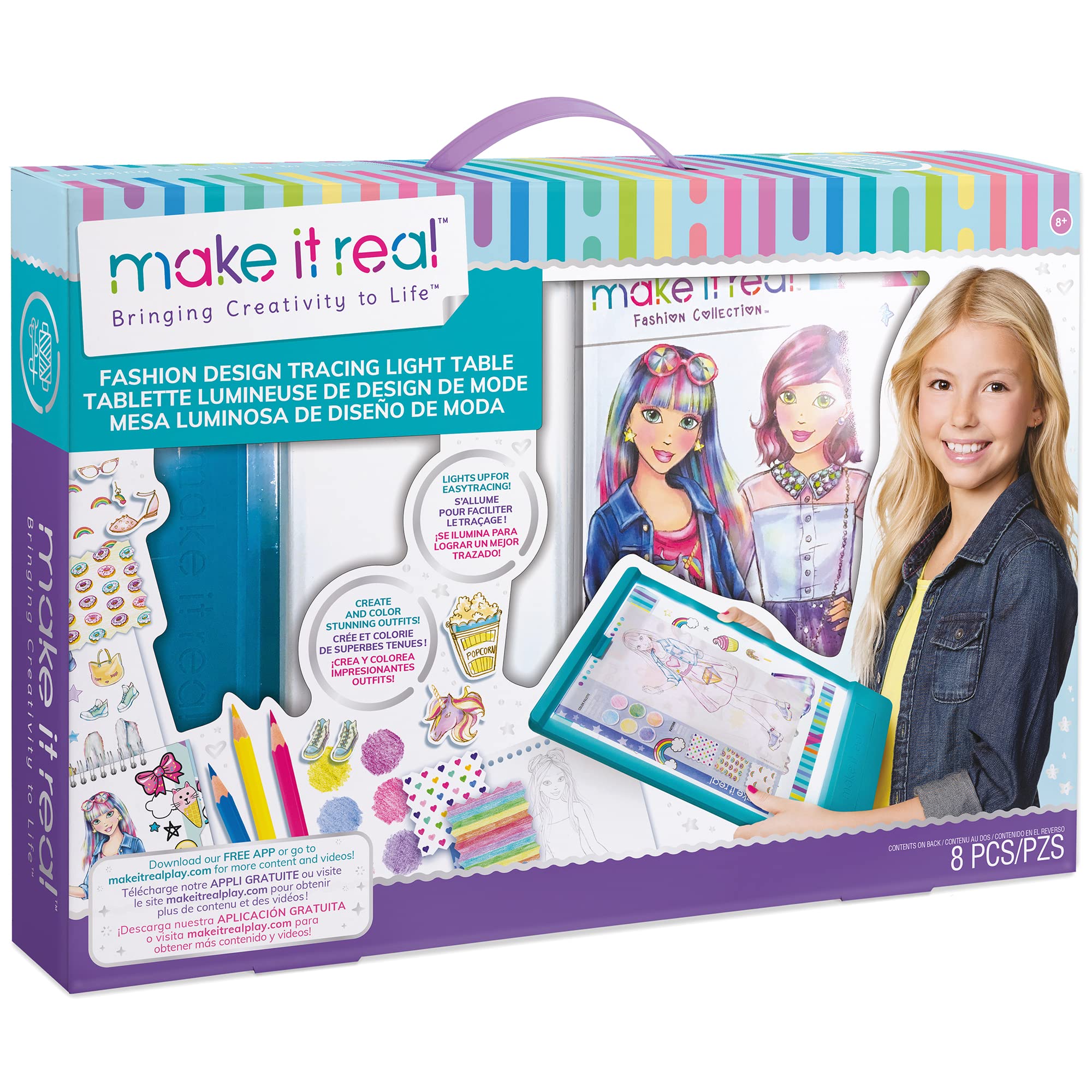
Drawing tablets are essential tools for artists, designers, and illustrators looking to create digital art with precision. Our collection features renowned brands like Wacom, Huion, and XP-Pen, with options suitable for beginners and professionals alike. Ranging from compact 10-inch models to expansive 32-inch screens, each tablet offers unique features like pressure sensitivity and customizable buttons. Shop with us for a wide selection and reliable customer support.
Quickshop
TopPerfekt Case for iPad 11th (A16) 11-inch 2025/ 10th Generation 10.9-inch 2022,...
Drawing Tablets Overview
Drawing tablets are specialized devices that allow artists and designers to create digital artwork with the same fluidity and control as traditional drawing tools. These tablets connect to a computer or can function independently, offering versatility for both casual users and professionals. They typically feature pressure-sensitive surfaces that respond to stylus pressure, allowing for nuanced line thickness, shading, and detailing. Brands like Wacom and Huion have established themselves as leaders in this market, providing a range of products from entry-level to high-end options tailored for various skill levels and artistic needs.
What's in This Collection
Our collection of drawing tablets includes a variety of models to suit different artistic styles and budgets. You'll find compact tablets like the Wacom Intuos series, ideal for beginners and those looking for portability, alongside larger, more advanced options such as the Wacom Cintiq and Huion Kamvas series, which feature built-in displays for a more immersive drawing experience. Price ranges vary from affordable models starting around $50 to professional-grade tablets exceeding $1,500, ensuring that artists of all levels can find the right tool for their creative endeavors. We also stock accessories such as stylus pens, replacement nibs, and protective cases to enhance your drawing experience.
How to Choose
When selecting a drawing tablet, consider factors such as size, pressure sensitivity, and compatibility with your operating system. For younger artists or beginners, a smaller tablet (around 10 inches) may provide a manageable learning curve, while professional artists may prefer larger screens (up to 32 inches) for detailed work. Look for features like multi-touch capabilities and customizable shortcut buttons, which can improve workflow. Additionally, ensure that the tablet meets safety standards, such as being non-toxic and free from harmful materials, especially for younger users. Popular options include the Wacom Intuos for beginners and the Wacom Cintiq for professionals seeking an enhanced drawing experience.
Gift Ideas & Occasions
Drawing tablets make excellent gifts for a variety of occasions, including birthdays, graduations, and holidays. They appeal to aspiring artists, graphic designers, and hobbyists alike, making them versatile gifts. For children or teenagers interested in art, a beginner-friendly tablet like the Huion Inspiroy can spark creativity and develop skills. For more experienced artists, consider a high-end model such as the Wacom Cintiq, which provides a professional-quality drawing experience. These devices not only encourage artistic expression but also serve as valuable tools for digital design and illustration.
Frequently Asked Questions
What brands of drawing tablets do you carry?
We carry a wide selection of drawing tablets from leading brands, including Wacom, Huion, and XP-Pen, offering options for all skill levels.
How do I choose the right drawing tablet for my needs?
Consider your skill level, preferred size, and features like pressure sensitivity and display options. Beginners may prefer smaller, simpler tablets, while professionals often choose larger tablets with advanced features.
Are drawing tablets suitable for kids?
Yes, many drawing tablets are designed specifically for children, featuring user-friendly interfaces and safety standards to ensure non-toxic materials are used.
What is pressure sensitivity in drawing tablets?
Pressure sensitivity refers to the tablet's ability to detect how hard you press the stylus against the surface, allowing for variations in line thickness and shading, enhancing the drawing experience.
Can I use a drawing tablet without a computer?
Some drawing tablets, like the Wacom MobileStudio Pro, function independently with built-in software, while others require a connection to a computer or device to operate.
What size drawing tablet should I get?
The size of the drawing tablet depends on your workspace and preferences. Smaller tablets (10-12 inches) are portable, while larger ones (over 15 inches) provide more area for detailed work.
How do I maintain and care for my drawing tablet?
Keep your tablet clean by gently wiping the surface with a microfiber cloth. Avoid using harsh chemicals and ensure the stylus is well-maintained with replaced nibs as needed.
What are the common features to look for in a drawing tablet?
Key features to consider include pressure sensitivity levels, customizable buttons, screen size, and compatibility with software programs like Adobe Photoshop or Illustrator.


 Regular price $53.88ANDYMATION Flipbook Starter Kit with LED Light Pad, Premium Paper, AndymationSold Out
 Regular price $10.51WooKoudai Digital Drawing Glove Two Finger Fixed Design Smudge Guard WookoudaiSold Out

 Regular price $43.80UGEE S640 Graphics Drawing Tablet, 6.5x4 inch, 8192 Levels, Battery-Free UgeeSold Out


 Regular price $211.83XP-PEN Artist12 FHD 11.6" Drawing Monitor, Battery-Free Pen, 8192 Pressure XP-PENSold Out
 Regular price $46.04Xppen Deco Mini7 Drawing Tablet Computer Graphic Tablet With 8192 XP-PENSold Out
 Regular price $211.83GAOMON PD1161 11.6-inch Drawing Tablet with Screen, Battery-Free Stylus, 8 GaomonSold Out


 Regular price $27.62Paperlike Drawing Glove for iPad - Artist Glove, Right/Left Hand, PaperlikeSold Out

 Regular price $23.67TopPerfekt Case for iPad 11th (A16) 11-inch 2025/ 10th Generation TopPerfektSold Out