Cart
0

You plug your laptop into the USB-C port on your new power strip, set it on your desk, and walk away. An hour later the battery is at the same percentage it started at. The strip is "charging" it — just not fast enough to keep up with what you're actually doing on it. That gap between what a USB port on a power strip promises and what it actually delivers is the thing most buyers don't check until it's too late.
This guide covers what actually matters when you're choosing a USB power strip for a desk setup — so you end up with one that handles every device you own, not just the small stuff.
USB-A vs. USB-C: They're Not Interchangeable
Most power strips still lead with USB-A ports — the rectangular ones you've been using since the early 2000s. They're fine for phones, earbuds, and small accessories. The problem is that USB-A tops out at a wattage that's simply not enough to charge a modern laptop at any useful speed.
USB-C is a different story. The port itself supports much higher power delivery, which means a USB-C port with proper Power Delivery (PD) support can actually charge a laptop — not just keep it from dying, but genuinely charge it. If a laptop is part of your desk setup, a USB-C port with PD is non-negotiable. A USB-C port without PD will charge your phone fine but will frustrate you every time you try to use it for anything bigger.
When you're reading a product listing, look for "USB-C PD" or "Power Delivery" explicitly called out. "USB-C" alone doesn't tell you enough.
Wattage Per Port: The Number That Actually Matters
Total wattage across all USB ports is a marketing number. What you need to know is the wattage available per port — and whether that number drops when multiple ports are in use simultaneously.
Many strips share a power budget across all USB ports. If the total USB output is 30W split across five ports, and you have four things plugged in, each device gets a fraction of what it needs. Some strips handle this better than others by dedicating fixed wattage to specific ports rather than pooling everything.
A practical rule: for a desk with a laptop, a phone, and a tablet all charging at once, look for a USB-C PD port rated at a minimum of 45W (ideally 65W or higher for most laptops), and separate USB-A ports for the smaller devices so they're not competing with the laptop for power.
Fast Charging: Does the Strip Actually Support It?
"Fast charging" is one of those terms that gets applied loosely. True fast charging — whether that's Qualcomm Quick Charge, USB Power Delivery, or a manufacturer's proprietary protocol — requires both the device and the charger to support the same standard. A strip that advertises fast charging but only supports one protocol may not actually fast-charge your specific phone.
Check which fast-charging standards the strip supports, then cross-reference with what your devices actually use. If your phone uses Qualcomm Quick Charge and the strip only supports USB-PD at a lower wattage, you'll get standard charging speeds regardless of what the box says.
Surge Protection: Don't Treat It as an Afterthought
A power strip without surge protection is just an extension cord with extra outlets. For a desk full of electronics — laptop, monitor, external drive, charging devices — surge protection matters. Look for a joule rating in the product specs; a higher joule rating means more capacity to absorb a power spike before it reaches your equipment.
Some strips also include an indicator light that tells you the surge protection is still active. Over time, surge protection degrades after absorbing spikes, and that light is the only way to know if it's still working.
Outlet Count and Physical Layout
This one sounds obvious, but it's where a lot of people get tripped up. Count your actual plugs — not just the devices, but the physical plug shapes. A wall adapter for a monitor or a laptop charger is often a wide brick that blocks the outlet next to it. A strip with widely spaced outlets, or with a rotating/angled design, handles these much better than a standard row of tightly packed outlets.
Also consider cord length. A strip with a short cord forces the whole setup close to the wall, which limits where your desk can actually go.
What Else Is on Your Desk?
A desk setup today isn't just a computer. Smart home devices, desk lamps, speakers, webcams, ring lights — the list keeps growing. If you're also thinking about the broader picture of keeping your home or office running smoothly, it's worth knowing that alarm systems and other smart home electronics are part of the same ecosystem you're powering. The right power infrastructure makes everything else easier to manage.
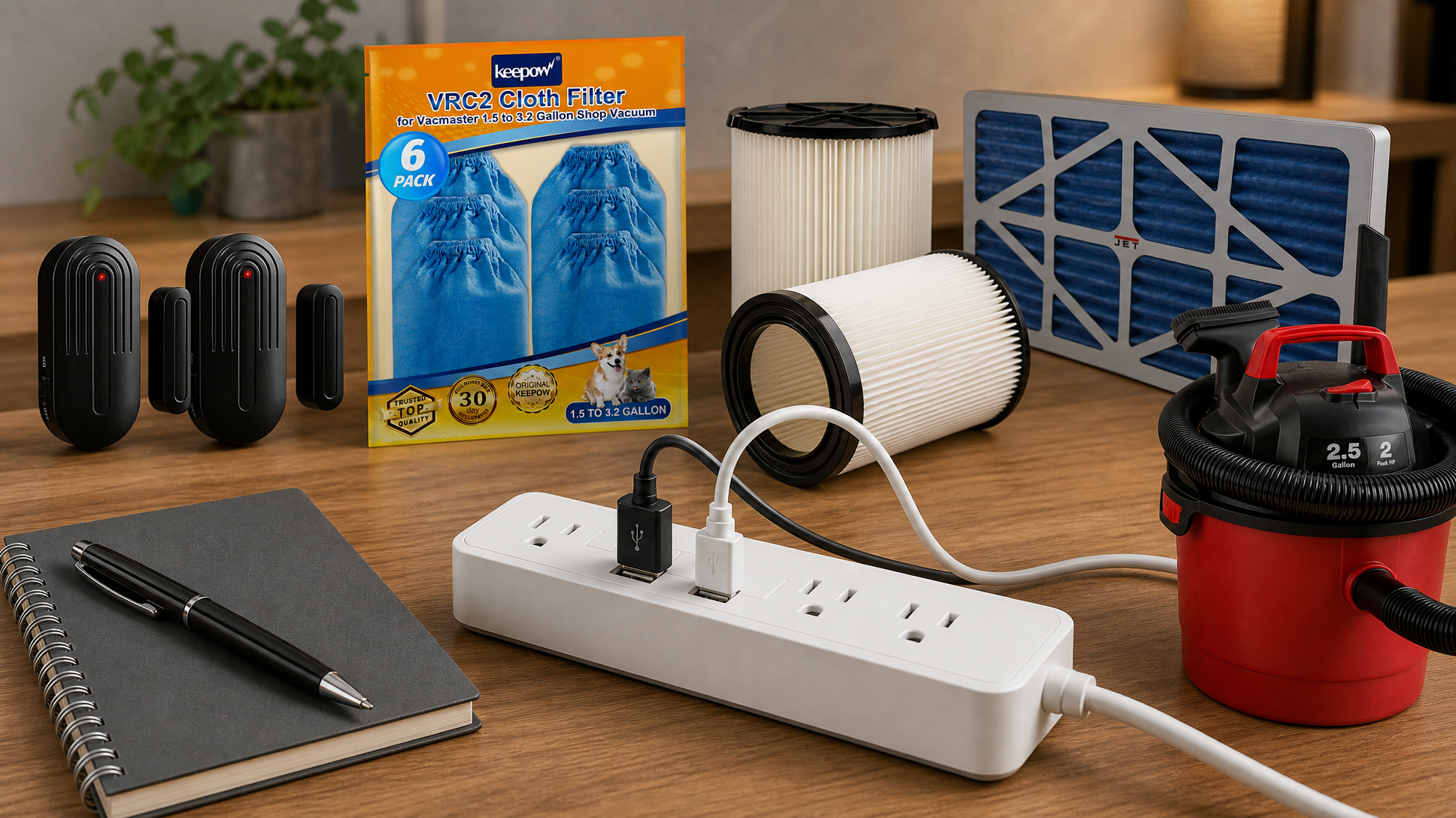
And while you're auditing your desk power situation, it's a good moment to think about air quality too — especially in a workshop or home office where a shop vac or air filtration system runs regularly. Products like the Keepow VRC2 Cloth Filter Compatible with Vacmaster 1.5 to 3.2 Gallon Wet/Dry Vacuums, the 2 Pack VF4000 Replacement Filter Compatible with Ridgid Vacs, and the Jet 24x12x1 Electrostatic Outer Air Filter, Fits AFS-1000B/1000C are the kind of maintenance items that keep your workspace clean — and they all need a reliable outlet too. Even a door alert like the Door Chime Sanjie Door Alarms When Opened, with its compact receiver that plugs into a standard outlet, is something to factor into your total outlet count before you buy.
A Quick Checklist Before You Buy
- Does it have USB-C with Power Delivery? If you own a laptop, the answer needs to be yes.
- What's the wattage per port — not just total? Shared pools drop fast when multiple devices are connected.
- Which fast-charging standards does it support? Match them to your actual devices.
- What's the joule rating for surge protection? Higher is better, and check for an active indicator light.
- Are the outlets spaced for large adapters? Count your bricks, not just your devices.
- How long is the cord? Long enough to reach without running along the baseboard.
Get those six things right and you won't be staring at a laptop that's been "charging" for an hour and hasn't moved off 43%.
Browse USB power strips, charging stations, and desk accessories at Electroeshop — filter by port count and USB-C availability to find the right match for your exact setup.
Frequently Asked Questions
Can a USB power strip actually charge a laptop?
It depends on the strip. A USB-A port generally can't deliver enough power to charge a laptop at a useful rate. You need a USB-C port with Power Delivery (PD) support and sufficient wattage for your specific laptop model. Always check the wattage rating on the USB-C port, not just whether the port exists.
What does "joule rating" mean for surge protection?
The joule rating tells you how much energy a surge protector can absorb before it stops protecting your devices. Think of it as a cumulative capacity — after absorbing enough spikes over time, the protection degrades. A higher joule rating gives you more headroom. Look for a model with an indicator light that confirms the surge protection is still active.
Why does fast charging sometimes not work even when the strip says it supports it?
Fast charging requires both the charger and the device to support the same protocol — for example, Qualcomm Quick Charge or USB Power Delivery. If the strip supports one standard and your device uses another, you'll get standard charging speeds. Always cross-check the strip's supported protocols against your specific devices before buying.
How many outlets do I actually need for a desk setup?
Count every physical plug, not just every device. Large wall adapters for monitors, laptop chargers, and similar equipment often block adjacent outlets. A good rule of thumb is to count your plugs, add two for future devices, and then look for a strip with spaced or angled outlets so the big bricks don't eat your neighbors.