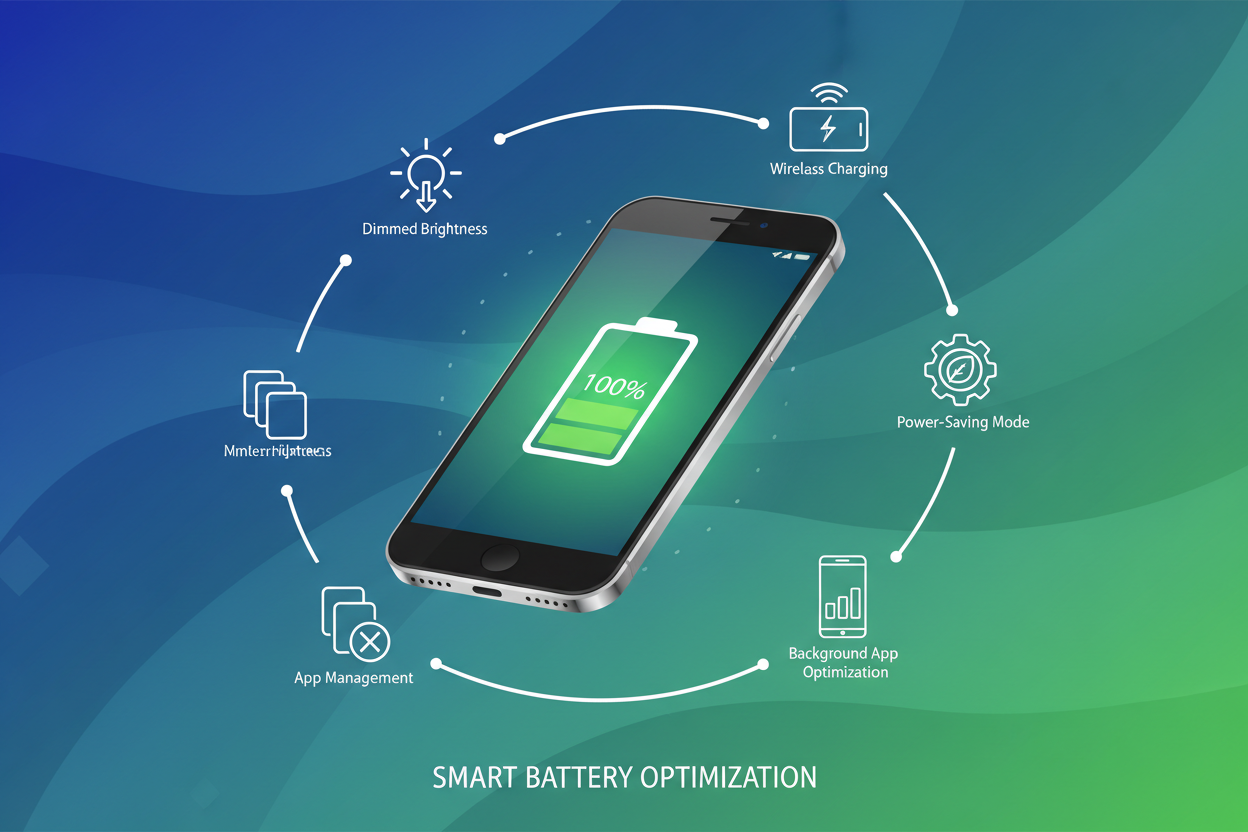
Discover expert tips and proven techniques to extend your smartphone battery life daily and improve its overall lifespan, ensuring your device supports you when you need it most.
Understand the difference between battery life and battery lifespan.
Optimize your settings for daily extended battery usage on Android and Apple devices.
Manage apps and background activity to reduce unnecessary battery drain.
Use smart charging habits to increase your battery’s longevity.
Employ both technical tweaks and practical habits to get the best from your smartphone battery.
Understanding the difference between battery life and battery lifespan is crucial for proper device care. Battery life is how long your smartphone can operate on a single full charge — think of it as daily stamina. Battery lifespan, however, indicates the total number of charge cycles your battery can endure before its capacity significantly diminishes.
While usage patterns impact both, optimizing for one doesn’t always improve the other. Balancing smarter daily use with good charging habits can help you achieve the best possible overall battery performance and health.
1. Tips to Maximize Battery Life
Maximize your daily battery life by implementing these fundamental tips that address both software and hardware elements:
Lower screen brightness: The display consumes the most power; reduce brightness or use adaptive brightness.
Turn off unnecessary radios: Disable Wi-Fi, Bluetooth, and GPS when not in use.
Enable power-saving modes: Both Android and iOS offer settings to limit background activity and visuals.
Limit background refresh: Restrict apps from auto-updating and refreshing in the background.
Use dark mode: Especially effective on OLED screens like Samsung Galaxy phones, it saves energy by lighting fewer pixels.
"Small tweaks in your daily routine and device settings can add hours of extra use between charges."
2. Managing Apps for Efficiency
Apps running in the background can silently drain your battery, even when you’re not actively using them. Here’s how to keep app activity in check:
Review battery usage stats: Both Samsung and iOS offer detailed views on which apps consume the most power.
Restrict or uninstall power-hungry apps: Remove apps you rarely use or that have excessive background activity.
Disable auto-launch and background processes: Use Android’s app info settings or iOS background app refresh options.
Keep apps updated: Updates often include optimizations that improve power efficiency.
3. Smart Charging to Extend Lifespan
Charging habits significantly affect your battery’s longevity over months and years. Here are habits to consider:
Avoid 0-100% cycles: Charge before the battery dips below 20% and unplug before it reaches full 100% to reduce stress.
Use reputable chargers and cables: Avoid cheap knockoffs to protect battery health.
Utilize built-in battery optimization tools: Many devices, such as Samsung Galaxy and Apple iPhones, include adaptive charging features to reduce battery aging.
Do not keep your phone plugged in overnight: Unless the device supports smart charging, prolonged full charge can degrade battery cells.
4. Device-Specific Settings: Android & Apple
Different smartphone brands offer tailored options to enhance battery life and health:
Samsung Galaxy Phones: Enable Adaptive Battery in settings to prioritize frequently used apps and restrict infrequent ones.
Samsung’s Device Care: Use it to optimize background apps and battery usage automatically.
Apple iPhones: Use Optimized Battery Charging to slow charging past 80% during overnight charge cycles.
iOS Battery Health Monitoring: Check battery condition and get notified if replacement is suggested.
Mastering these device-specific features alongside general best practices will help you achieve the longest possible battery support for your phone.
For optimal battery health, try to keep your phone between 20% and 80% charge. Frequent top-ups rather than full 0-100% cycles help extend lifespan.
Do fast chargers damage the battery?
Modern smartphones are designed to handle fast charging safely. However, frequent use of high-speed charging can generate heat, which slightly accelerates battery wear over time.
Is it better to turn off my phone at night?
Turning off your phone can save battery but is generally unnecessary if you use power-saving modes. It’s more important to manage apps and charging habits.
Can using dark mode really save battery?
Yes, especially on OLED or AMOLED screens like those on Samsung Galaxy phones. Dark mode reduces power consumption by lighting fewer pixels, which adds up to noticeably improved battery life.