Cart
0

The Three-App Problem Nobody Warns You About
You buy a smart bulb. Then a video doorbell. Then a thermostat. Each one works fine on its own — but you're now managing three separate apps, two different voice assistants, and a setup that doesn't automate anything because none of the devices know the others exist. This is the most common smart home mistake, and it has nothing to do with budget.
Building a smart home that actually feels smart comes down to one decision you need to make before you buy anything: which ecosystem are you building in?
Ecosystems First, Devices Second
A smart home ecosystem is the platform that lets your devices communicate — think of it as the shared language your gadgets speak. The three you'll encounter most are Amazon Alexa, Google Home, and Apple HomeKit. A newer open standard called Matter (backed by Apple, Google, Amazon, and Samsung) is also gaining real traction and promises cross-platform compatibility, but device support is still expanding.
Your choice of ecosystem usually follows the devices you already own:
- Heavy iPhone and Mac user? HomeKit or Matter-compatible devices will feel most natural.
- Android household with Google speakers? Google Home is the obvious anchor.
- Already have an Echo device, or just want the widest device compatibility? Alexa's ecosystem is the largest in terms of third-party support.
Pick one and commit to it for your first round of purchases. You can mix later once you understand what you're doing — but starting with a single ecosystem cuts the app clutter immediately.
The Right Order to Buy Smart Home Devices
Most people buy whatever looks cool. A smarter approach is to build from the foundation outward — starting with the devices that unlock the most control, then layering in the extras.
1. A Smart Hub or Speaker (Your Command Center)
Before anything else, you need a central controller. This is usually a smart speaker (Echo, Google Nest, HomePod mini) or a dedicated hub. It's what you'll use to control everything else by voice or through a single app. Without it, you're just operating individual devices in isolation.
2. Smart Lighting
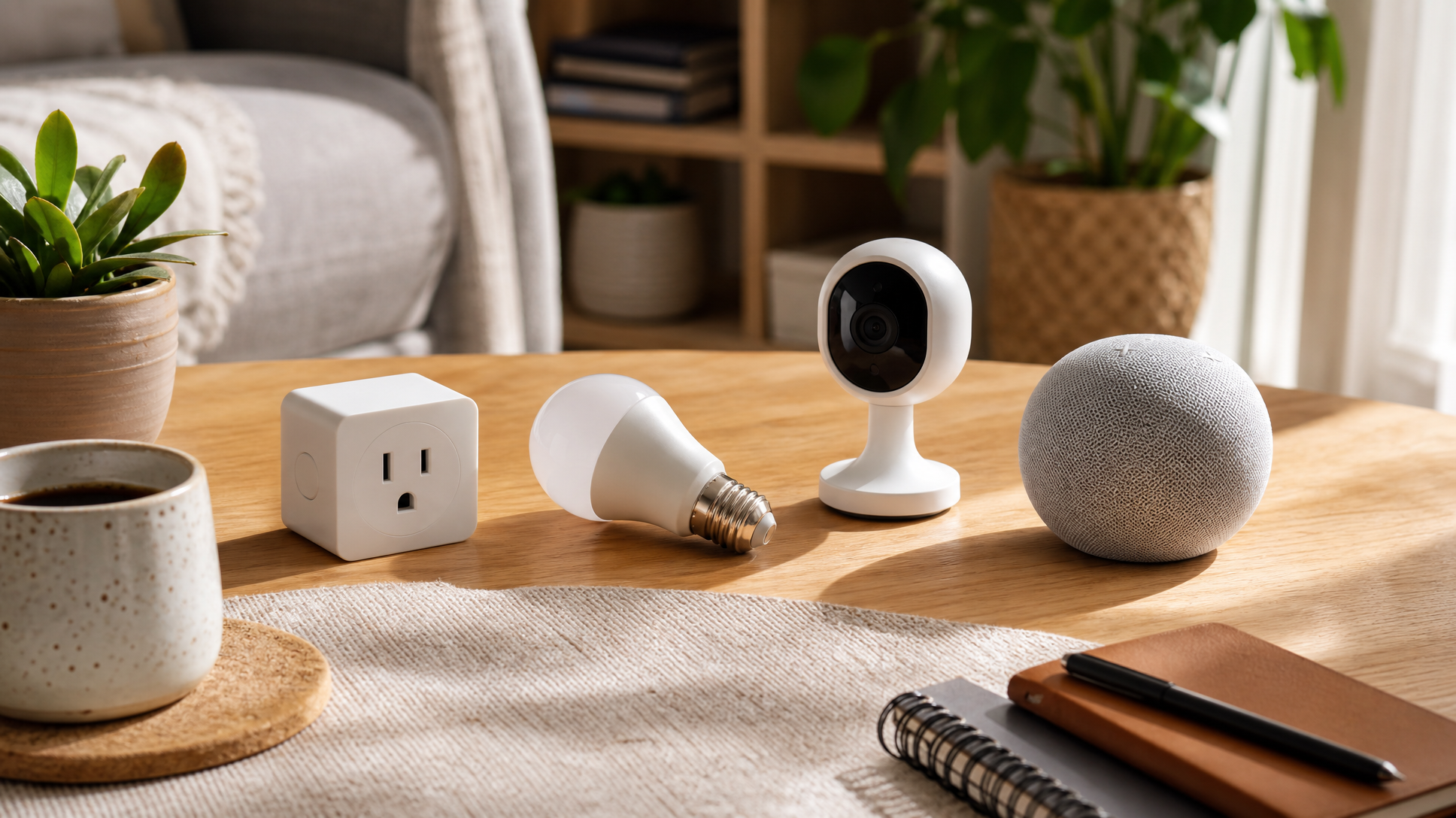
Lighting is the easiest entry point — low cost, immediately satisfying, and universally compatible across ecosystems. Start with one or two rooms. Smart bulbs are the simplest option; smart switches are a better long-term investment if you want to control ceiling fixtures without replacing every bulb.
3. A Smart Security Camera
Once your lighting is dialed in, a security camera is the upgrade that delivers real, daily utility. You get remote monitoring, motion alerts, and — with the right camera — integration with your smart speaker so you can pull up a live feed on a display device. Outdoor cameras, indoor cameras, and video doorbells all fall into this category. Electroeshop carries a wide range of security cameras shipped from the USA, so you're not waiting weeks for delivery.
4. A Smart Plug or Power Strip
Underrated, but genuinely useful. Smart plugs turn any dumb device — a lamp, a coffee maker, a fan — into something you can schedule or control remotely. They're cheap, require zero installation, and are a good way to test whether you actually like voice-controlled automation before committing to bigger purchases.
5. A Smart Thermostat (When You're Ready)
This is the device with the steepest installation curve (you may need a C-wire, and some HVAC systems have compatibility quirks), but it's also the one that delivers the most tangible long-term value. Save it for after you've got the basics running smoothly.
How to Check Compatibility Before You Buy
This is the step most people skip, and it's why they end up with the three-app problem. Here's a simple checklist to run before adding anything to your cart:
- Check the box for your ecosystem's logo. Devices certified for Alexa, Google Home, or HomeKit will say so explicitly. If you don't see the logo, don't assume it works.
- Look for Matter certification. Matter-certified devices work across Alexa, Google Home, and Apple HomeKit — it's the safest bet for future-proofing. The Connectivity Standards Alliance maintains the official list of Matter-certified products.
- Check the manufacturer's app requirements. Some devices require their own app even when they're "compatible" with your ecosystem. That's not always a dealbreaker, but it's worth knowing upfront.
- Verify your Wi-Fi band. Many smart home devices run on 2.4 GHz Wi-Fi, not 5 GHz. If your router only broadcasts 5 GHz (or a combined band that confuses devices), you may run into pairing issues.
- Read the one-star reviews. Not for quality complaints — for compatibility complaints. People who had the exact setup problem you're trying to avoid will have written about it.
A Few Things Worth Skipping Early On
Smart locks are great, but they're also the device most likely to have Wi-Fi or hub compatibility quirks — and the stakes for a failed installation are higher than with a bulb. Get comfortable with the ecosystem first.
Robot vacuums with smart home integration sound appealing, but most work better as standalone devices with their own app anyway. The ecosystem integration is usually shallow. Buy one because it vacuums well, not because it talks to your speaker.
And resist the urge to buy a bundle from a brand you've never heard of just because it's cheap. Cheap smart home devices often have short app support lifespans — meaning the app stops being updated, and eventually the device stops working properly. Stick with brands that have been around long enough to have a track record.
Start Small, Automate One Thing
The real payoff of a smart home isn't controlling devices manually — it's automation. Lights that turn off when you leave. A camera that sends an alert when motion is detected at the front door. A routine that dims the lights and lowers the thermostat at 10 p.m. without you touching anything.
Pick one automation to set up in your first week. Just one. Get it working reliably, then build from there. A smart home that does one thing automatically is already more useful than a dozen devices you have to control manually.
Ready to start? Browse smart home devices and security cameras at Electroeshop — all shipped from the USA, across every major category from cameras and alarms to smart plugs and displays.
Frequently Asked Questions
Do all smart home devices need Wi-Fi?
Most consumer smart home devices connect via Wi-Fi, but some use Zigbee, Z-Wave, or Bluetooth instead — these usually require a compatible hub to work. Always check the connectivity type listed in the product specs before buying, especially if your home Wi-Fi is already congested.
What is Matter and do I need to care about it?
Matter is an open smart home standard backed by Apple, Google, Amazon, and Samsung that lets devices work across ecosystems without needing separate apps or bridges. If you're building a new smart home setup now, looking for Matter-certified devices is a solid future-proofing move — it means a device you buy today is less likely to become incompatible if you switch ecosystems later.
Can I mix Alexa and Google Home devices in the same house?
Technically yes, but practically it gets messy fast. Devices tied to one ecosystem won't respond to the other's voice assistant, and automations rarely cross the divide cleanly. Matter-certified devices are the exception — they're designed to work with both. For a beginner setup, pick one ecosystem and stick with it until you're comfortable.
What's the best first smart home device to buy?
A smart speaker or hub is the most logical starting point — it becomes the control center for everything else you add. After that, smart bulbs or a smart plug give you immediate, low-stakes wins that help you learn how the ecosystem works before you invest in bigger items like cameras or a thermostat.