Cart
0

The Ultimate Home Office Setup Guide for 2025: Ergonomics, Tech, and Productivity Essentials
Designing a comfortable, functional, and efficient home office setup is crucial for thriving in remote work environments. This comprehensive 2025 guide covers ergonomic furniture, essential technology, and productivity tips to create a workspace tailored to your health and workflow.
Key Takeaways
- Ergonomic furniture like standing desks and supportive chairs improve posture and comfort for long hours.
- Choosing the right computer and peripherals can enhance your workflow and reduce tech frustration.
- Effective cable management and multi-port hubs keep your workspace tidy and connected.
- Optimized lighting and high-quality audio equipment boost focus and communication.
- Establishing clear boundaries and using productivity techniques sustain work-life balance and efficiency.
Table of Contents
- Choosing the Right Computer for Your Home Office
- Ergonomic Standing Desks: Improve Comfort and Focus
- Ergonomic Chairs: Support Your Spine and Posture
- Enhance Ergonomics with Adjustable Monitor Mounts
- Cable Management: Keep Your Desk Neat and Safe
- Multi-Port USB Hubs and Docking Stations: Simplify Your Connectivity
- Ergonomic Keyboards and Mice: Comfort Meets Efficiency
- High-Quality Audio: Noise-Canceling Headphones and Microphones
- Fast, Secure Wi-Fi and VPNs for Reliable Connectivity
- Optimal Workspace Lighting to Reduce Eye Strain and Elevate Ambiance
- Desk Accessories: Organize and Personalize Your Workspace
- Productivity Tips: Make Your Home Office Work for You
1. Choosing the Right Computer for Your Home Office
Your computer is the foundation of your setup and must support your daily tasks efficiently. Consider your software requirements, portability needs, and connectivity options when selecting your device.
- MacBook Air M4 (13-inch, 2025): Outstanding battery life, native dual-monitor support, and powerful performance for about $899.
- Chromebooks: Ideal for lightweight and web-based tasks or video calls.
- iMac or Mac Mini: Suitable for creatives and professionals needing higher performance and larger displays.
A dependable computer streamlines your workflow and cuts tech-related frustrations. For in-depth details, visit Eureka Ergonomic.
2. Ergonomic Standing Desks: Improve Comfort and Focus
Incorporating a standing desk helps maintain good posture, boost circulation, and sustain energy during long work sessions. These are essential in modern workspaces prioritizing health.
Look for desks that include:
- Height ranges from 28 to 49 inches to accommodate sitting and standing positions
- Dual motorized legs, as found in the Branch Four Leg Standing Desk ($949), for smooth adjustments and stability
- Extras like cable trays, monitor risers, keyboard trays, and headphone hooks
- L-shaped models for expanded surface area and workflow versatility
Alternating between sitting and standing throughout the day reduces fatigue and promotes long-term physical well-being.
3. Ergonomic Chairs: Support Your Spine and Posture
A quality ergonomic office chair is a worthwhile investment for comfort and spinal health during extended work hours.
Choose chairs with features such as:
- Adjustable lumbar support matching your spine’s curve
- Seat height that allows feet to rest flat on the floor or a footrest
- Adjustable seat depth and recline options
- 3D or 4D armrests to optimize shoulder comfort
- Breathable mesh or premium PU leather upholstery
- Flip-up armrests to ease mobility in tight spaces
The Herman Miller Embody Chair (~$1,995) is renowned for exceptional back support, a 12-year warranty, and long-lasting comfort. Proper sitting posture includes knees bent at 90 degrees and a small gap behind your knees to improve circulation.
4. Enhance Ergonomics with Adjustable Monitor Mounts
Positioning your monitor correctly helps prevent neck and shoulder strain while improving focus.
- Adjust the top of the monitor to eye level
- Keep monitors within your neutral reach zone to maintain natural elbow positioning
- Use single or dual monitor arms with 360° rotation for optimal flexibility
- Free up desk surface by replacing bulky monitor bases
- Consider vertical stacks or ultrawide monitors to maximize productivity
Combine monitor mounts with ergonomic seating and adjustable desks to create an ideal workstation. Learn more from Mount-It!
5. Cable Management: Keep Your Desk Neat and Safe
Tangled wires cause eyestrain, distractions, and hazards. Implementing smart cable organization enhances both safety and workspace aesthetics.
- Under-desk trays to route cables out of sight
- Magnetic cable holders like the DEZCTOP Magnetic Cable Holder to secure loose wires
- Sleeves, zip ties, or organizers to bundle cables
- Slide-out trays and CPU holders to stow away hardware yet maintain accessibility
Routine cable management reduces clutter and risks while supporting a more focused work environment.
6. Multi-Port USB Hubs and Docking Stations: Simplify Your Connectivity
With many devices in play, USB hubs and docking stations consolidate connections for streamlined setups.
- The Plugable USB-C 9-in-1 Hub (~$50) includes 140W power delivery, dual HDMI ports, SD card readers, and multiple USB-A/C slots.
- Docking stations offer a single-cable connection point, ideal for switching between workstations or devices efficiently.
Simplifying your tech connections saves time and cuts desk clutter, keeping your workflow uninterrupted. For details visit Mount-It!
7. Ergonomic Keyboards and Mice: Comfort Meets Efficiency
Reduce hand and wrist strain with ergonomic input devices designed for comfort and precision.
- Mechanical keyboards offer tactile feedback and durability.
- Wireless options minimize cable clutter.
- Curved or split keyboards align wrists naturally.
- The Logitech MX Master 3S mouse (~$110) provides near-silent clicks, multidirectional scrolling, and customizable buttons.
- Choose devices matching your work style—designers may prefer high-precision mice while writers benefit from clear, tactile keys.
Using the right peripherals helps prolong comfortable work sessions and protects against repetitive strain injuries.
8. High-Quality Audio: Noise-Canceling Headphones and Microphones
Clear sound quality elevates meetings and focus, reducing distractions in busy home environments.
- Sony WH-1000XM6 wireless headphones (~$450) provide superior noise cancellation and long 30-hour battery life.
- External microphones or headsets deliver professional audio clarity beyond built-in laptop mics.
- Desk or wall-mounted headphone holders keep gear accessible and organized.
- Good speakers enhance multimedia or collaborative work.
Investing in quality audio hardware is essential for productivity and professionalism in the home office.
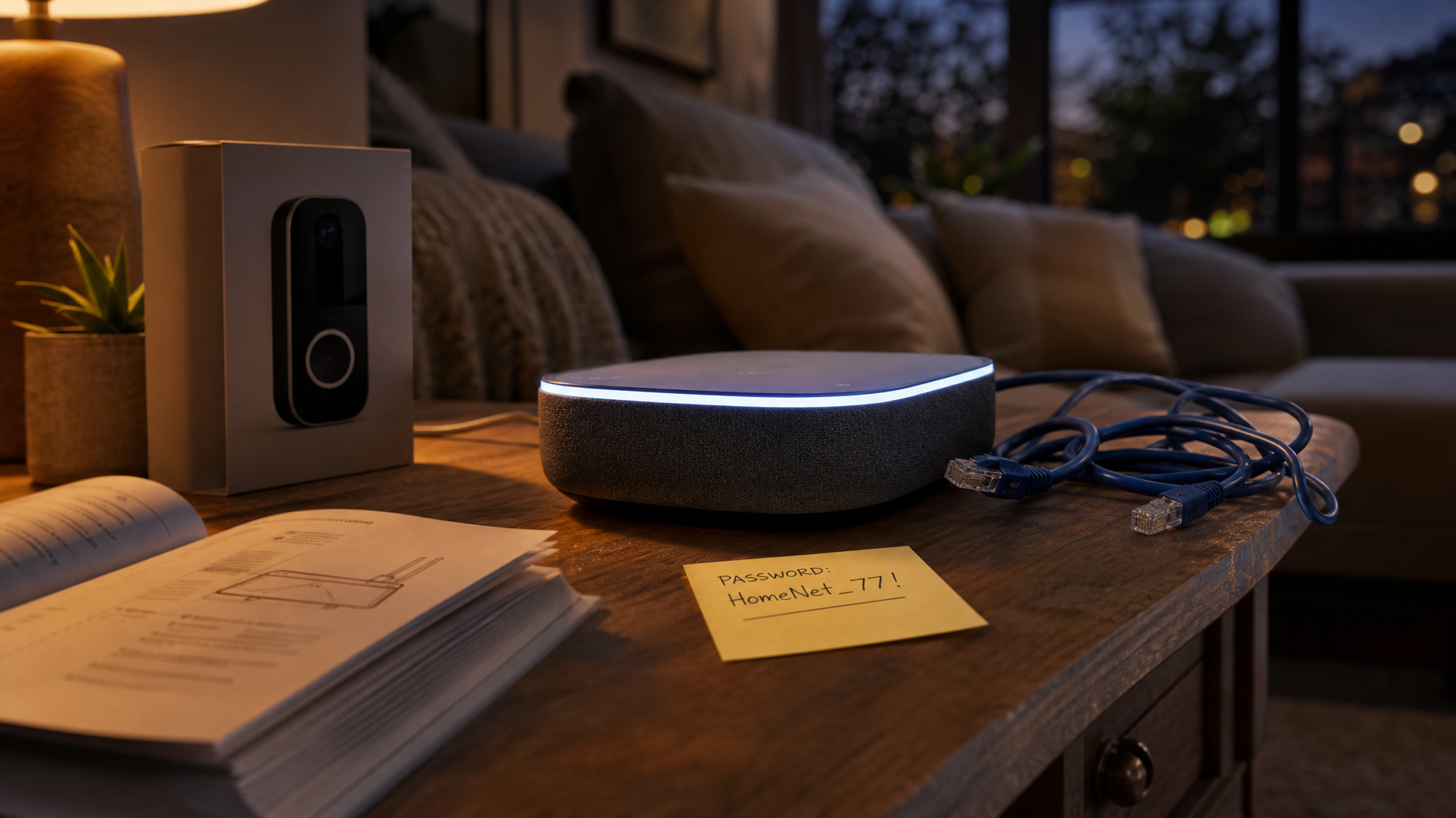
9. Fast, Secure Wi-Fi and VPNs for Reliable Connectivity
Secure and steady internet is the backbone of a successful remote work environment.
- Mesh routers ensure consistent Wi-Fi coverage throughout your workspace.
- Use trusted VPNs like Proton VPN ($5/month for two-year plans) to protect data outside corporate networks.
- Keep routers updated and secure with strong passwords to minimize cyber risks.
Reliable connectivity reduces disruptions and improves access to remote work tools and meetings.
Celebrate the season with savings — get 5% off your order using code EXCLUSIVE5 at checkout
10. Optimal Workspace Lighting to Reduce Eye Strain and Elevate Ambiance
Proper lighting minimizes eye fatigue and creates a pleasant work atmosphere.
- Balance natural light with adjustable desk lamps.
- The Lume Cube LED Edge Desk Light (~$150) offers brightness and color temperature control, ideal for video calls and reducing eye strain.
- Avoid glare and reflections on screens.
- Use ambient lighting like RGB LED strips or monitor risers to personalize your workspace without harsh brightness.
- Position task lighting to clearly illuminate paperwork or keyboard areas.
Lighting that supports your tasks enhances both comfort and focus. For more, visit Mount-It!
11. Desk Accessories: Organize and Personalize Your Workspace
Small yet functional additions make your office uniquely yours and help maintain efficiency.
- Vertical laptop stands save space and improve ventilation.
- Magnetic cable holders and clips keep wires tidy.
- Memo trays, desk mats, and headset hooks streamline organization.
- Plants, candles, or personal decor create an inspiring work environment.
Align your workspace with your tastes to boost motivation and enjoyment during work hours.
12. Productivity Tips: Make Your Home Office Work for You
Technology sets the stage, but habits drive performance in your daily workflow.
- Establish clear boundaries between work and personal time to stay refreshed.
- Use methods like time blocking or Pomodoro cycles (25-minute focused work sprints with 5-minute breaks) for sustained momentum.
- Alternate between sitting and standing to improve circulation and mental sharpness.
- Keep frequently used tools like keyboard, mouse, and notepad within easy reach.
- Reevaluate your setup occasionally to adapt for workflow or comfort changes.
A thoughtfully arranged space combined with disciplined habits forms the foundation for sustainable remote work success.
Build your perfect home office by prioritizing comfort, streamlining your tools, and staying committed to productive routines. Explore expert-approved ergonomic furniture and tech solutions at Electroeshop to get started on your 2025 setup.
FAQ
What height should my standing desk be?
Your standing desk should allow your elbows to be at a 90-degree angle when typing, with the desk height generally ranging from 28 to 49 inches depending on your stature.
How often should I switch between sitting and standing?
Aim to alternate positions every 30 to 60 minutes to reduce fatigue, improve circulation, and enhance focus.
Are wireless keyboards and mice better for ergonomics?
Wireless peripherals reduce cable clutter, allowing more freedom of movement, which can contribute to a more ergonomic and tidy workspace.
How can I reduce eye strain in my home office?
Use adjustable lighting to minimize glare, position your monitor at eye level with proper brightness, take regular breaks, and consider task lighting like the Lume Cube LED Edge Desk Light.
What’s the benefit of using a VPN while working remotely?
A VPN encrypts your internet connection, protecting sensitive data and privacy when using public or unsecured networks, which is vital for secure remote work.