

Cart
0

The problem with most 'best smart home for seniors' lists
They're written by tech enthusiasts, for tech enthusiasts. They assume you know what a hub is, that you're comfortable setting up a Wi-Fi network, and that the person you're buying for will happily sit through a 20-minute app tutorial. If you're shopping for a parent or grandparent, that's probably not the situation you're in.
The real question isn't "what's the most feature-packed smart home device?" It's: which devices genuinely make daily life easier for someone who didn't grow up with a smartphone — and which ones quietly become a source of frustration that ends up unplugged in a drawer?
Here's how to tell the difference.
What 'easy to use' actually means for a senior
Before looking at specific devices, it's worth agreeing on what the bar actually is. A gadget is genuinely easy to use for an older adult when:
- It works without opening an app every time
- The failure mode is obvious (if something's wrong, it's clear what to do)
- Setup happens once and stays set up
- It doesn't require remembering a password, a PIN, or a sequence of steps
Voice control clears most of these hurdles. Touchscreens with tiny icons often don't. Keep this filter in mind as you read through the categories below.
Voice-controlled smart speakers: the highest-impact starting point
If there's one category that consistently delivers for seniors, it's a good voice-controlled smart speaker. No screen to navigate, no buttons to press in the right order — just speaking out loud to ask a question, set a reminder, or make a call.
For a parent who lives alone, the practical wins are real: medication reminders set by voice, hands-free calls to family, instant answers to questions they'd otherwise Google (if they'd bother at all). The key is picking a speaker that's loud enough for someone with mild hearing loss and placing it somewhere they'll actually use it — the kitchen counter or beside the favorite chair, not tucked in a corner of the spare room.
What to look for in a listing: clear audio output specs, a physical mute button (privacy matters), and whether it supports hands-free calling without a paired phone.
Video doorbells: safety without the trip to the door
A video doorbell is one of the few smart home devices where the benefit is immediately obvious to a non-tech person. You see who's at the door before opening it. For a senior living alone, that's not a nice-to-have — it's a genuine safety feature.
The friction point, though, is the app. Most video doorbells require a smartphone app to view the camera feed. If your parent isn't comfortable with that, look for models that can pair with a compatible indoor display or a smart speaker with a screen, so they can just say "show me the front door" rather than hunting for an app.
What to look for: motion sensitivity controls (so it's not pinging them every time a car passes), night vision, and two-way audio that's loud and clear. Skip any model that requires a paid cloud subscription just to see who rang the bell.
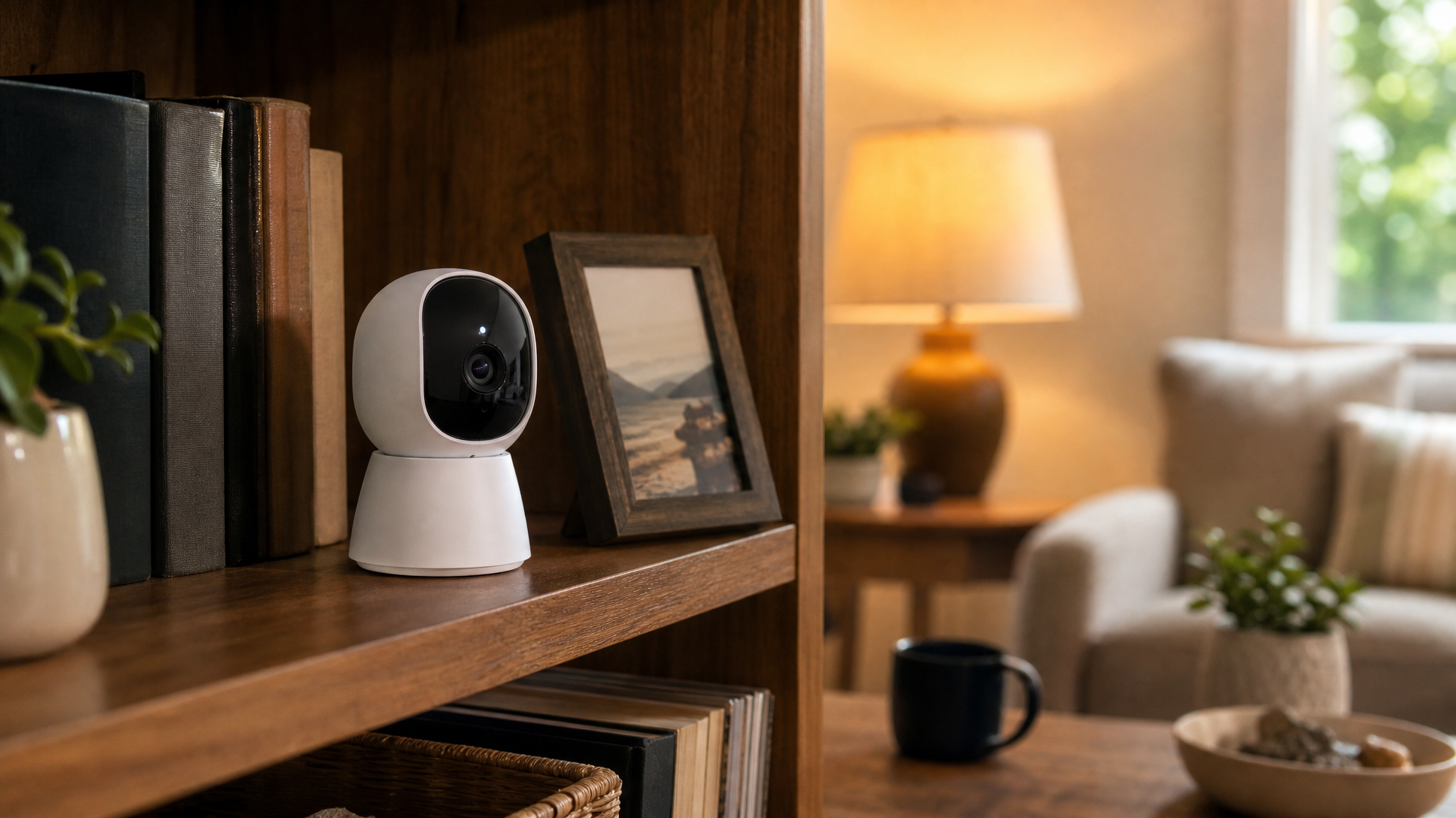
Simple security cameras: indoor peace of mind (for the family, too)
Indoor security cameras sit in slightly trickier territory. They can provide real reassurance — both for the senior and for adult children who want to check in — but they need to be set up thoughtfully. A camera the senior doesn't understand is a camera they'll unplug.
The better approach: choose a camera that the family member sets up and monitors, with the senior knowing it's there and agreeing to it. The camera's job is passive — it doesn't ask anything of them. What matters is that the app on your end is reliable, the video quality is good enough to actually be useful, and the camera itself doesn't require frequent resets.
Look for: local storage options (so footage isn't held hostage by a subscription), clear night vision, and a wide field of view so one camera covers a room properly. Our full range of security cameras covers options across these specs if you want to browse by feature.
Smart plugs: the underrated gateway device
Smart plugs don't get much press, but they're often the right first step. Plug one into a lamp or a fan, connect it to a voice assistant, and suddenly a senior can turn lights on and off by saying so — no fumbling for a switch in the dark, no getting up from the couch.
They also work as a gentle safety net. If you're worried about whether an appliance got left on, a smart plug with energy monitoring can tell you remotely. Some families use them on coffee makers or electric kettles as a simple check-in signal: if the plug shows no activity by mid-morning, it might be worth a call.
The bar for setup is low, and the day-to-day use requires nothing from the senior at all once it's running. That's the profile you want.
What to skip (or at least delay)
Smart thermostats are genuinely useful, but most require navigating a touchscreen interface to make manual adjustments — and if a senior is used to a simple dial thermostat, the learning curve is real. If you go this route, spend time on the setup and make sure they're comfortable before you leave.
Smart locks with keypads can be great, but they introduce a new failure mode: a dead battery means a locked door. If you're considering one, choose a model with a physical key backup and set up battery alerts on your end, not theirs.
Full smart home systems that require a hub, multiple apps, or "routines" to configure are worth skipping entirely for most seniors. The complexity is yours to manage, not theirs — and if it breaks, they're the one stuck at home unable to fix it.
The question to ask before you buy anything
"If this device stops working or does something unexpected, what does my parent do?"
If the answer is "call me and I can sort it out remotely" or "just ignore it, it's not essential" — that's a device worth buying. If the answer is "they'd need to navigate a settings menu" or "they'd have to reset the router" — hold off.
The best smart home setup for a senior is the one that runs quietly in the background, makes a few specific things easier, and doesn't introduce new problems to solve. Start with one or two devices, get them stable, and build from there.
Browse smart home and security devices at Electroeshop and filter by the features that matter most for your household — whether that's voice compatibility, local storage, or simple plug-and-play setup.
Frequently Asked Questions
Do smart home devices for seniors require a smartphone to work?
It depends on the device. Voice-controlled smart speakers and smart plugs can be used daily without any smartphone interaction once they're set up. Video doorbells and security cameras typically do require a smartphone app to view footage — though some can pair with a smart display so the senior can see the camera feed by voice command instead.
What's the best first smart home device to buy for an elderly parent?
A voice-controlled smart speaker is usually the lowest-friction starting point. It works by voice alone, doesn't require ongoing app management, and delivers genuinely useful features — reminders, hands-free calls, and quick answers — that make a real difference day to day. Once that's comfortable, a smart plug is a natural second step.
Are indoor security cameras an invasion of privacy for seniors?
That's a fair concern and worth taking seriously. The key is transparency — a camera the senior knows about and has agreed to is very different from one installed without their knowledge. Many families place cameras in common areas like the living room or kitchen (not bedrooms or bathrooms) and frame them as a mutual safety tool rather than surveillance. Having that conversation openly before buying is more important than the device itself.
How do I make sure a smart home device stays working without constant technical support?
Choose devices from established brands with reliable firmware update track records, and set up any required apps and accounts on your own phone so you can troubleshoot remotely. Avoid devices that depend on a third-party cloud service that might be discontinued. Local storage options on cameras, and smart speakers that work on the local Wi-Fi without complex hub setups, tend to be the most stable long-term.


