

Cart
0
Drawing Tablets
-

-

-
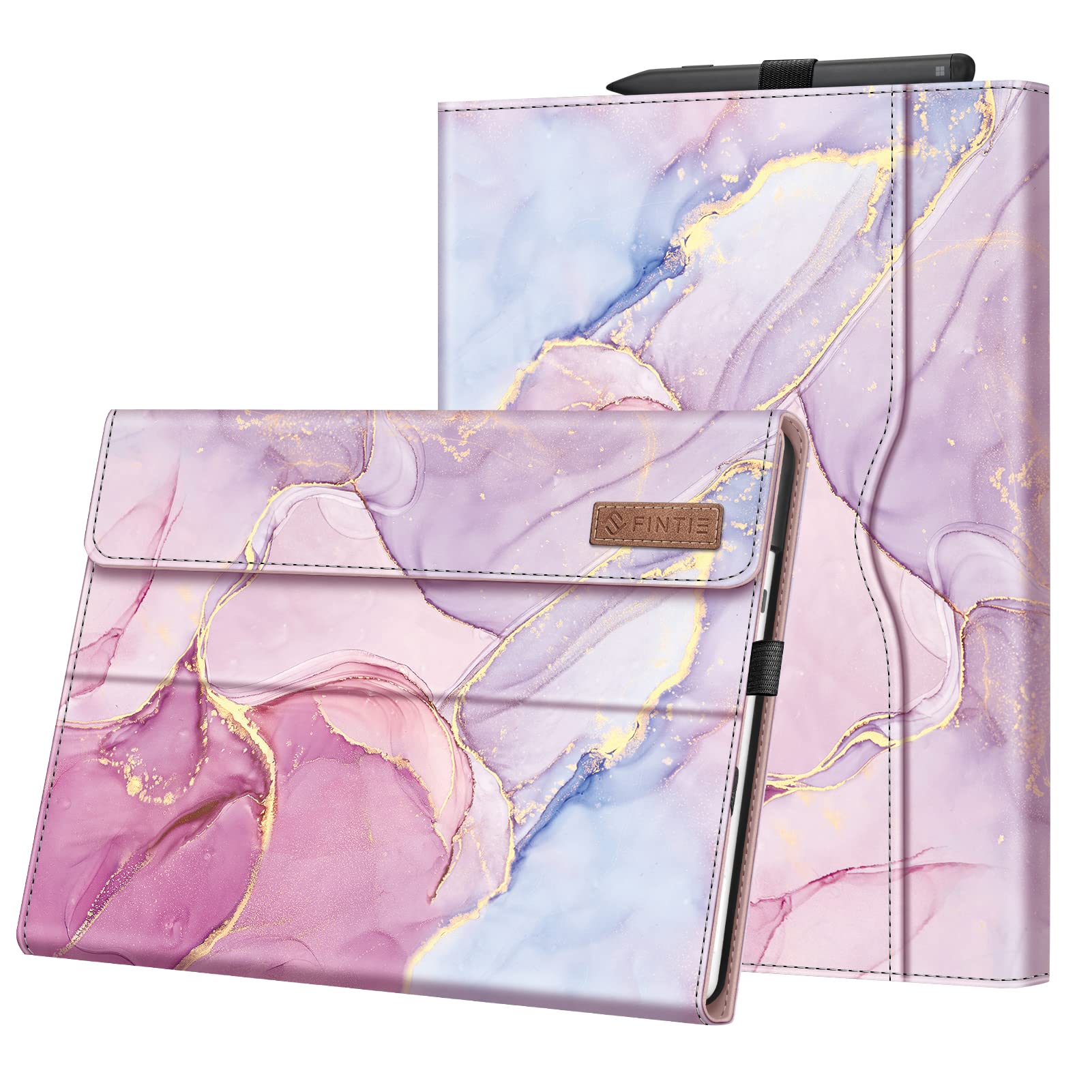
 Regular price $32.10Protective Case For Microsoft Surface Pro 9 Tablet, Surface Pro QiyibocaseAdd to Cart
 -
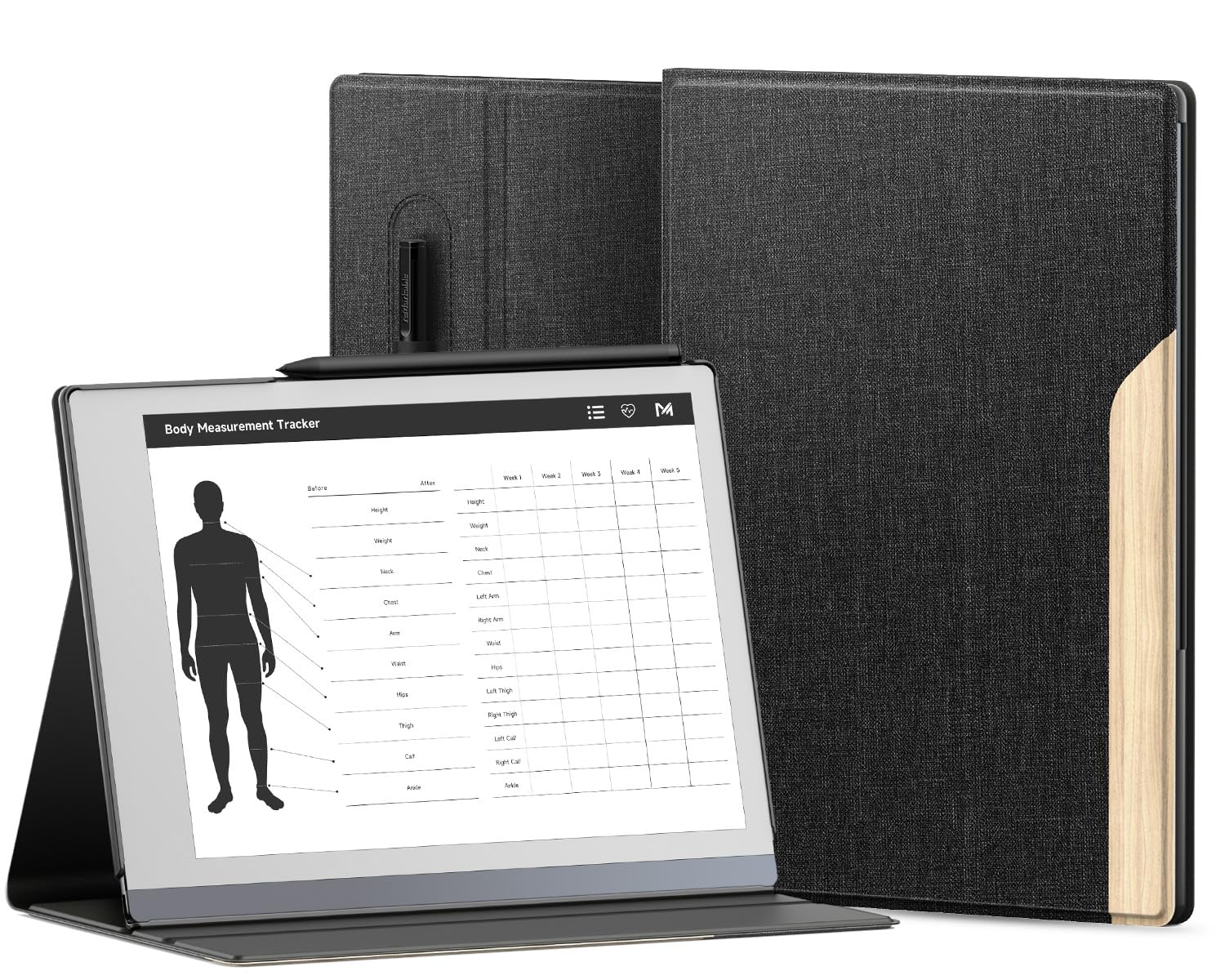
 Regular price $13.57Kuroko Slim Lightweight Book Folios Case Cover For Remarkable 2 KurokoAdd to Cart
 -
 Regular price $29.54Ayotu Case For Remarkable 2 Paper Tablet 10.3'' 2020 Released, AyotuAdd to Cart
 -
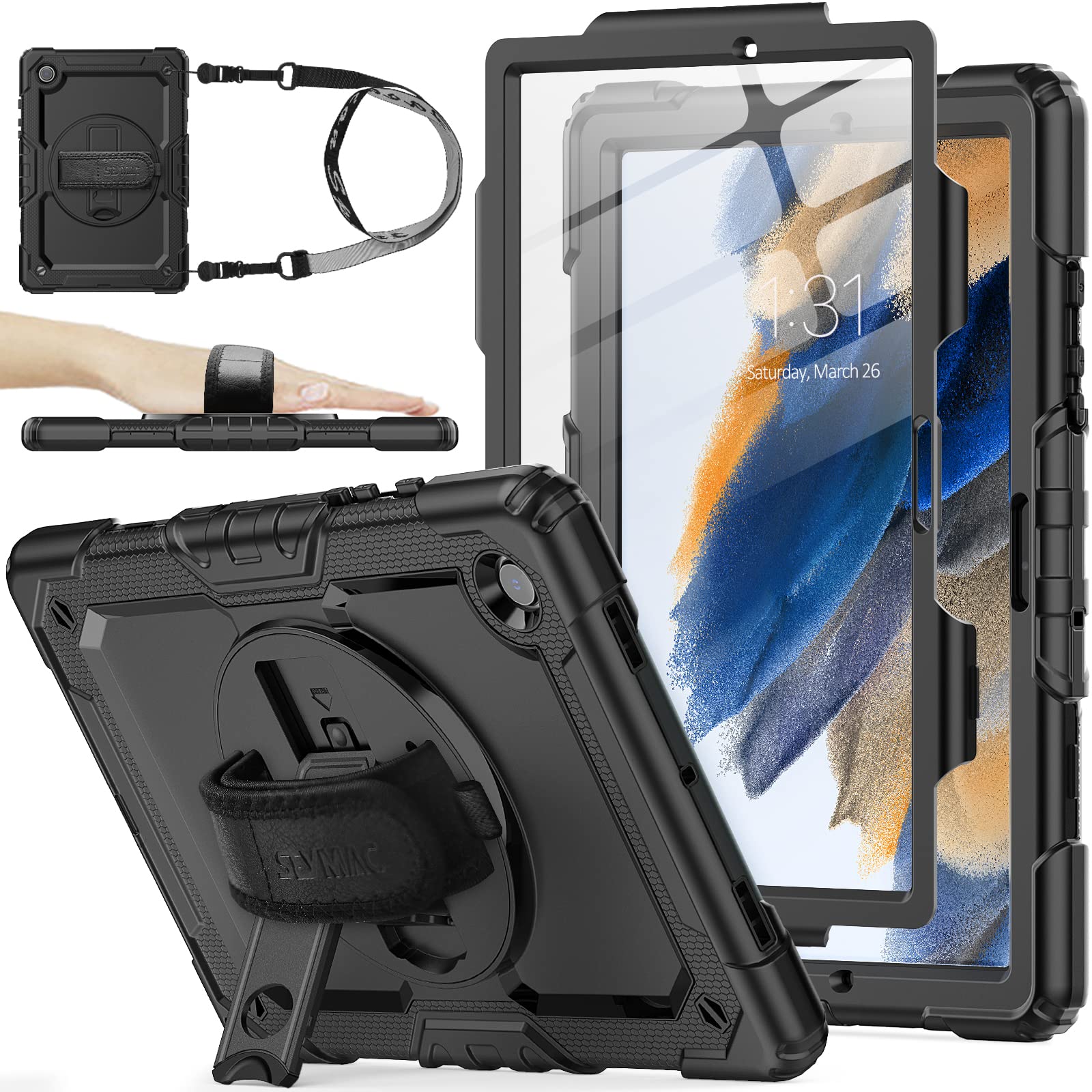
![Seymac Stock Ipad 9Th/8Th/7Th Generation Case, [Full Body] [Drop Proof] Case With [Screen Protector] [360 Rotate Stand] Hand Str](//electroeshop.com/cdn/shop/files/714vkIoG-uL.jpg?crop=center&height=1&v=1749045671&width=1) Regular price $38.26Seymac Stock Ipad 9Th/8Th/7Th Generation Case, [Full Body] [Drop Proof] Seymac StockAdd to Cart
Regular price $38.26Seymac Stock Ipad 9Th/8Th/7Th Generation Case, [Full Body] [Drop Proof] Seymac StockAdd to Cart -

-

-
 Regular price $13.57Kuroko Slim Lightweight Book Folios Case Cover For Remarkable 2 KurokoAdd to Cart
 -
 Regular price $40.73Seymac Stock 360 Hand Strap Shockproof Case For Samsung Galaxy Seymac StockAdd to Cart
 -

-

-

-

-

-

-

-
 Regular price $27.15Remarkable 2 10.3 Inch Digital Paper Case (2020 Released), Slim YhmhogSold Out
 -

-
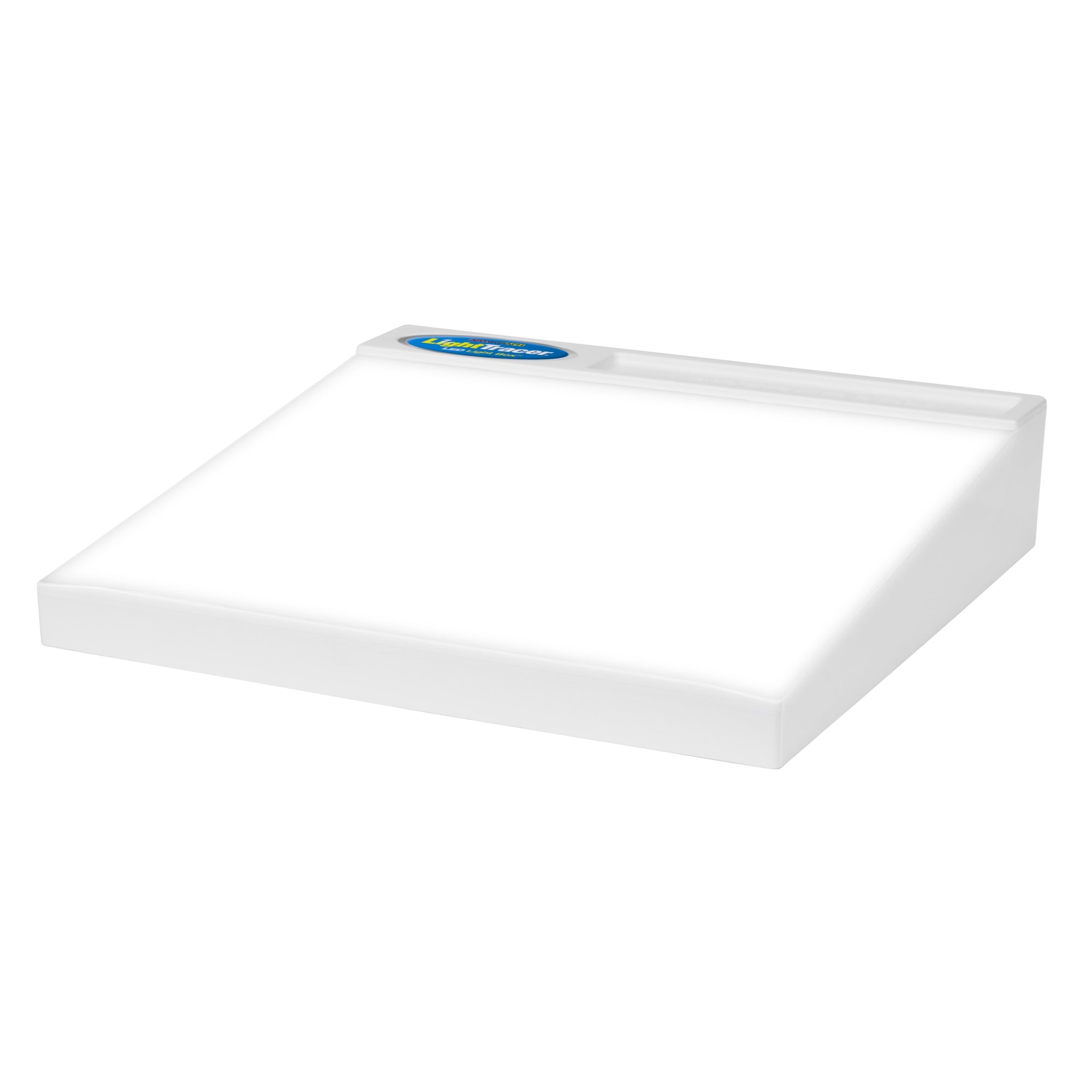
 Regular price $34.56Make It Real Disney Zombies Fashion Design Light Table Fashion Make It Real
$49.37Sale priceSold Out


![Seymac Stock Ipad 9Th/8Th/7Th Generation Case, [Full Body] [Drop Proof] Case With [Screen Protector] [360 Rotate Stand] Hand Str](http://electroeshop.com/cdn/shop/files/714vkIoG-uL.jpg?v=1749045671&width={width})





Frequently Asked Questions
What brands of drawing tablets do you carry?
We carry a wide selection of drawing tablets from leading brands, including Wacom, Huion, and XP-Pen, offering options for all skill levels.
How do I choose the right drawing tablet for my needs?
Consider your skill level, preferred size, and features like pressure sensitivity and display options. Beginners may prefer smaller, simpler tablets, while professionals often choose larger tablets with advanced features.
Are drawing tablets suitable for kids?
Yes, many drawing tablets are designed specifically for children, featuring user-friendly interfaces and safety standards to ensure non-toxic materials are used.
What is pressure sensitivity in drawing tablets?
Pressure sensitivity refers to the tablet's ability to detect how hard you press the stylus against the surface, allowing for variations in line thickness and shading, enhancing the drawing experience.
Can I use a drawing tablet without a computer?
Some drawing tablets, like the Wacom MobileStudio Pro, function independently with built-in software, while others require a connection to a computer or device to operate.
What size drawing tablet should I get?
The size of the drawing tablet depends on your workspace and preferences. Smaller tablets (10-12 inches) are portable, while larger ones (over 15 inches) provide more area for detailed work.
How do I maintain and care for my drawing tablet?
Keep your tablet clean by gently wiping the surface with a microfiber cloth. Avoid using harsh chemicals and ensure the stylus is well-maintained with replaced nibs as needed.
What are the common features to look for in a drawing tablet?
Key features to consider include pressure sensitivity levels, customizable buttons, screen size, and compatibility with software programs like Adobe Photoshop or Illustrator.