

Cart
0
Drawing Tablets
-
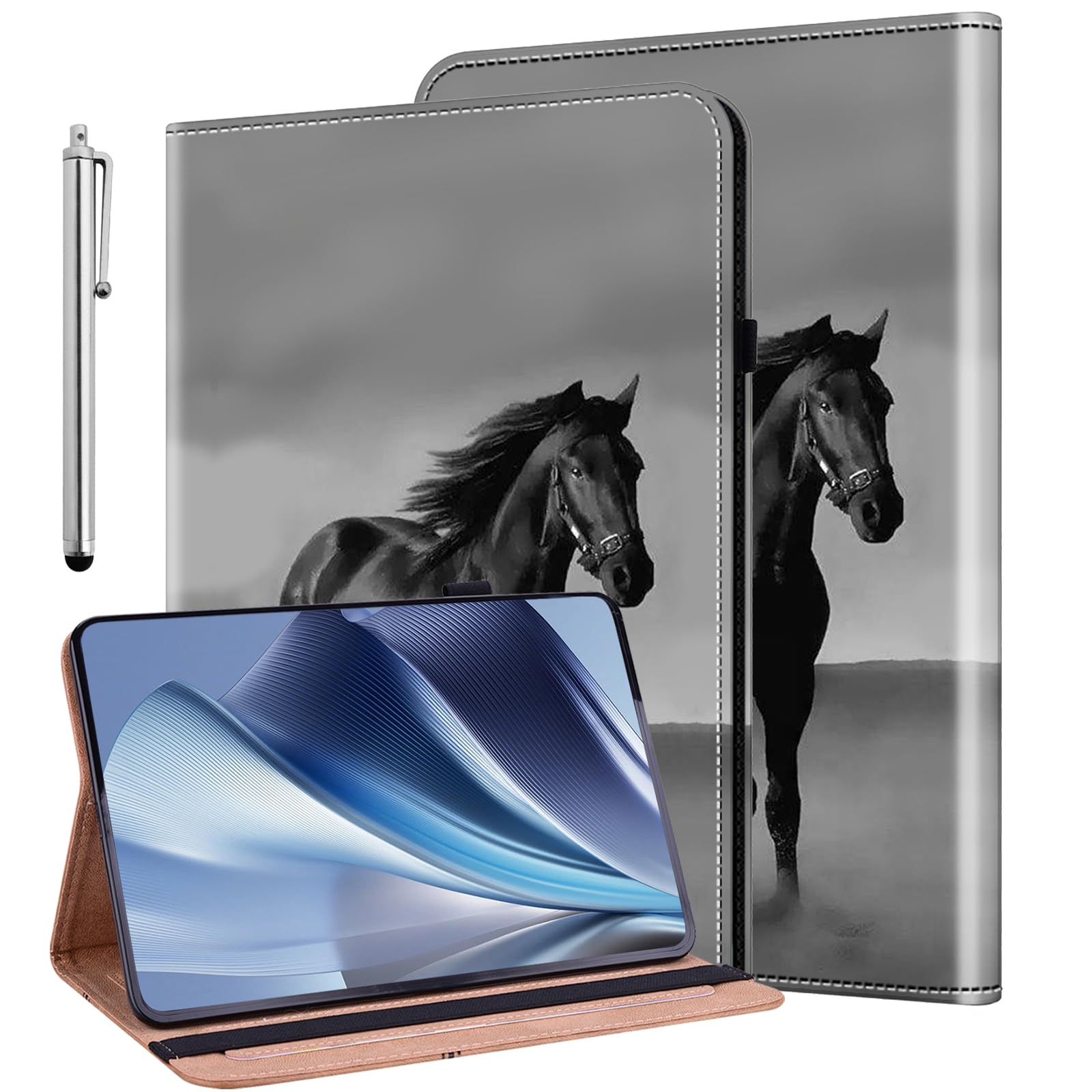
 Regular price $25.90Jetech Magnetic Case For Ipad Pro 12.9 Inch 2022/2021/2020/2018 (6Th/5Th/4Th/3Rd JETechAdd to Cart
 -
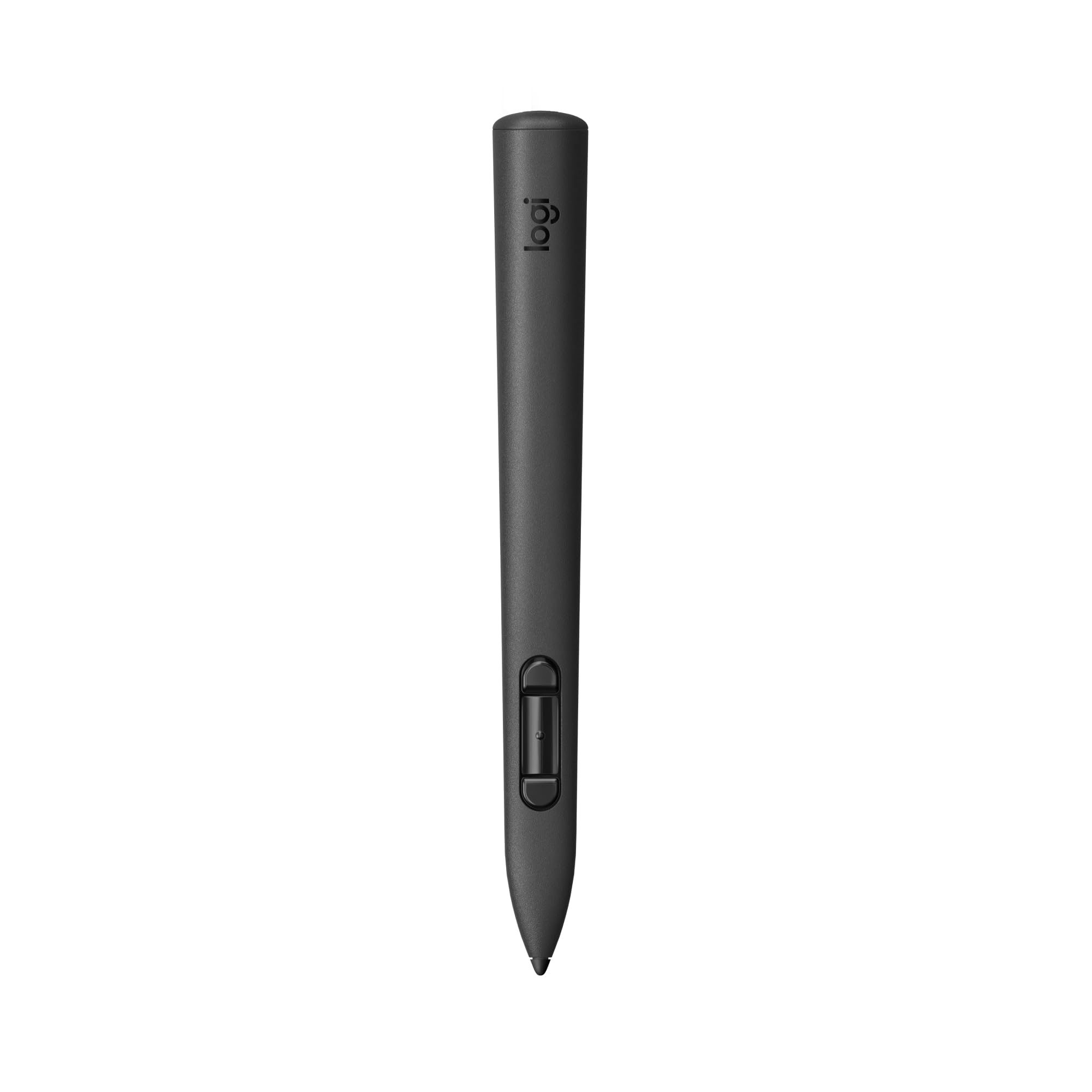
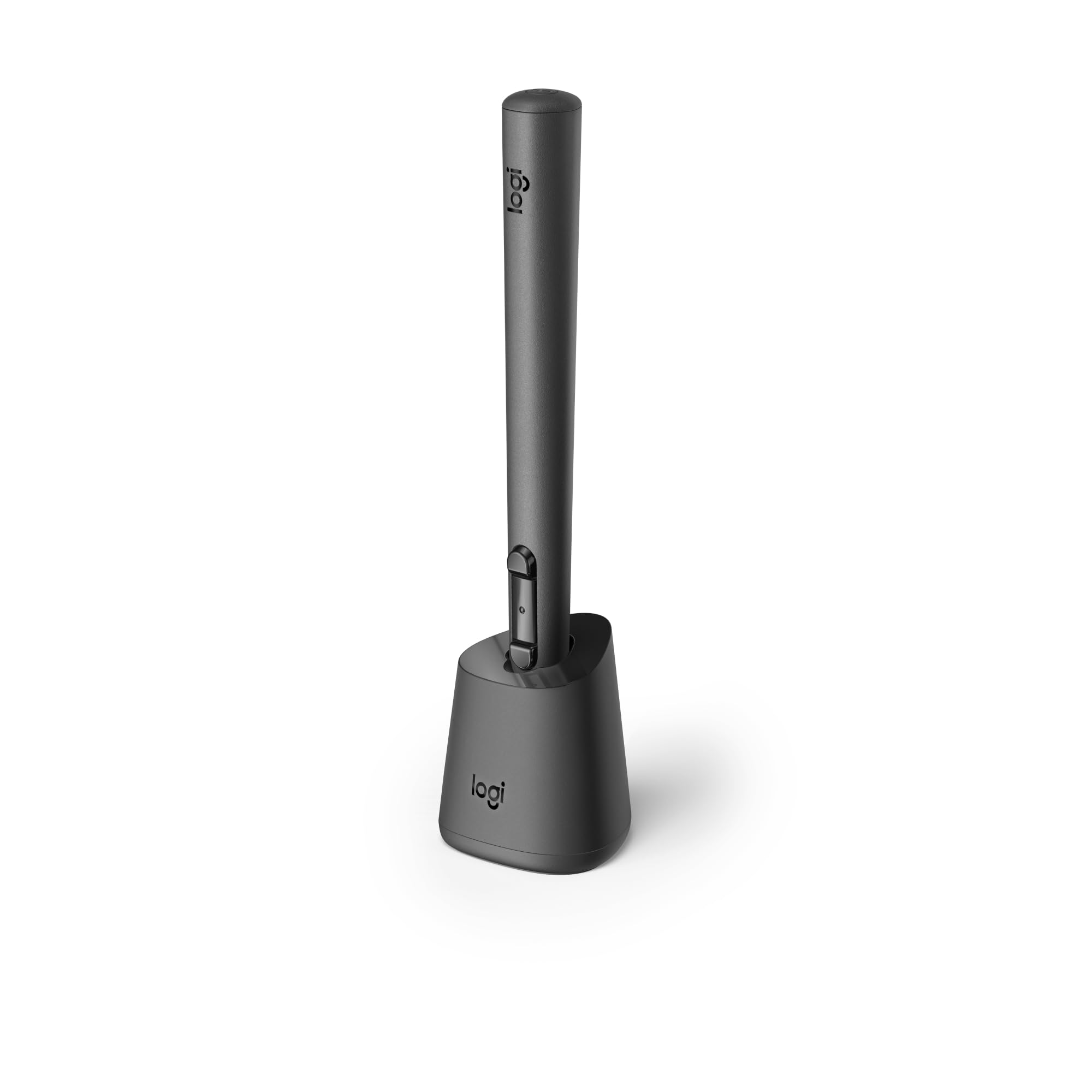
 Regular price $151.84Logitech Mx Ink Mixed-Reality (Mr) Stylus, Wireless Pen Controller, High LogitechAdd to Cart
 -

-
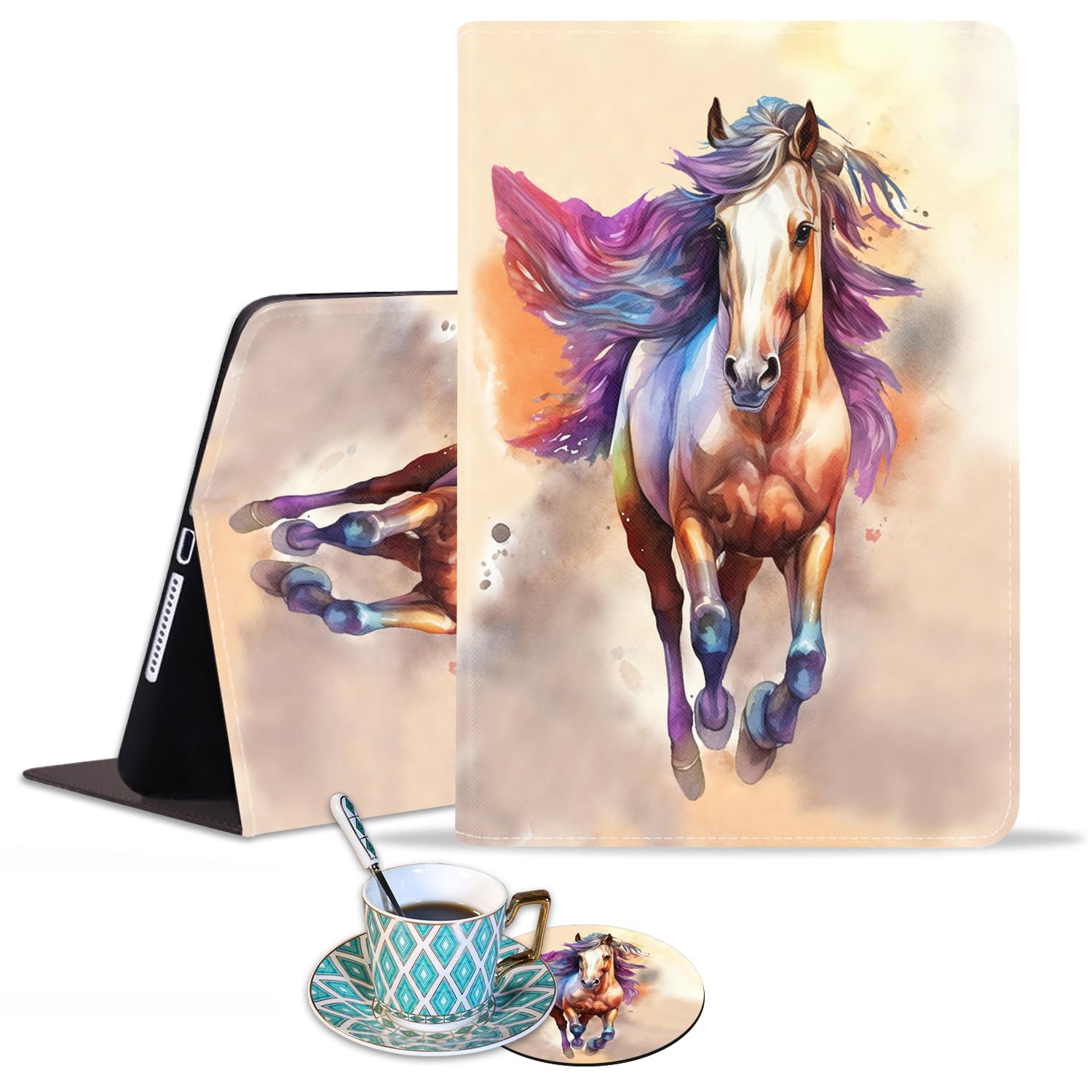
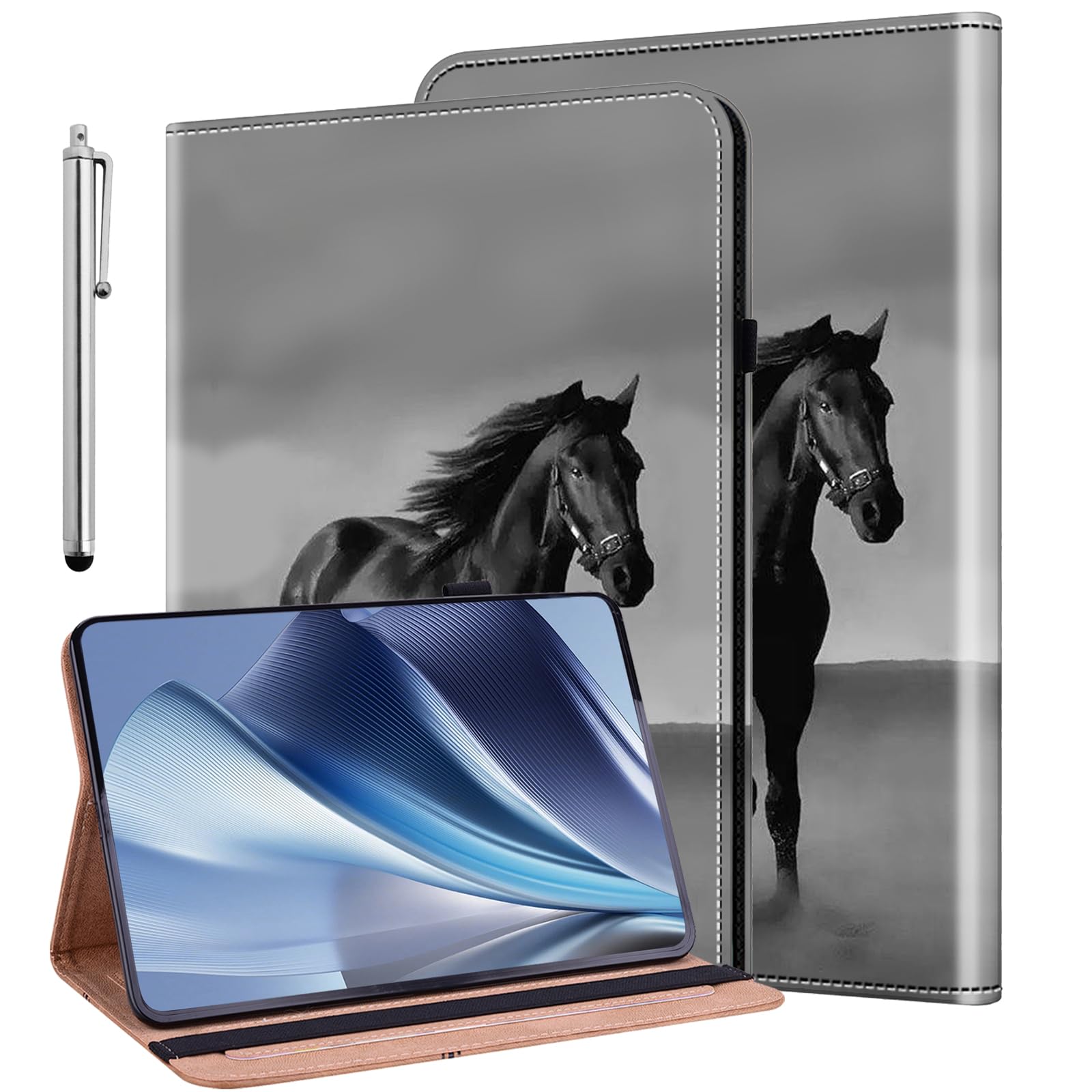
 Regular price $19.00Luasao Ipad 10.2Inch (20202019)Ipad Air 10.5Inch 2019 Case, Adjustable Stand LuasaoAdd to Cart
 -
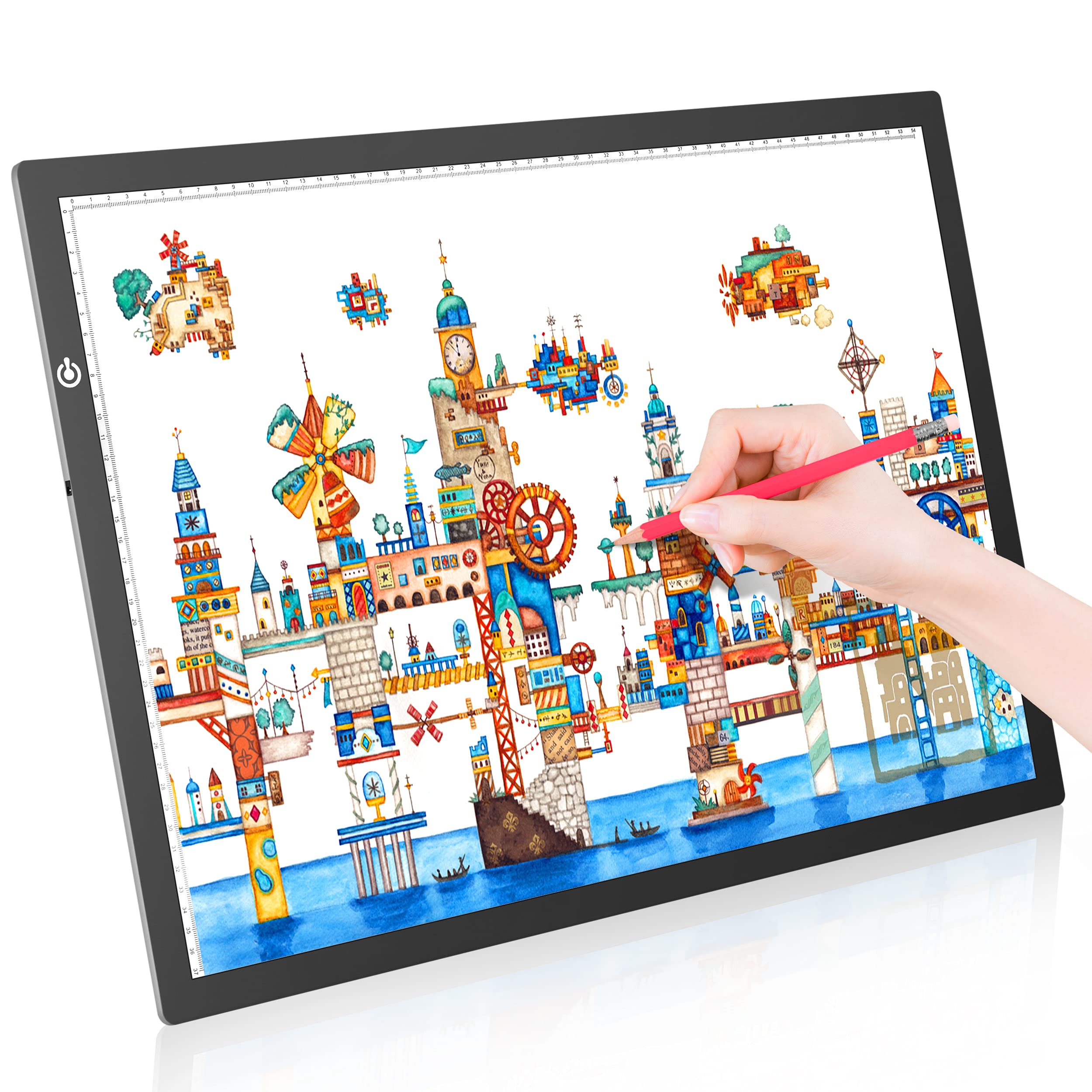
 Regular price $124.68Lighttracer Led Lightbox For Art, Tracing, Drawing, Illustrating (Lighttracer 2) ArtographAdd to Cart
 -
 Regular price $67.89Litenergy A2 Led Copy Board Light Tracing Box, Ultra Thin LitenergyAdd to Cart
 -
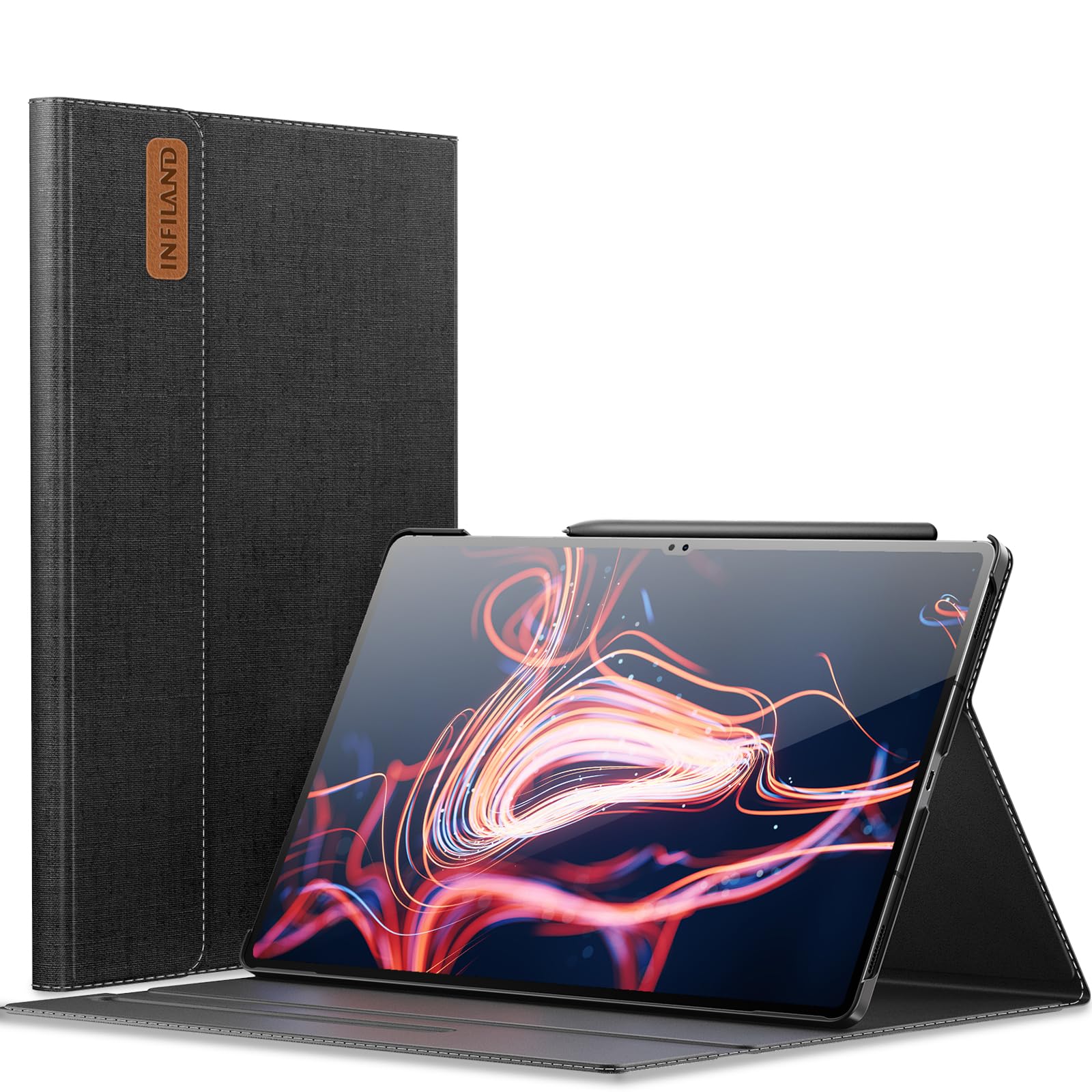
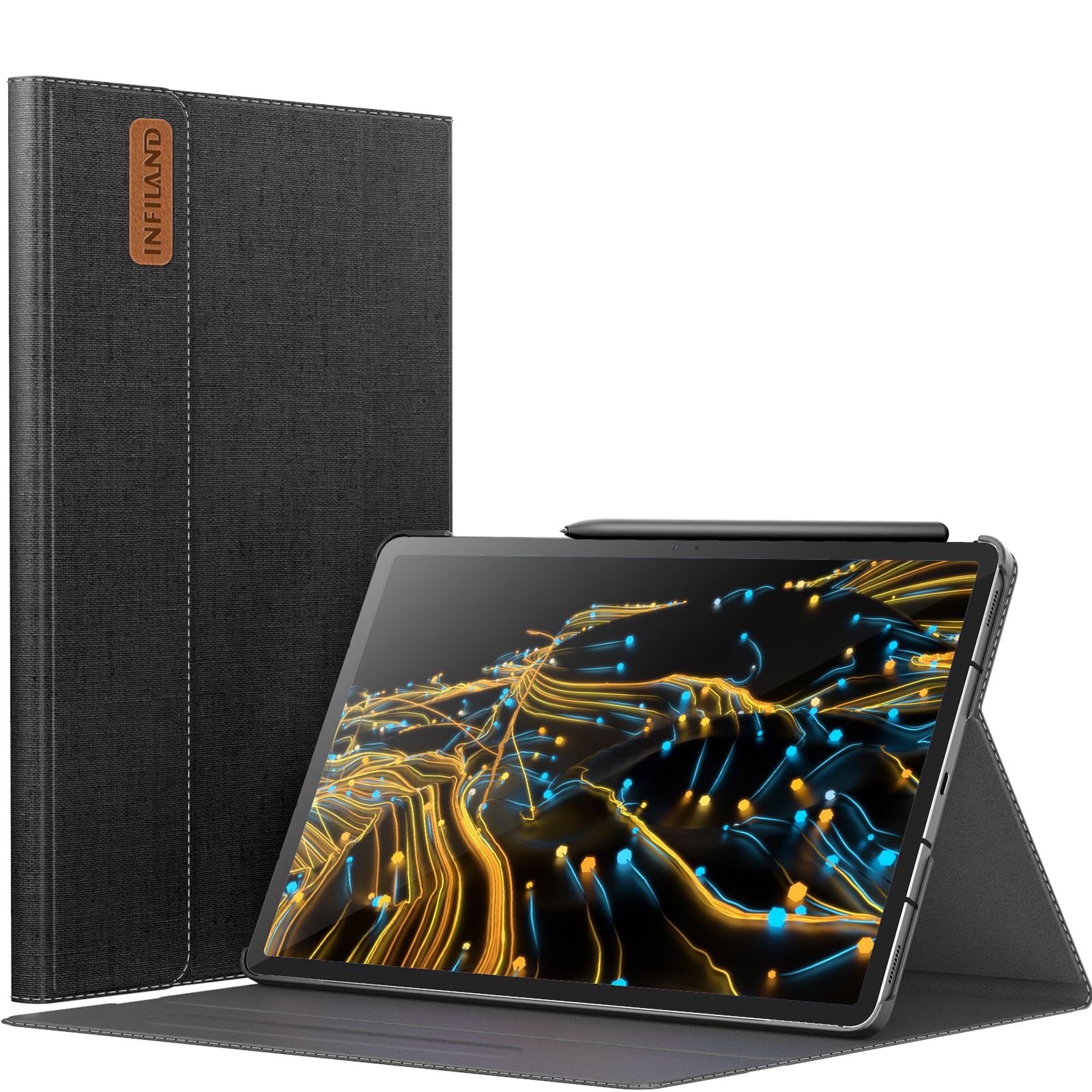
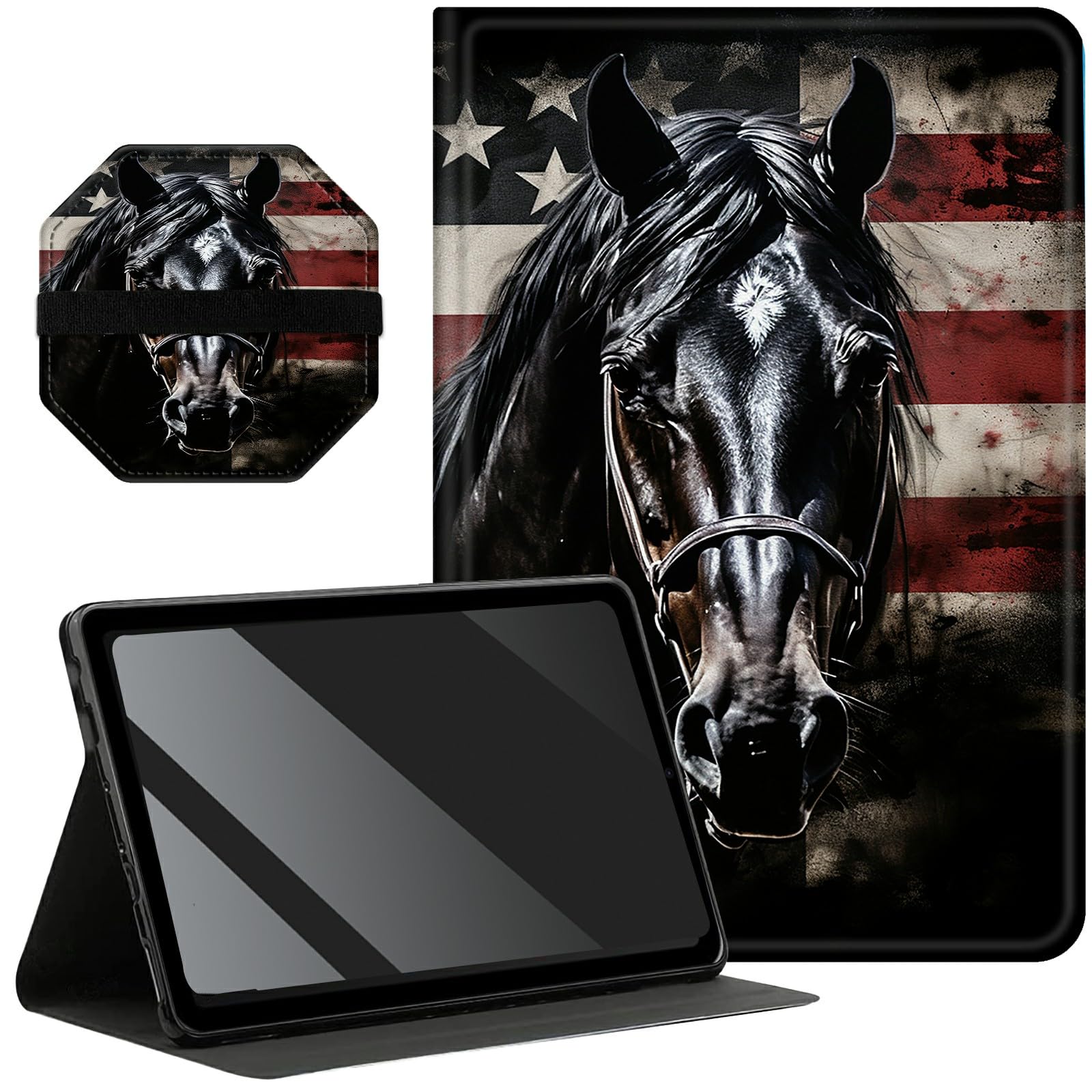
 Regular price $32.09Infiland Galaxy Tab S9 Ultra Case, Multi Angle Stand Cover InfilandAdd to Cart
 -

-
 Regular price $30.85Xisiciao Microsoft Surface Pro 8 Protective Case With Stand, 13 XisiciaoAdd to Cart
 -
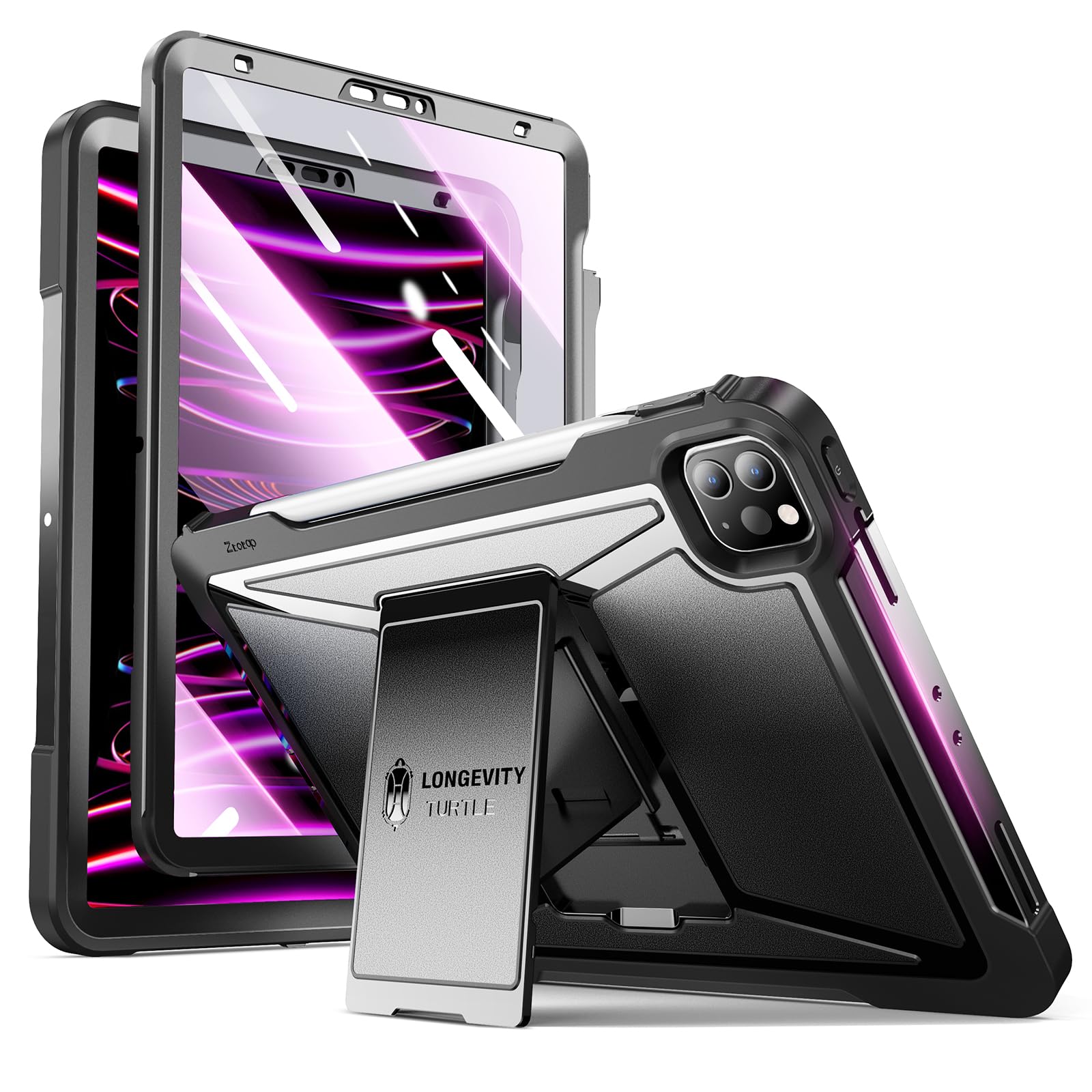
 Regular price $38.26Ztotopcases For Ipad Pro 12.9 Case 6Th/5Th/4Th Generation 2022/2021/2020 Released, ZtotopcasesAdd to Cart
 -

-

-
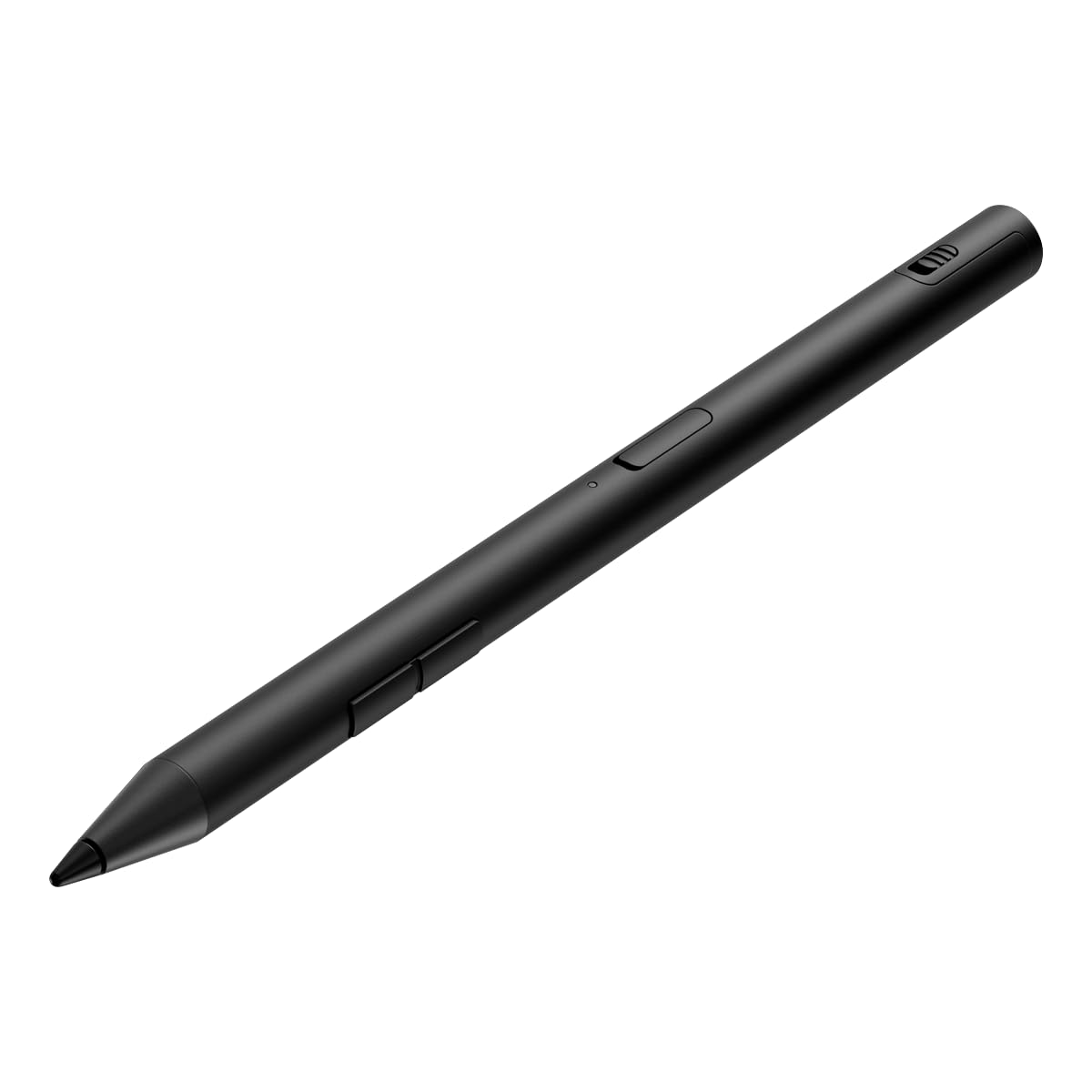
 Regular price $93.81Hp 700 Rechargeable Multi Pen Compatible Across Devices/Protocols Usbc Charging, HpSold Out
 -
 Regular price $158.64Logitech Mx Ink Mixed-Reality (Mr) Stylus With Charging Dock Combo, LogitechSold Out
 -
 Regular price $47.52Logitech Mx Inkwell Charging Dock For Mx Ink Mixed-Reality (Mr) LogitechSold Out
 -

-

-

-

-







Frequently Asked Questions
What brands of drawing tablets do you carry?
We carry a wide selection of drawing tablets from leading brands, including Wacom, Huion, and XP-Pen, offering options for all skill levels.
How do I choose the right drawing tablet for my needs?
Consider your skill level, preferred size, and features like pressure sensitivity and display options. Beginners may prefer smaller, simpler tablets, while professionals often choose larger tablets with advanced features.
Are drawing tablets suitable for kids?
Yes, many drawing tablets are designed specifically for children, featuring user-friendly interfaces and safety standards to ensure non-toxic materials are used.
What is pressure sensitivity in drawing tablets?
Pressure sensitivity refers to the tablet's ability to detect how hard you press the stylus against the surface, allowing for variations in line thickness and shading, enhancing the drawing experience.
Can I use a drawing tablet without a computer?
Some drawing tablets, like the Wacom MobileStudio Pro, function independently with built-in software, while others require a connection to a computer or device to operate.
What size drawing tablet should I get?
The size of the drawing tablet depends on your workspace and preferences. Smaller tablets (10-12 inches) are portable, while larger ones (over 15 inches) provide more area for detailed work.
How do I maintain and care for my drawing tablet?
Keep your tablet clean by gently wiping the surface with a microfiber cloth. Avoid using harsh chemicals and ensure the stylus is well-maintained with replaced nibs as needed.
What are the common features to look for in a drawing tablet?
Key features to consider include pressure sensitivity levels, customizable buttons, screen size, and compatibility with software programs like Adobe Photoshop or Illustrator.