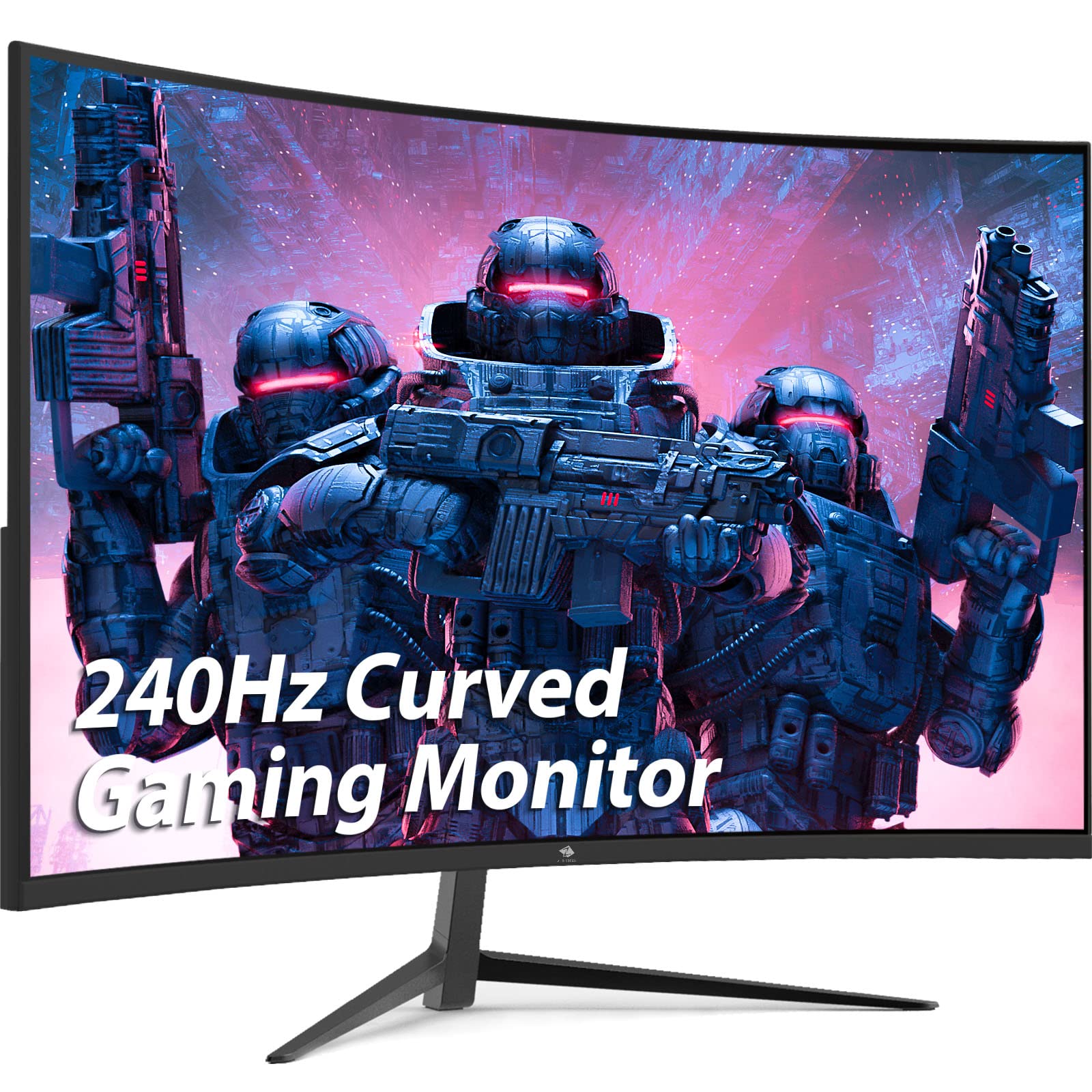
Specifications:1). Display:Screen Size: 27''Curvature: R1500Backlight Type: Ledaspect Ratio: 16:9Brightness (Max.): 350 Cd/Mresolution (Max.): 1920*1080 @ 240Hz; Downwards Compatible Response Time (Mprt): 1Ms (Mprt)Viewing Angle : 178/178 (Cr>10) ,Vacolor Support: 16.7M, 8Bit2). Signal Input:Video Signal: Analog Rgb/Digitalconnector: Hdmi*2+Dp*23). Power:Power Consumption: Typical 32Wstand By Power (Dpms):
⚠️ WARNING (California Proposition 65): This product may contain chemicals known to the State of California to cause cancer, birth defects, or other reproductive harm. For more information, please visit www.P65Warnings.ca.gov.
Frequently Asked Questions
Q: What is the screen size of the Z-Edge Gaming Monitor?A: The screen size is twenty-seven inches. This size provides an immersive viewing experience, ideal for gaming and multimedia.
Q: What is the resolution of this monitor?A: The resolution is one thousand nine hundred twenty by one thousand eighty pixels. This Full HD resolution ensures crisp visuals and vibrant colors.
Q: What is the refresh rate of the Z-Edge monitor?A: The monitor has a refresh rate of up to two hundred eighty hertz. This high refresh rate offers ultra-smooth motion for fast-paced gaming.
Q: What type of backlight does this monitor use?A: The monitor uses LED backlighting. LED technology enhances brightness and energy efficiency.
Q: What are the dimensions of the Z-Edge monitor?A: The dimensions are seven point zero nine inches in depth, twenty-four point zero two inches in width, and seventeen point thirty-two inches in height. These dimensions make it suitable for various setups.
Q: How do I connect devices to the Z-Edge monitor?A: You can connect devices using two HDMI ports and two DisplayPort connections. This allows for versatile connectivity options for multiple devices.
Q: Is this monitor suitable for wall mounting?A: Yes, it supports standard VESA mounting with a hundred millimeter by a hundred millimeter pattern. This feature provides flexibility in positioning the monitor.
Q: How do I adjust the monitor settings?A: You can adjust the monitor settings using the on-screen display menu. Access the menu with the buttons located on the monitor's bezel.
Q: What is the power consumption of the monitor?A: The typical power consumption is thirty-two watts. It also has a standby power consumption of less than zero point five watts.
Q: How should I clean the monitor screen?A: Use a microfiber cloth dampened with water or a screen-safe cleaner. Avoid using harsh chemicals that could damage the screen.
Q: What is the contrast ratio of this monitor?A: The contrast ratio is four thousand to one. This high contrast ratio enhances image depth and detail.
Q: Does this monitor have a low blue light mode?A: Yes, it features a low blue light mode. This mode reduces eye strain during extended use, making it suitable for long gaming sessions.
Q: What should I do if the monitor arrives damaged?A: If the monitor arrives damaged, contact customer support for assistance. They will guide you through the return or replacement process.
Q: Does this monitor support FreeSync technology?A: Yes, the monitor supports FreeSync technology. This feature minimizes screen tearing and stuttering during gaming.
Q: Is there a warranty for the Z-Edge monitor?A: Yes, it typically comes with a manufacturer's warranty. Check the product documentation for specific warranty details.