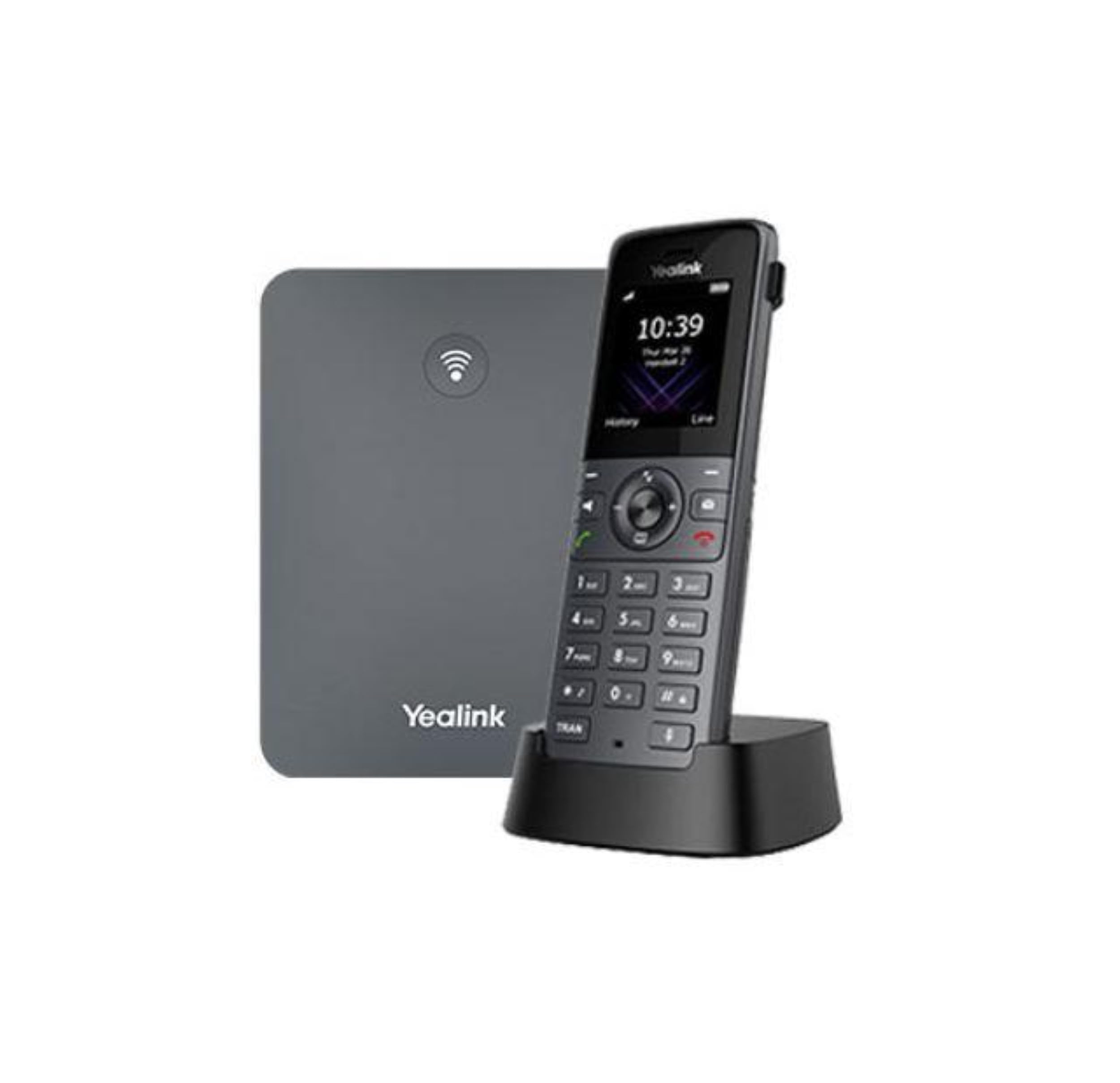
By Combining The Dedicated Dect Handset W73H And The Powerful W70B Base Station, The Yealink W73P Is A New Wireless Ip Phone System With High Performance And Optimized User Experience To Increase Productivity When Working On The Go And Wireless Communication.The New W73P Includes Improved Hardware, Acoustic Algorithm, And Improved Computing Capacity And Signal Strength, Providing Faster Response And Hd Audio With Exceptional Clarity And Stability, Even In Poor Network Conditions. And Especially For Workers In Complex Environments, The System Also Delivers Noise-Free Conversations With Greater Volume.In Addition, Energy Efficiency And Battery Life Are Improved To Increase Flexibility And Mobility By Supporting Up To 35 Hours Of Talk Time And 400 Hours Of Standby. Up To 2 Simultaneous Calls Per Handset Up To 5 Repeaters Per Base Station (Rt20U) Up To 6 Repeaters Per Base Station (Rt30) Handset Selection For Receiving Calls Handset And Number Selection For Making Calls Paging, Intercom, Automatic Answer, Dial Plan Hold Call, Call Forwarding 3 Conconconconferenz Switch Between Calls Calls, Mute, Silence, Dnd Caller Id With Name And Number Anonymous Call, Rejection Of Anonymous Calls Call Forwarding (Always/Busy/No Answer) Speed Dial, Voice Mail, Redial Message Display (Mwi) Waiting Music (Server-Based) T) Loka Phonebook For Up To 1000 Entries (Store In The Base) Remote Phonebook/Ldap/Xml Phonebook Search/Import/Export Phonebook 100 Call Lists Per Handset: All/Dialed/Missed/Received Direct Ip Call Without Sip Proxy To Factory Settings Resresresresreset, Rekey Lock, Emergency Call Broadsoft Directory, Broadsoft Call Log Broadworks Feature Key Synchronisation Shared Call Presentation (Sca)
⚠️ WARNING (California Proposition 65): This product may contain chemicals known to the State of California to cause cancer, birth defects, or other reproductive harm. For more information, please visit www.P65Warnings.ca.gov.
Frequently Asked Questions
Q: What materials is the Yealink W73P made of?A: The Yealink W73P is made of Acrylonitrile Butadiene Styrene, known for its durability and lightweight properties.
Q: What are the dimensions of the Yealink W73P?A: The dimensions are approximately zero point eighty-three inches in length, one point eighty-nine inches in width, and five point sixty-nine inches in height.
Q: How many simultaneous calls can the Yealink W73P handle?A: The Yealink W73P can handle up to twenty simultaneous calls, making it suitable for busy office environments.
Q: How do you pair the Yealink W73P handset with the base station?A: To pair the handset, place it on the base station and follow the on-screen prompts to initiate the registration process.
Q: Is the Yealink W73P suitable for outdoor use?A: No, the Yealink W73P is designed for indoor use, as it operates best within the range of its base station.
Q: How long does the battery last on a full charge?A: The Yealink W73P provides up to thirty-five hours of talk time and four hundred hours of standby time under ideal conditions.
Q: How do I clean the Yealink W73P handset?A: To clean the handset, use a soft, damp cloth and avoid using any abrasive cleaners that could damage the surface.
Q: Is the battery included with the Yealink W73P?A: Yes, the Yealink W73P includes a lithium-ion battery that is packed with the equipment for immediate use.
Q: Can I use the Yealink W73P with headsets?A: Yes, the Yealink W73P features a three point five millimeter jack for connecting compatible headsets.
Q: How many DECT handsets can be registered to the Yealink W70B base station?A: Up to ten cordless DECT handsets can be registered to the Yealink W70B base station for maximum flexibility.
Q: What should I do if my Yealink W73P is not charging?A: Ensure the handset is properly seated on the base station and check that the power supply is connected and functioning.
Q: Does the Yealink W73P support security encryption?A: Yes, the Yealink W73P supports TLS and SRTP security encryption to protect your communications.
Q: Can I adjust the volume on the Yealink W73P?A: Yes, the Yealink W73P allows you to adjust the volume through dedicated buttons on the handset.
Q: What is the warranty period for the Yealink W73P?A: The Yealink W73P typically comes with a one-year warranty, covering defects and malfunctions during normal use.
Q: Are there any known compatibility issues with the Yealink W73P?A: The Yealink W73P is compatible with various SIP accounts, but check with your service provider for specific compatibility details.
Q: How do I reset the Yealink W73P to factory settings?A: To reset, go to the settings menu, select 'Advanced', and choose 'Factory Reset' to restore default settings.