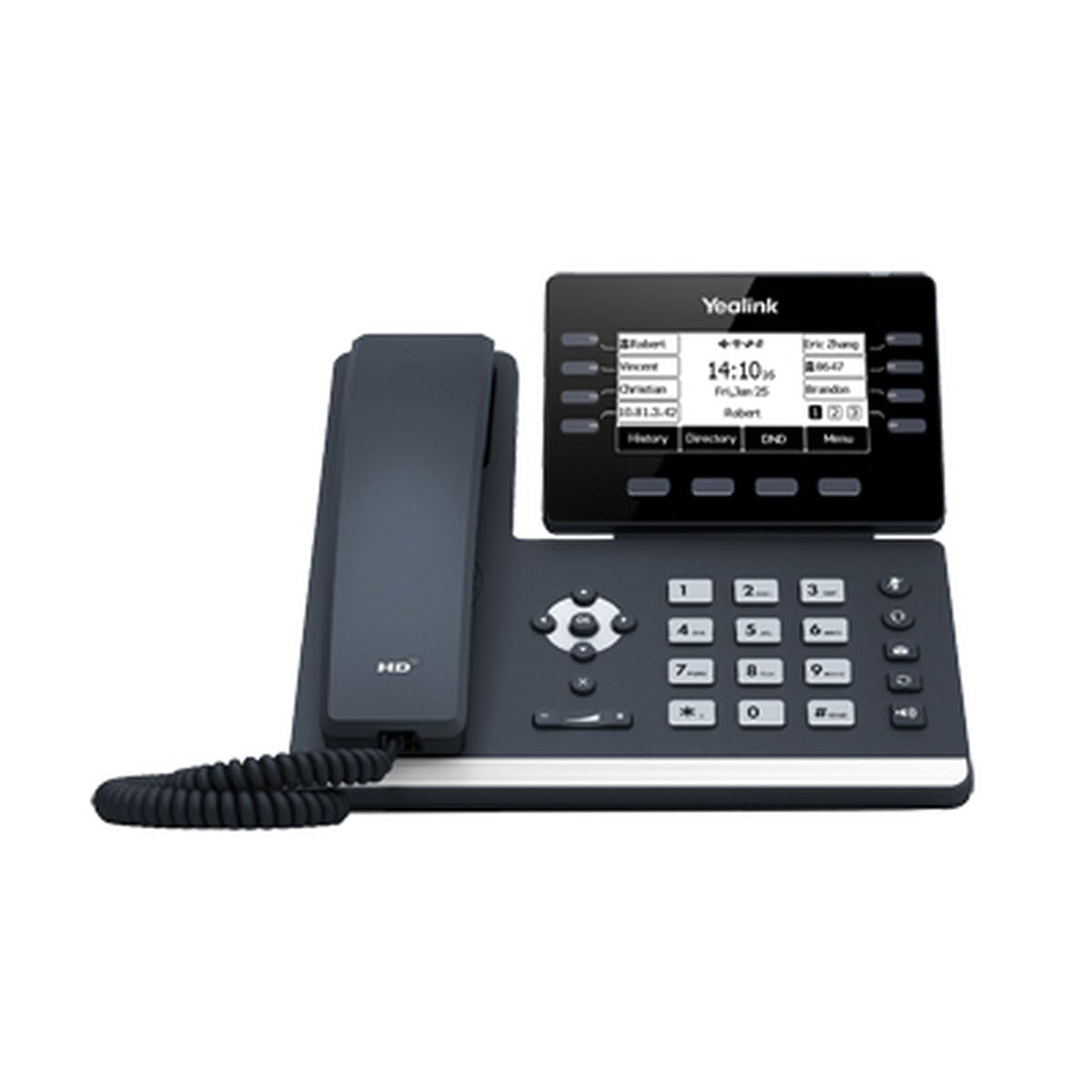
Size:Small | Color:Black Yealink Sip-T53 Dual-Port Gigabit Ethernet Prime Business Phone And Hd Voice With Yealink Acoustic Shield Technology.Entry- Level Phone, Well Suited For Common Workspace
⚠️ WARNING (California Proposition 65): This product may contain chemicals known to the State of California to cause cancer, birth defects, or other reproductive harm. For more information, please visit www.P65Warnings.ca.gov.
Frequently Asked Questions
Q: What is the display size of the Yealink T53 IP Phone?A: The display size is three point seven inches. It features a fully adjustable graphical LCD for optimal viewing.
Q: How many VoIP accounts can the Yealink T53 handle?A: The Yealink T53 can handle up to twelve VoIP accounts. This makes it suitable for busy professionals managing multiple lines.
Q: What are the dimensions of the Yealink T53 IP Phone?A: The dimensions are eight point twenty-nine inches in length, eight point thirty-five inches in width, and six point eighty-seven inches in height.
Q: How do I set up the Yealink T53 IP Phone?A: To set it up, connect the phone to your network using an Ethernet cable. Follow the on-screen prompts to configure your VoIP accounts.
Q: Can I use a Bluetooth headset with the Yealink T53?A: Yes, the Yealink T53 is compatible with Bluetooth headsets via the Yealink Bluetooth USB Dongle BT40.
Q: Is the Yealink T53 suitable for home office use?A: Yes, it is designed for both home and office environments. Its features cater to professionals needing reliable communication.
Q: How do I clean the Yealink T53 IP Phone?A: To clean it, use a soft, damp cloth to wipe the surface. Avoid using harsh chemicals that could damage the phone.
Q: What type of material is the Yealink T53 made from?A: The Yealink T53 is made from durable plastics. This ensures longevity while maintaining a professional appearance.
Q: Does the Yealink T53 IP Phone have a warranty?A: Yes, it typically comes with a manufacturer's warranty. Check with your retailer for specific terms and duration.
Q: What features enhance voice quality on the Yealink T53?A: It includes HD Voice and Yealink Acoustic Shield technology. These features help to reduce background noise for clearer calls.
Q: How do I connect expansion modules to the Yealink T53?A: You can connect up to three Yealink EXP50 expansion modules via the USB port. This expands your calling capabilities.
Q: Is the Yealink T53 compatible with Power over Ethernet?A: Yes, it supports Power over Ethernet, specifically the 802.3af standard. This allows for simplified wiring and power management.
Q: Can I record calls on the Yealink T53?A: Yes, you can record calls using a USB flash drive connected to the USB port. This feature is useful for reviewing important conversations.
Q: What should I do if my Yealink T53 arrives damaged?A: Contact the retailer immediately to initiate a return or exchange process. Keep all original packaging for the return.
Q: Is the Yealink T53 easy to install?A: Yes, it is user-friendly and can be installed quickly with basic networking knowledge. The setup process is straightforward.
Q: Are there any specific storage requirements for the Yealink T53?A: Store it in a dry, cool place away from direct sunlight. This helps maintain optimal performance and longevity.