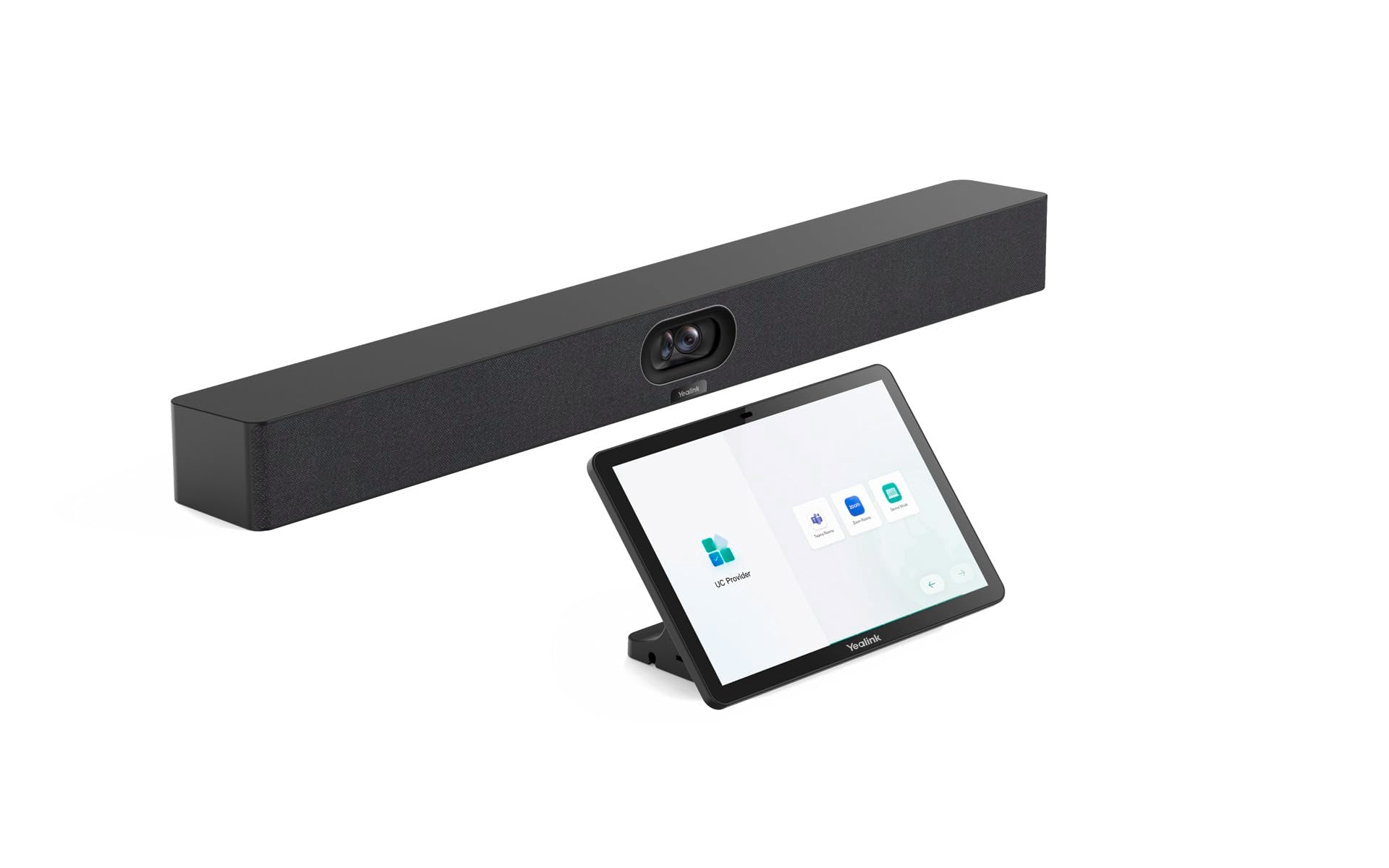
Experience Seamless Video Conferencing With The Yealink Meetingbar A40 - The All-In-One Solution For Small To Medium-Sized Rooms. Equipped With A 4K Dual Camera, Ai-Powered Auto Framing And Noise Reduction, It Provides Crystal Clear Picture And Sound Quality. With Compatibility With Microsoft Teams And Zoom, Wireless Content Sharing, And Simple Plug-And-Play Setup, Every Meeting Becomes More Efficient And Productive. Perfect For Modern Work Environments!
⚠️ WARNING (California Proposition 65): This product may contain chemicals known to the State of California to cause cancer, birth defects, or other reproductive harm. For more information, please visit www.P65Warnings.ca.gov.
Frequently Asked Questions
Q: What are the dimensions of the Yealink MeetingBar A40?A: The dimensions are twenty-nine point five three inches long, sixteen point nine three inches wide, and seven point four eight inches high.
Q: What type of cameras does the Yealink MeetingBar A40 have?A: The device features dual forty-eight megapixel cameras that provide a horizontal viewing angle of one hundred ten degrees.
Q: Is the Yealink MeetingBar A40 compatible with popular conferencing platforms?A: Yes, it is compatible with Microsoft Teams and Zoom, enabling seamless video conferencing experiences.
Q: How do I set up the Yealink MeetingBar A40?A: You can set it up easily with its plug-and-play design, allowing for quick deployment and minimal configuration.
Q: What is the best room size for the Yealink MeetingBar A40?A: It is customizable and suitable for small to medium-sized conference rooms, providing optimal audio and video quality.
Q: Does the Yealink MeetingBar A40 have noise reduction technology?A: Yes, it features noise-proof technology that ensures outstanding audio quality through effective noise reduction.
Q: How do I maintain the Yealink MeetingBar A40?A: Keep it in a clean area and avoid exposure to moisture, as it contains sensitive electronic components that require careful handling.
Q: What is the warranty on the Yealink MeetingBar A40?A: It typically comes with a one-year warranty, but please check with the manufacturer for specific details.
Q: How do I troubleshoot issues with the Yealink MeetingBar A40?A: If you experience setup issues, ensure all connections are secure and consult the user manual for specific troubleshooting steps.
Q: Is the Yealink MeetingBar A40 easy to use for beginners?A: Yes, its intuitive design and plug-and-play functionality make it very user-friendly, even for those new to video conferencing.
Q: What audio features does the Yealink MeetingBar A40 offer?A: It includes an eight MEMS microphone array that enhances audio quality and ensures clear communication during meetings.
Q: Can I share content wirelessly with the Yealink MeetingBar A40?A: Yes, it supports wireless content sharing, making it convenient for collaborative sessions.
Q: What operating system does the Yealink MeetingBar A40 use?A: It operates on Android thirteen, providing a modern interface for easy navigation.
Q: Does the Yealink MeetingBar A40 come in different colors?A: No, it is currently available only in black.
Q: What kind of touch panel does the Yealink MeetingBar A40 have?A: It comes with a CTP25 touch panel, designed for easy control and navigation during meetings.