⚠️ WARNING (California Proposition 65): This product may contain chemicals known to the State of California to cause cancer, birth defects, or other reproductive harm. For more information, please visit www.P65Warnings.ca.gov.
Frequently Asked Questions
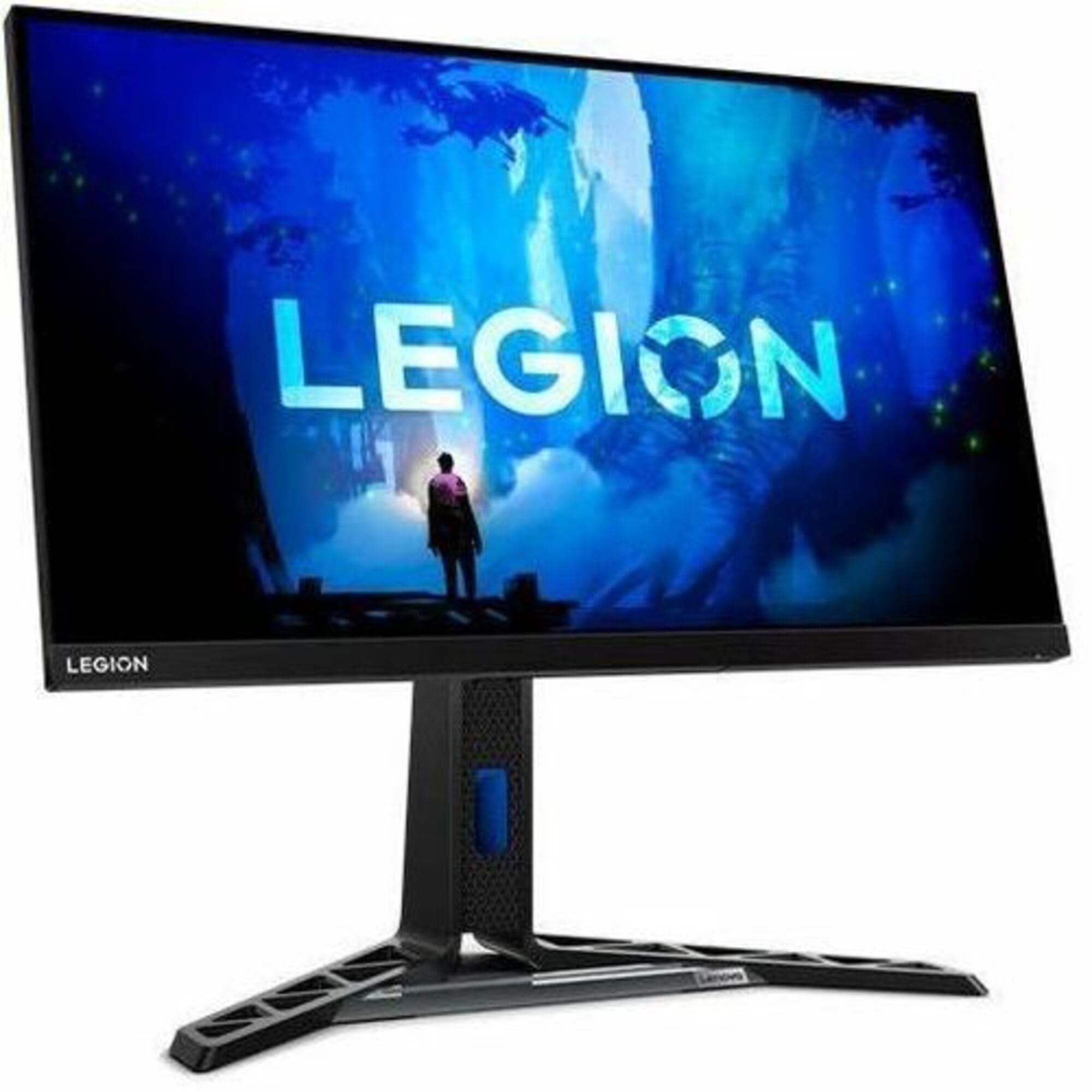
Q: What is the display size of the Lenovo Legion Y27f-30 monitor?A: The Lenovo Legion Y27f-30 monitor has a display size of twenty-seven inches. This size provides an immersive gaming experience with a full HD resolution.
Q: What refresh rate does the Lenovo Legion Y27f-30 support?A: The Lenovo Legion Y27f-30 monitor supports a refresh rate of two hundred eighty hertz. This high refresh rate ensures fluid and stutter-free video playback during gaming.
Q: What is the response time of the Lenovo Legion Y27f-30 monitor?A: The response time is zero point five milliseconds MPRT. This quick response time helps eliminate motion blur, making it ideal for fast-paced gaming.
Q: What color gamut does the Lenovo Legion Y27f-30 cover?A: The monitor covers one hundred thirteen point seven percent sRGB and ninety point six percent DCI-P3 color space. This wide color gamut enhances visual richness and accuracy.
Q: Does the Lenovo Legion Y27f-30 support HDR technology?A: Yes, it supports HDR technology and is VESA certified DisplayHDR four hundred. This certification provides vivid colors with deep blacks and bright whites.
Q: What ports are available on the Lenovo Legion Y27f-30?A: The monitor has HDMI two point zero, DisplayPort one point four, USB ports, and audio-out ports. These connections facilitate easy integration with various devices.
Q: How do I adjust the stand of the Lenovo Legion Y27f-30?A: The stand offers lift, tilt, pivot, and swivel functions. This ergonomic design allows for customizable positioning to enhance comfort during use.
Q: Is the Lenovo Legion Y27f-30 easy to set up?A: Yes, the setup is straightforward. It comes with a monitor, stand, power cable, DisplayPort cable, and USB Type-A to Type-B cable for easy installation.
Q: What is the weight of the Lenovo Legion Y27f-30 monitor?A: The monitor weighs twelve pounds. This weight is manageable for most users when setting up on a desk or gaming station.
Q: How do I clean the Lenovo Legion Y27f-30 monitor?A: To clean the monitor, use a soft, lint-free cloth with a mild cleaning solution. Avoid using harsh chemicals, as they may damage the screen.
Q: Can I use the Lenovo Legion Y27f-30 for long gaming sessions?A: Yes, it features Natural Low Blue Light technology. This helps reduce eye strain during prolonged use without color distortion.
Q: What is the warranty period for the Lenovo Legion Y27f-30?A: The standard warranty period typically lasts for one year. This warranty covers manufacturer defects and provides peace of mind for users.
Q: Is the packaging of the Lenovo Legion Y27f-30 environmentally friendly?A: Yes, the monitor uses recyclable materials and comes in green paper pulp packaging. This commitment helps reduce environmental impact.
Q: What should I do if the monitor arrives damaged?A: If the monitor arrives damaged, contact customer support immediately. They will assist you with returns or exchanges under the warranty policy.
Q: Is the Lenovo Legion Y27f-30 monitor suitable for console gaming?A: Yes, it is suitable for console gaming. The multiple connectivity options ensure compatibility with various gaming consoles.