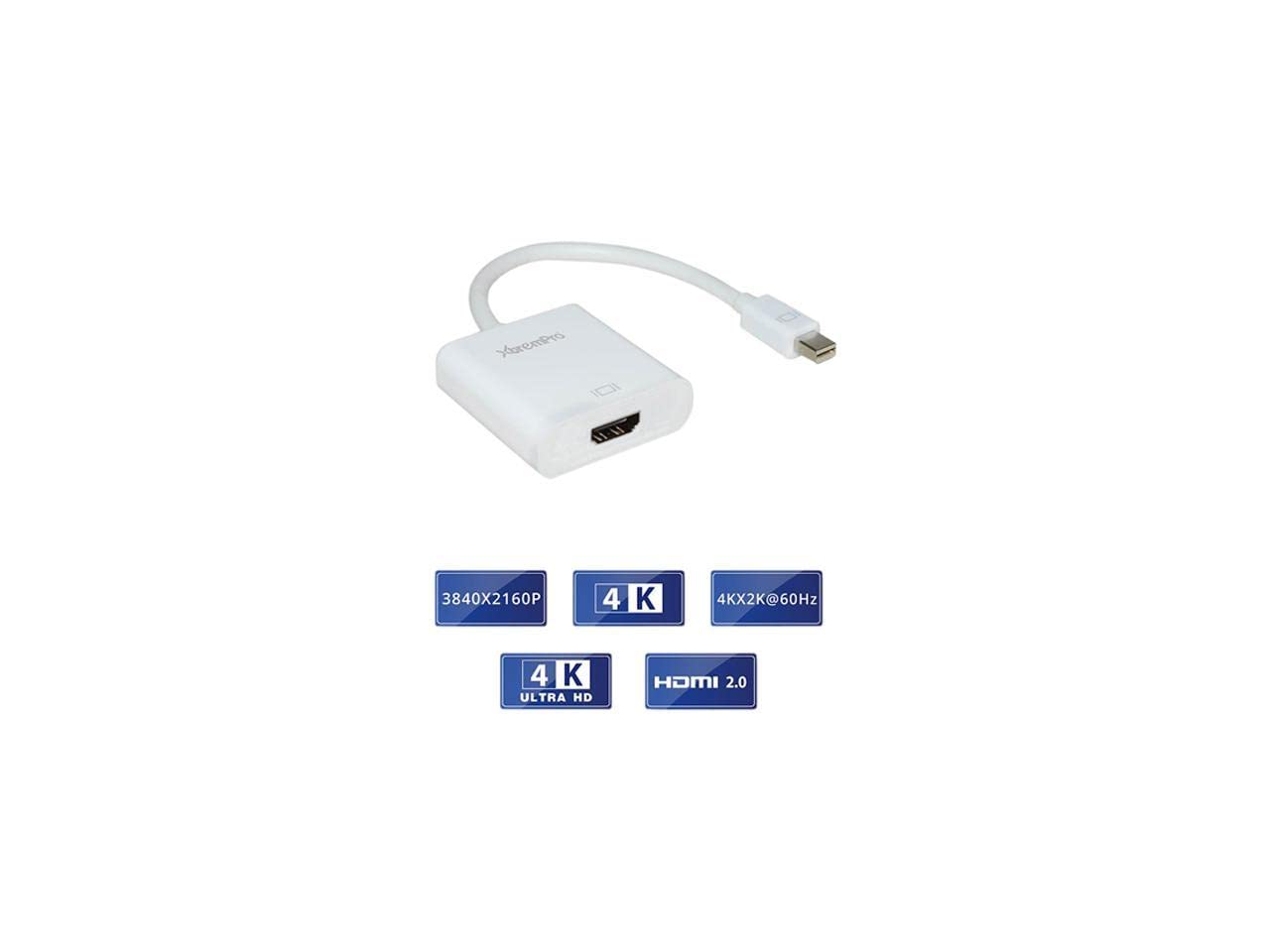
Xtrempro Mini Displayport To Hdmi 2. 0 Adapter, Mini Dp To Hdmi Adapter, Supports Pc, Mac, Displays 4K, Uhd, 4K2K 3840X2160@60Hz, Up To 6 Displays- White (11167) Introduction: This Mini Displayport To Hdmi Adapter Is For Mini Displayport Equipped Macbook, Notebook, Laptop, Desktop To Any Hdmi Display Such As 4K Ultra Hdtv, 4K Monitor Or 4K Projector For Large Screen Display Of Video, Photo, And Game Etc. Features: Output: Hdmi Female Input: Mini Displayport Male Compliant With Hdmi 2. 0V Specification Compliant With Displayport 1. 2V, 1. 1V Compatible With Mini Displayport Or Thunderbolt Port Pcor Mac Compatible Amd Eyefinity Multi-Display Technology Up To 6 Displays Supports Hdmi Highest Video Resolution 3840 X 2160P, 4K2K@60Hz
⚠️ WARNING (California Proposition 65): This product may contain chemicals known to the State of California to cause cancer, birth defects, or other reproductive harm. For more information, please visit www.P65Warnings.ca.gov.
Frequently Asked Questions
Q: What is the maximum resolution supported by the XtremPro Mini DisplayPort to HDMI adapter?A: The maximum resolution supported is three thousand eight hundred forty by two thousand one hundred sixty, or four K at sixty Hertz. This allows for high-quality video output on compatible displays.
Q: What type of input does this adapter use?A: The adapter uses a Mini DisplayPort male input. This makes it compatible with Mini DisplayPort or Thunderbolt ports found on many computers.
Q: What are the compliance standards for this adapter?A: The adapter complies with HDMI two point zero V and DisplayPort one point two V and one point one V specifications. This ensures reliable performance and compatibility.
Q: How many displays can I connect using this adapter?A: You can connect up to six displays using the XtremPro Mini DisplayPort to HDMI adapter. It supports AMD Eyefinity multi-display technology for enhanced productivity.
Q: What color options are available for this adapter?A: The adapter is available in white. This neutral color fits well with most electronics and setups.
Q: How do I connect the XtremPro Mini DisplayPort to HDMI adapter?A: To connect the adapter, plug the Mini DisplayPort end into your device and connect the HDMI end to your display. Simple plug-and-play functionality makes setup straightforward.
Q: Is this adapter suitable for use with a MacBook?A: Yes, this adapter is compatible with MacBooks. It can be used to connect to HDMI displays, making it ideal for presentations or media consumption.
Q: Can I use this adapter to connect to a projector?A: Yes, you can use this adapter to connect to HDMI-equipped projectors. It is perfect for presentations, video playback, or gaming on larger screens.
Q: Are there any special installation requirements for this adapter?A: No, there are no special installation requirements. The adapter is designed for easy use, requiring no additional software or drivers.
Q: What kind of warranty does this product come with?A: This product comes with a twelve-month replacement warranty. The manufacturer focuses on quality and customer service.
Q: How should I clean and maintain the adapter?A: To clean the adapter, use a soft, dry cloth to wipe the surface. Avoid using harsh chemicals that could damage the product.
Q: Is it safe to use this adapter for extended periods?A: Yes, it is safe to use this adapter for extended periods. It is designed to handle high resolutions and continuous use without overheating.
Q: What should I do if my adapter arrives damaged?A: If your adapter arrives damaged, contact customer support for a replacement. They will guide you through the return process.
Q: Does this adapter support audio transmission?A: Yes, the adapter supports audio transmission along with video. This allows for a complete multimedia experience when connected to compatible devices.
Q: Can I use this adapter with gaming consoles?A: Yes, this adapter can be used with gaming consoles that have Mini DisplayPort outputs. It's great for enhancing your gaming experience on larger screens.
Q: Is this adapter compatible with Windows PCs?A: Yes, the adapter is compatible with Windows PCs. It works seamlessly with various devices that have Mini DisplayPort outputs.