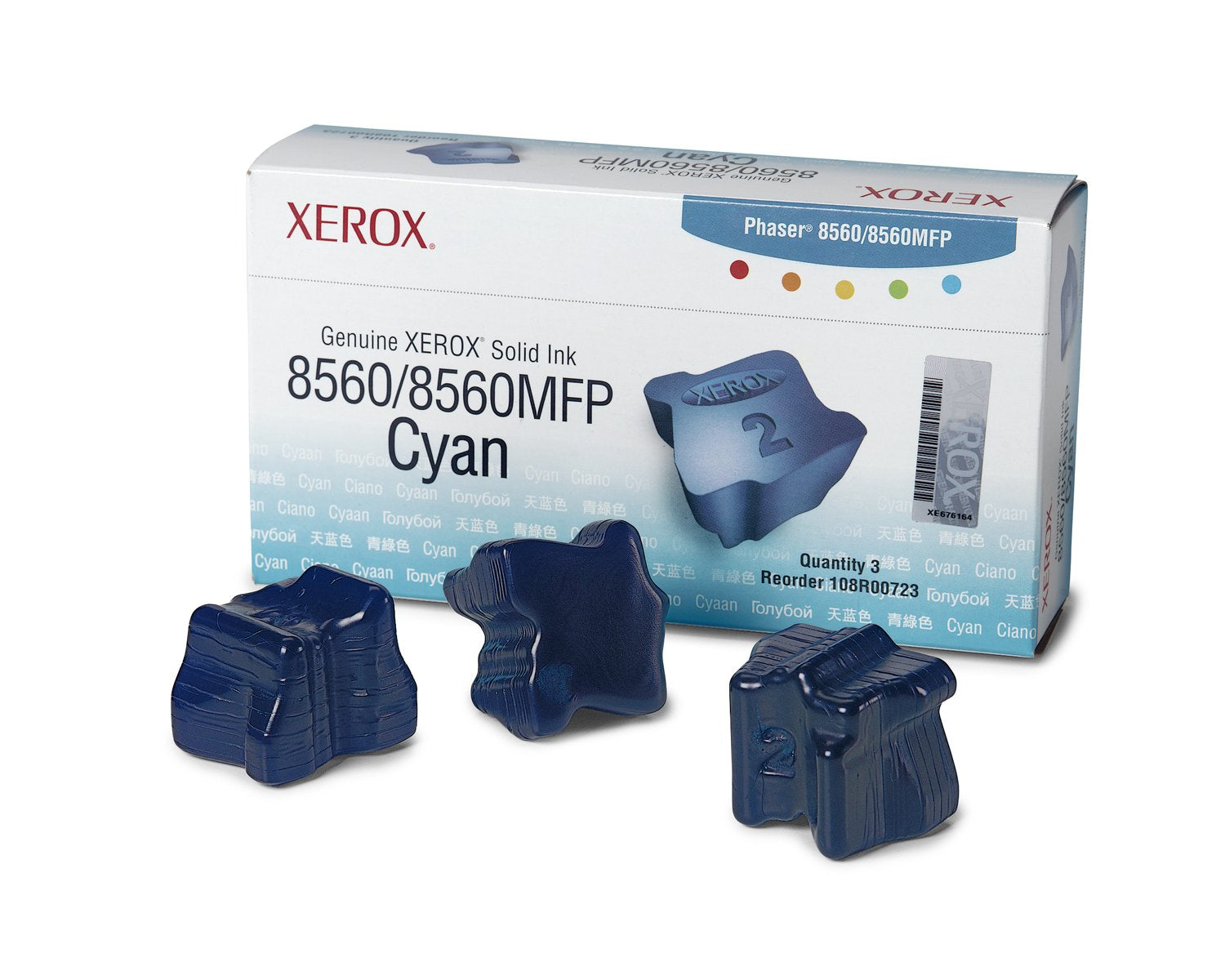
Drop-In Loading Of Solid Ink Sticks Is As Easy As Loading A Stapler. You'Ll Save Space, Because The Packages Of Ink Sticks Are Small Enough To Fit In A Desk Drawer. Solid Ink Sticks Are Safe And Clean To Handle. Device Types: Laser Printer; Color(S): Cyan; Page-Yield: 3400; Supply Type: Solid Ink Stick.
⚠️ WARNING (California Proposition 65): This product may contain chemicals known to the State of California to cause cancer, birth defects, or other reproductive harm. For more information, please visit www.P65Warnings.ca.gov.
Frequently Asked Questions
Q: What is the size of the Xerox Solid Ink Cyan sticks?A: The Xerox Solid Ink Cyan sticks measure three and a half inches long, one and three-quarters inches wide, and six and a quarter inches high. This compact size allows for easy storage.
Q: What is the page yield for the Xerox Solid Ink Cyan?A: The Xerox Solid Ink Cyan has a page yield of three thousand four hundred pages. This makes it a cost-effective option for high-volume printing.
Q: What material is used in the Xerox Solid Ink sticks?A: The Xerox Solid Ink sticks are made from solid ink materials specifically designed for laser printers. This technology ensures vibrant color output and efficient printing.
Q: How do I install the Xerox Solid Ink Cyan sticks?A: Installing the Xerox Solid Ink Cyan sticks is simple; just drop them into the printer, similar to loading a stapler. This user-friendly design eliminates the mess often associated with ink cartridges.
Q: Is the Xerox Solid Ink Cyan compatible with other printers?A: No, the Xerox Solid Ink Cyan is specifically designed for the Phaser eight thousand five hundred sixty and eight thousand five hundred sixty MFP models. Ensure compatibility before purchase.
Q: How do I handle the Xerox Solid Ink sticks safely?A: The Xerox Solid Ink sticks are safe and clean to handle. There are no hazardous materials involved, making them easy to use without special precautions.
Q: What is the best way to store the Xerox Solid Ink sticks?A: Store the Xerox Solid Ink sticks in a cool, dry place away from direct sunlight. This helps maintain their quality and ensures optimal performance when used.
Q: Can I use Xerox Solid Ink Cyan sticks for photo printing?A: Yes, the Xerox Solid Ink Cyan is suitable for photo printing. The vibrant color output enhances image quality, making it ideal for professional-grade prints.
Q: How should I clean my printer after using solid ink sticks?A: To clean your printer after using solid ink sticks, follow the manufacturer's instructions for maintenance. Regular cleaning helps prevent clogs and ensures optimal performance.
Q: Is there a warranty on the Xerox Solid Ink Cyan sticks?A: Yes, Xerox typically offers a warranty on their solid ink sticks. Check the packaging or the manufacturer's website for specific warranty details.
Q: What should I do if I receive a damaged ink stick?A: If you receive a damaged Xerox Solid Ink stick, contact the retailer or manufacturer immediately for a replacement or refund. Keep the original packaging for the return process.
Q: Are the Xerox Solid Ink sticks environmentally friendly?A: Yes, Xerox Solid Ink sticks are designed to be environmentally friendly, producing less waste compared to traditional ink cartridges. They also use less packaging.
Q: Can I return opened Xerox Solid Ink sticks?A: Typically, opened Xerox Solid Ink sticks are not returnable due to hygiene and safety regulations. Always check the return policy before purchasing.
Q: Is the Xerox Solid Ink Cyan suitable for home use?A: Yes, the Xerox Solid Ink Cyan is suitable for home use, especially for families or small businesses that require high-quality color printing.
Q: Do the Xerox Solid Ink sticks have an expiration date?A: Yes, solid ink sticks do have a shelf life. It's advisable to use them within a specific timeframe for optimal performance, which is usually indicated on the packaging.