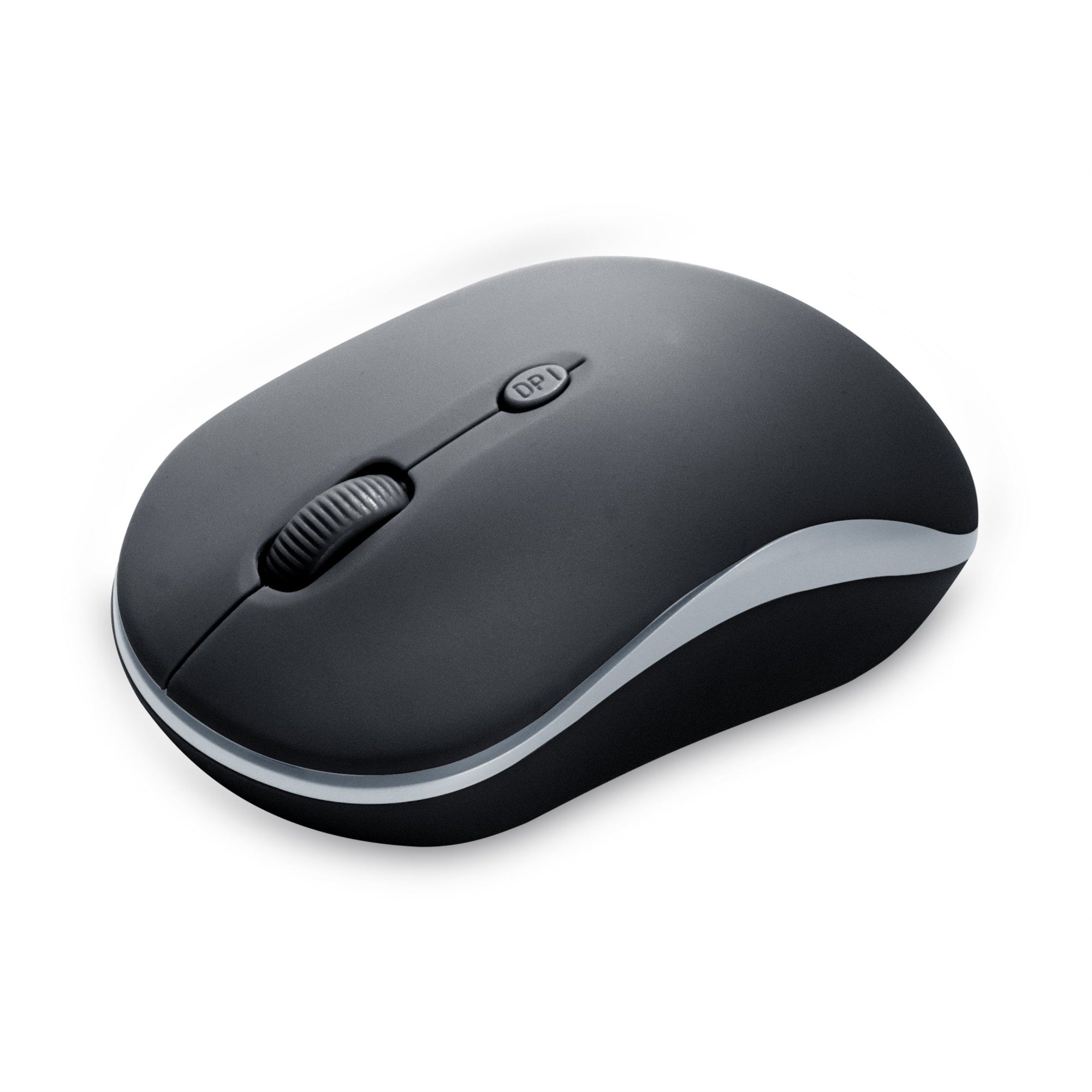
Clmsws120Bk, Wireless 2.4G Mouse With Nano Receiver-Bk. Manufactured By Bytech. Manufactured In Country Of United States.
⚠️ WARNING (California Proposition 65): This product may contain chemicals known to the State of California to cause cancer, birth defects, or other reproductive harm. For more information, please visit www.P65Warnings.ca.gov.
Frequently Asked Questions
Q: What are the dimensions of the BYTECH Wireless Optical Mouse?A: The BYTECH Wireless Optical Mouse measures one inch in length, one inch in width, and one inch in height. Its compact size makes it ideal for portability.
Q: What color is the BYTECH Wireless Optical Mouse?A: The BYTECH Wireless Optical Mouse is available in black. This classic color enhances its sleek design and professional appearance.
Q: Is the BYTECH Wireless Optical Mouse suitable for both left and right-handed users?A: Yes, the BYTECH Wireless Optical Mouse is designed for ambidextrous use. Its ergonomic shape accommodates both left and right-handed users comfortably.
Q: How do I connect the BYTECH Wireless Optical Mouse to my computer?A: To connect the BYTECH Wireless Optical Mouse, simply insert the USB receiver into your computer's USB port. The mouse will automatically pair once powered on.
Q: Can I use the BYTECH Wireless Optical Mouse for gaming?A: Yes, the BYTECH Wireless Optical Mouse can be used for casual gaming. However, it is primarily designed for everyday tasks and may not have advanced gaming features.
Q: Does the BYTECH Wireless Optical Mouse require batteries?A: Yes, the BYTECH Wireless Optical Mouse operates on batteries. Ensure you have compatible batteries on hand for continuous use.
Q: How do I clean the BYTECH Wireless Optical Mouse?A: To clean the BYTECH Wireless Optical Mouse, use a soft, lint-free cloth dampened with water. Avoid using harsh chemicals that could damage the finish.
Q: Is the BYTECH Wireless Optical Mouse durable?A: Yes, the BYTECH Wireless Optical Mouse is designed for durability. Its robust construction can withstand daily use in various environments.
Q: What should I do if my BYTECH Wireless Optical Mouse stops working?A: If your BYTECH Wireless Optical Mouse stops working, check the battery and replace it if necessary. If the issue persists, try reconnecting the USB receiver.
Q: Is there a warranty for the BYTECH Wireless Optical Mouse?A: Yes, the BYTECH Wireless Optical Mouse typically comes with a limited warranty. Check with the manufacturer for specific warranty details.
Q: Can I use the BYTECH Wireless Optical Mouse on different surfaces?A: Yes, the BYTECH Wireless Optical Mouse can be used on various surfaces. However, for optimal performance, a mouse pad is recommended.
Q: Does the BYTECH Wireless Optical Mouse have a scroll wheel?A: Yes, the BYTECH Wireless Optical Mouse features a scroll wheel. This allows for easy navigation through documents and web pages.
Q: Is the BYTECH Wireless Optical Mouse compatible with Mac computers?A: Yes, the BYTECH Wireless Optical Mouse is compatible with Mac computers. It can be used seamlessly with macOS systems.
Q: What is the maximum range of the BYTECH Wireless Optical Mouse?A: The BYTECH Wireless Optical Mouse has a maximum wireless range of approximately thirty feet. This allows for flexible movement away from the computer.
Q: Are additional drivers required for the BYTECH Wireless Optical Mouse?A: No, additional drivers are not required for the BYTECH Wireless Optical Mouse. It is plug-and-play compatible with most operating systems.
Q: What type of connection does the BYTECH Wireless Optical Mouse use?A: The BYTECH Wireless Optical Mouse uses a USB wireless connection. This provides a reliable and convenient way to connect to your computer.