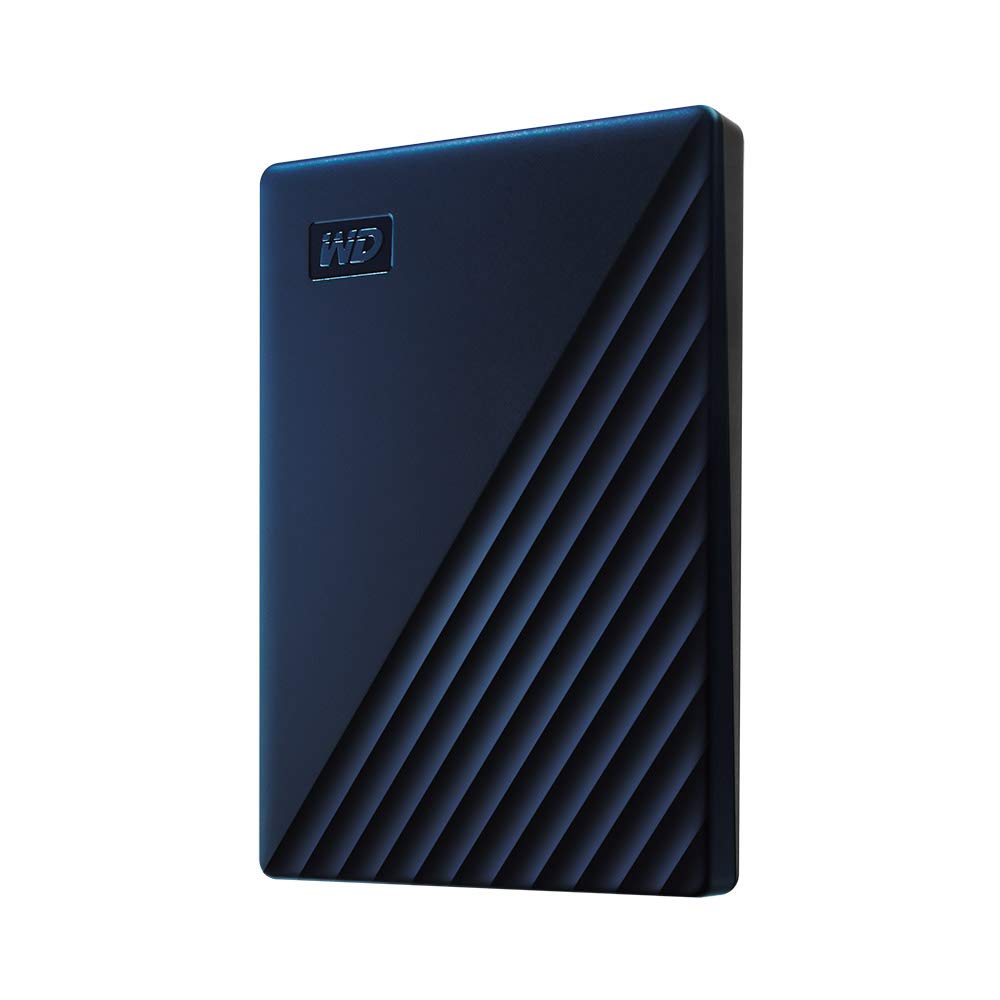
Get More Done With Your Chromebook When You Pair It With The Wd Drive For Chromebook. With Its Slim Design, This Certified Works With Chromebook Drive Complements Your Everyday, On-The-Go Lifestyle. Quickly Transfer Your Files With The Included Superspeed Usb-A Cable, Wherever You Go.
⚠️ WARNING (California Proposition 65): This product may contain chemicals known to the State of California to cause cancer, birth defects, or other reproductive harm. For more information, please visit www.P65Warnings.ca.gov.
Frequently Asked Questions
Q: What is the storage capacity of the WD Drive for Chromebook?A: The storage capacity is two terabytes. This allows ample space for files, photos, and videos.
Q: What type of USB connection does this hard drive use?A: It uses a SuperSpeed USB three point zero connection. This ensures fast data transfer and is compatible with USB two point zero devices.
Q: What is the color of the WD Drive for Chromebook?A: The color is Midnight Blue. This sleek color adds a modern touch to your tech accessories.
Q: Is the WD Drive for Chromebook compatible with other devices?A: Yes, it is compatible with other devices that support USB connections. However, it is specifically optimized for Chromebook use.
Q: What materials are used in the construction of this hard drive?A: The WD Drive is constructed with copper. This material contributes to its durability and performance.
Q: How do I connect the WD Drive to my Chromebook?A: Simply use the included SuperSpeed USB-A cable. Plug one end into the hard drive and the other end into your Chromebook's USB port.
Q: Can I use this drive with a USB-C device?A: Yes, you can use it with USB-C devices with an appropriate adapter. The drive's USB Type-A connector is compatible with these adapters.
Q: Is this hard drive portable?A: Yes, it is designed to be portable. Its slim and lightweight design makes it easy to carry on the go.
Q: What is the warranty for the WD Drive for Chromebook?A: The standard warranty period is limited, typically around two years. Check the manufacturer's guidelines for specific details.
Q: How should I store the WD Drive for Chromebook when not in use?A: Store it in a cool, dry place. Avoid exposure to moisture and extreme temperatures to maintain its performance.
Q: What should I do if the drive is not recognized by my Chromebook?A: Ensure the cable is securely connected and try a different USB port. If the issue persists, test the drive with another device.
Q: Can I back up my files automatically with this drive?A: Yes, you can use backup software to automate the process. This will help keep your files safe and organized.
Q: Is the WD Drive for Chromebook suitable for gamers?A: Yes, it can be used for gaming storage. The two terabytes of space can help store various games and media.
Q: Does this drive require external power?A: No, it does not require external power. It is powered through the USB connection to your Chromebook.
Q: How do I keep the WD Drive for Chromebook clean?A: Wipe it gently with a soft, dry cloth. Avoid using cleaning solutions or water to prevent damage.