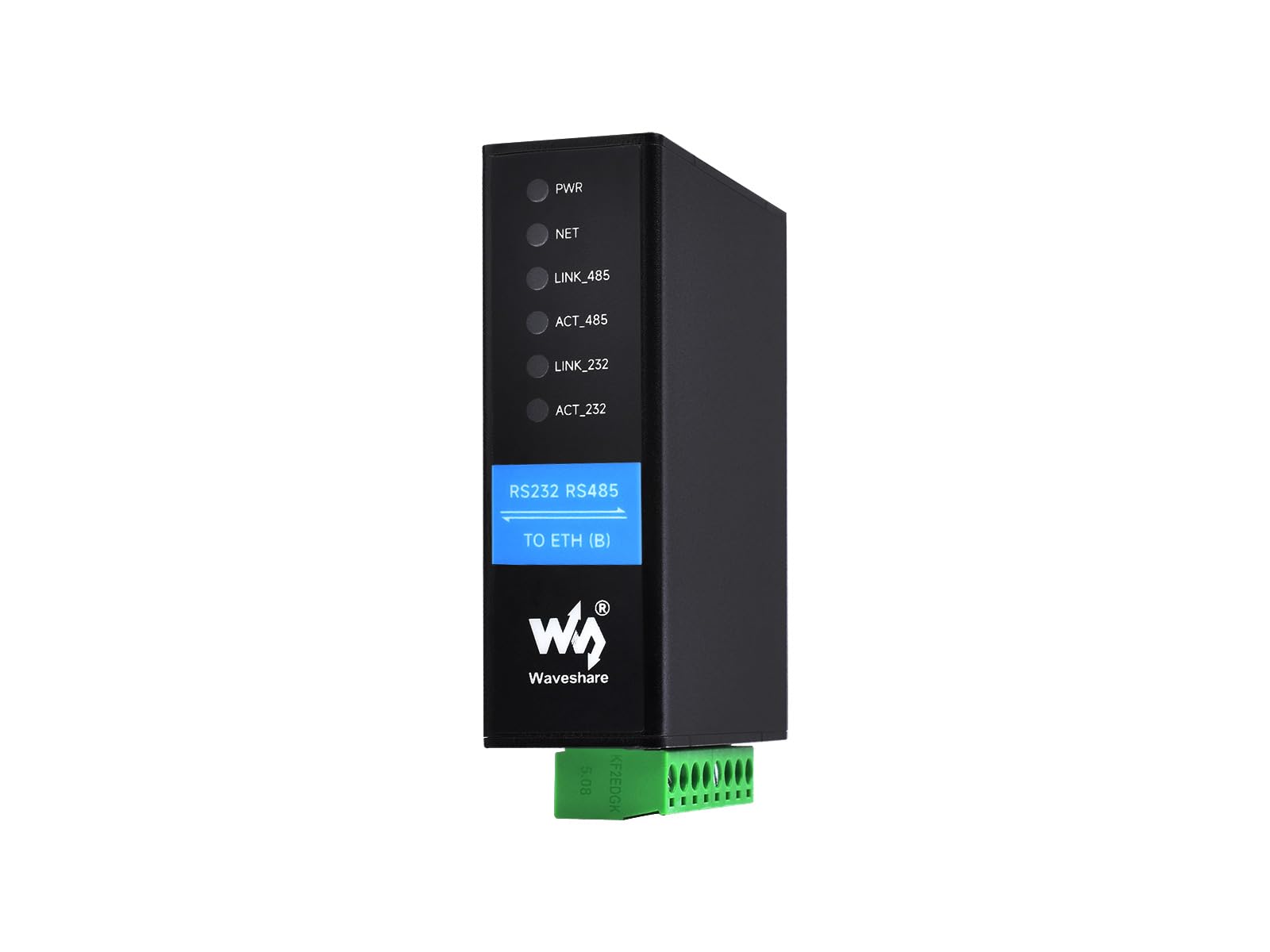
Overview This Is A Dual Serial Ports Device Data Acquisitor / Iot Gateway Designed For The Industrial Environment, 1-Ch Rs232 And 1-Ch Rs485 Can Work Simultaneously Without Interfering With Each Other Using One Ethernet Cable. Provides Two Power Supply Methods: Dc Port (Outer Diameter: 5.5Mm, Inner Diameter: 2.1Mm) And Screw Terminal. It Is Suitable For Applications Like Data Acquisition, Iot Gateway, Safety & Security Iot, And Intelligent Instrument Monitoring. Specifications 1. Basic Introduction Item: Dual Serial Ports + Common Network Port + Electrical Isolation Product Type: Serial Server, Modbus Gateway, Mqtt Gateway Basic Function : Bi-Directional Transparent Data Transmission Between Rs232 And Rs485 To Ethernet Communication Interface: Rs232 Port X 1, Rs485 Port X 1, Ethernet Port X 2 Power Supply: Dc 5.5 Power Port, 6 ~ 45V Dc Screw Terminal Isolation Protection: Power Isolation, Signal Isolation 2. Communication Ethernet: Rj45, 10 / 100M Auto-Negotiation Rj45 Connector, 2 Kv Surge Protection Serial Port : Isolated Rs232 And Rs485 (The 2 Channels Can Receive And Transmit Independently At The Same Time) 3. Serial Specification Baudrate: 300 ~ 115200 Bps Parity Bit: None, Odd, Even, Mark, Space Data Bit: 5 ~ 9 Bits 4. Software Protocol: Ethernet, Ip, Tcp, Udp, Http, Arp, Icmp, Dhcp, Dns Configuration: Host, Web Browser, Device Management Functions Library Communication Method: Tcp/Ip Direct Communication, Vcom Operating Mode: Tcp Server, Tcp Client (Coexisting With Tcp Server), Udp, Udp Multicast 5. Environment Requirement Operating Temperature: -40? ~ 85? Humidity Range : 5% ~ 95% Relative Humidity Dimensions: L W H: 78.0 72.5 24.2 Mm Online Tutorial/Online Document: N9.Cl/Tv910 Package Content Rs232 Rs485 To Eth (B) X1
⚠️ WARNING (California Proposition 65): This product may contain chemicals known to the State of California to cause cancer, birth defects, or other reproductive harm. For more information, please visit www.P65Warnings.ca.gov.
Frequently Asked Questions
Q: What are the dimensions of the Waveshare RS232 RS485 to RJ45 Ethernet Serial Server?A: The dimensions are seventy-eight millimeters in length, seventy-two point five millimeters in width, and twenty-four point two millimeters in height.
Q: What materials are used in the construction of this serial server?A: The primary material is copper, which is used for electrical connections and components.
Q: What is the power supply voltage range for this device?A: The power supply voltage range is six to forty-five volts DC.
Q: How do I install the Waveshare RS232 RS485 to RJ45 Ethernet Serial Server?A: To install, connect the RS232 and RS485 ports to your devices, then plug the Ethernet port into your network using an Ethernet cable.
Q: Can I use the RS232 and RS485 ports simultaneously?A: Yes, you can use the RS232 and RS485 ports independently at the same time without interference.
Q: What applications is this serial server suitable for?A: This device is suitable for data acquisition, IoT gateways, safety and security IoT, and intelligent instrument monitoring.
Q: How should I clean and maintain the Waveshare RS232 RS485 to RJ45 Ethernet Serial Server?A: Use a soft, dry cloth to clean the exterior. Avoid using harsh chemicals or solvents.
Q: What is the operating temperature range for this device?A: The operating temperature range is from minus forty degrees Celsius to eighty-five degrees Celsius.
Q: How do I handle the power supply connection for this serial server?A: You can connect the power supply either through the DC port or the screw terminal, ensuring correct polarity is observed.
Q: Is this device suitable for outdoor use?A: No, it is designed for indoor use in industrial environments and should be protected from outdoor elements.
Q: What communication protocols are supported by this serial server?A: It supports Ethernet, IP, TCP, UDP, HTTP, ARP, ICMP, DHCP, and DNS protocols.
Q: How do I troubleshoot if the device does not connect to my network?A: First, check the Ethernet cable connection and ensure the device is powered on. If issues persist, reset the device to factory settings.
Q: What kind of warranty is provided with this product?A: A standard warranty is typically provided, but you should check with the manufacturer for specific terms.
Q: Can I return the Waveshare RS232 RS485 to RJ45 Ethernet Serial Server if it arrives damaged?A: Yes, you can return it if it arrives damaged, following the seller’s return policy.
Q: Is there support available for setting up this device?A: Yes, online tutorials and documentation are available for assistance with setup and configuration.