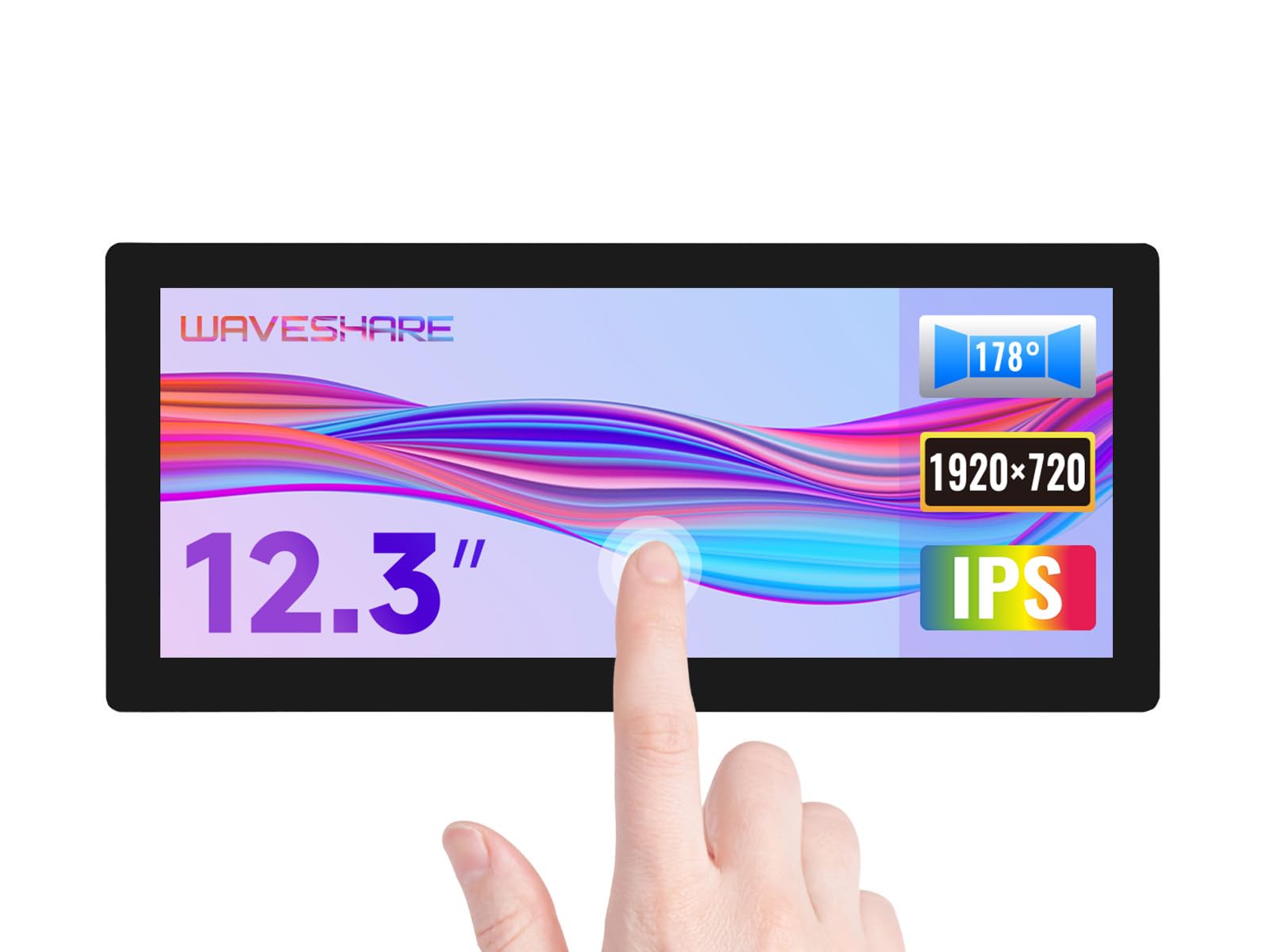
Provide Online User Manual, Please Check The Manual Carefully Before Using! Supports Raspbian, 10-Points Touch, Driver Free. Supports Ubuntu / Kali / Win10 Iot, Single Point Touch, Driver Free. Supports Retropie, Driver Free | 12.3-Inch Ips Screen, 1920
⚠️ WARNING (California Proposition 65): This product may contain chemicals known to the State of California to cause cancer, birth defects, or other reproductive harm. For more information, please visit www.P65Warnings.ca.gov.
Frequently Asked Questions
Q: What is the size of the Waveshare touchscreen LCD?A: The size of the Waveshare touchscreen LCD is twelve point three inches. This measurement refers to the diagonal length of the screen.
Q: What is the resolution of the Waveshare 12.3 inch monitor?A: The resolution is one thousand nine hundred twenty by seven hundred twenty pixels. This high-definition format provides clear and detailed images.
Q: What type of glass is used in the Waveshare LCD?A: The LCD features a toughened glass panel. This enhances durability and provides protection against scratches and impacts.
Q: How do I connect the Waveshare LCD to my Raspberry Pi?A: Connect the Waveshare LCD to your Raspberry Pi using an HDMI cable. Ensure the device is powered before turning on the LCD.
Q: Is the Waveshare monitor compatible with Windows?A: Yes, it supports Windows eleven, ten, eight point one, eight, and seven. This makes it versatile for various computing needs.
Q: Can I use the Waveshare LCD for gaming?A: Yes, it is compatible with Retropie, which is great for gaming. It allows for driver-free installation for a seamless experience.
Q: How do I clean the Waveshare touchscreen?A: Use a soft, lint-free cloth to clean the touchscreen. Avoid using abrasive cleaners to prevent damage to the glass surface.
Q: Is the Waveshare LCD suitable for outdoor use?A: No, this monitor is not specifically designed for outdoor use. It is best used in indoor environments.
Q: What audio options does the Waveshare monitor support?A: It supports HDMI audio output and includes a three point five millimeter audio interface. This allows for versatile audio connectivity.
Q: Does the Waveshare LCD have a multi-language menu?A: Yes, it features a multi-language on-screen display menu. This allows users to adjust settings in their preferred language.
Q: Can the Waveshare monitor work with Android devices?A: Yes, when used with a Tinker Board two, it supports Android. This expands its compatibility with various operating systems.
Q: What is the brightness level of the Waveshare LCD?A: The brightness level is one thousand cd per square meter. This ensures visibility even in well-lit environments.
Q: Is the Waveshare touchscreen easy to install?A: Yes, it is driver-free and easy to install. Users can simply connect it and start using it without additional setup.
Q: What is the touch technology used in the Waveshare LCD?A: It utilizes ten-point capacitive touch technology. This allows for responsive and accurate touch interactions.
Q: What kind of warranty does the Waveshare monitor come with?A: The standard warranty period is typically one year. However, please check with the retailer for specific warranty details.