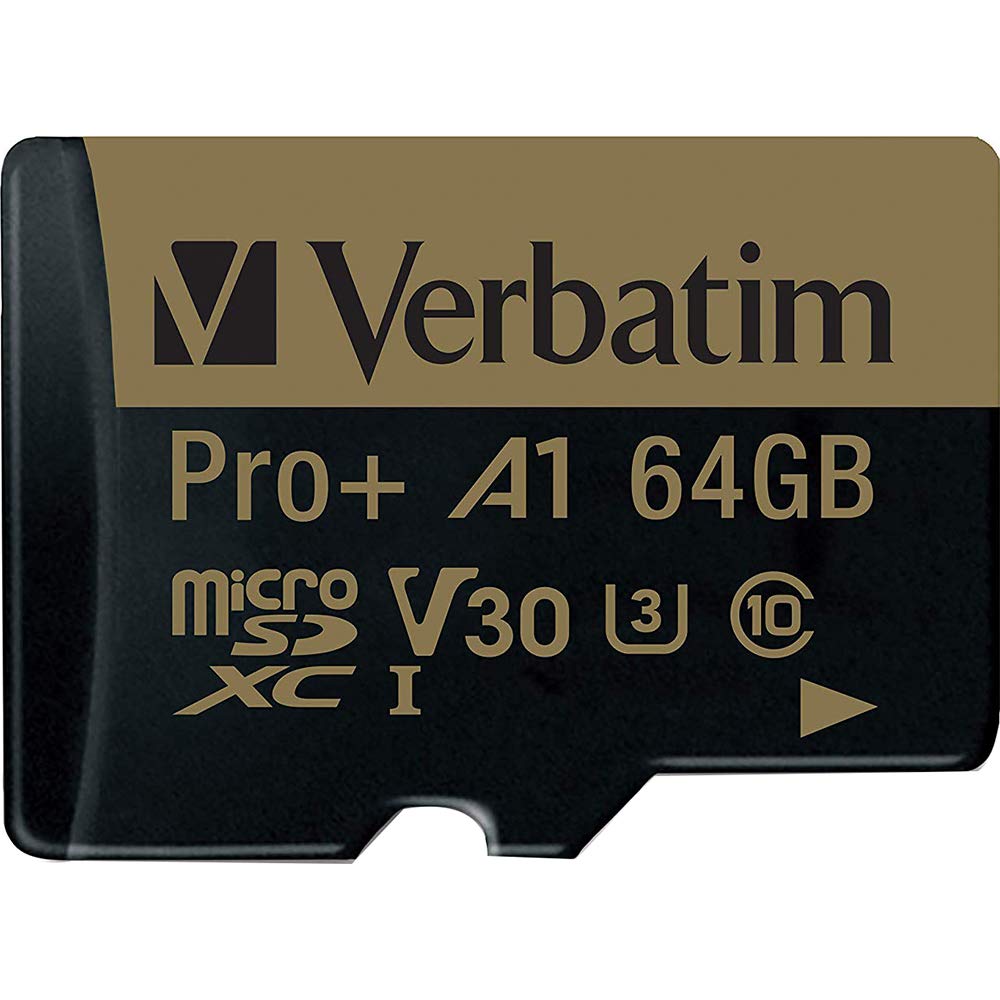
Make The Most Out Of Your Mobile Device. Verbatims Pro Plus Microsdxc Memory Cards With A1 Rating Are Optimized For Mobile Applications, Launching Applications Faster And Improving Application Performance. Featuring A Uhs-I Interface, U3 Speed Rating And V30 Video Speed Class, With Up To 80Mb/S Write Speeds, Pro Plus Memory Cards Let You Maximize Advanced Camera Modes. So Even When Shooting Heavy-Action Events Like Snowboarding Or Football, Or Recording 4K Video Or Multi-Burst Photos, You Wont Miss A Single Frame. Zoom Through The Editing Process And Experience Rapid Transfer Rates With Read Speeds Hitting 100Mb/S. Keep Those Files Safe While Traveling To The Four Corners Of The Earth To Fill The Four Corners Of The Frame - These Cards Are Waterproof, Shock Proof And Temperature Proof. Backed By A Limited Lifetime Warranty, Verbatim Creates Technology You Can Trust. *Requires Sdxc Host Device. To Get Benefit Of A1 Performance, Device Must Support Android Adoptable Storage Feature.
⚠️ WARNING (California Proposition 65): This product may contain chemicals known to the State of California to cause cancer, birth defects, or other reproductive harm. For more information, please visit www.P65Warnings.ca.gov.
Frequently Asked Questions
Q: What is the storage capacity of the Verbatim microSDXC card?A: The Verbatim microSDXC card has a storage capacity of sixty-four gigabytes. This allows ample space for storing photos, videos, and applications.
Q: What are the read and write speeds of this memory card?A: The memory card offers read speeds of up to one hundred megabytes per second and write speeds of up to eighty megabytes per second. These speeds enhance performance for high-resolution video recording and rapid file transfers.
Q: What are the physical dimensions of the Verbatim microSDXC card?A: The card measures zero point fifty-five inches in length, zero point zero four inches in width, and zero point zero four inches in height. Its compact size makes it suitable for various devices.
Q: Is the Verbatim microSDXC card compatible with Android devices?A: Yes, the card is compatible with Android devices that support the Adoptable Storage feature. This allows users to run applications directly from the card.
Q: Can I use this card for 4K video recording?A: Yes, the Verbatim microSDXC card supports V30 video speed class, making it suitable for recording 4K videos. Its fast write speeds ensure smooth video capture.
Q: How should I use the Verbatim microSDXC card?A: To use the card, insert it into a compatible device with an SDXC host. Ensure your device supports A1 performance for optimal app usage.
Q: Is this memory card suitable for high-action photography?A: Yes, this memory card is ideal for high-action photography. Its high write speeds prevent dropped frames during fast-paced shooting.
Q: Can I use this microSD card in a camera?A: Yes, the Verbatim microSDXC card can be used in cameras that have a microSD or SDXC slot. It enhances performance for advanced camera modes.
Q: What is the warranty on the Verbatim microSDXC card?A: The card comes with a limited lifetime warranty. This warranty reflects Verbatim's commitment to quality and customer support.
Q: Is the Verbatim microSDXC card waterproof?A: Yes, this memory card is waterproof, shockproof, and temperature-proof. These features protect your data in various conditions.
Q: What should I do to keep the microSD card in good condition?A: To maintain the card, store it in a protective case when not in use and avoid exposing it to extreme temperatures or moisture.
Q: Can I recover files from a damaged microSD card?A: Recovery of files from a damaged microSD card is possible but not guaranteed. Use data recovery software or consult a professional service for assistance.
Q: What if the card doesn't work in my device?A: If the card isn't functioning, ensure your device supports SDXC. If issues persist, try reformatting the card or testing it in another compatible device.
Q: Is this card suitable for storing apps?A: Yes, the card is designed for A1 performance, making it suitable for storing and running mobile applications on compatible devices.
Q: How do I format the microSD card for use?A: To format the card, insert it into your device, go to storage settings, and select the format option. Ensure to back up any important data first.