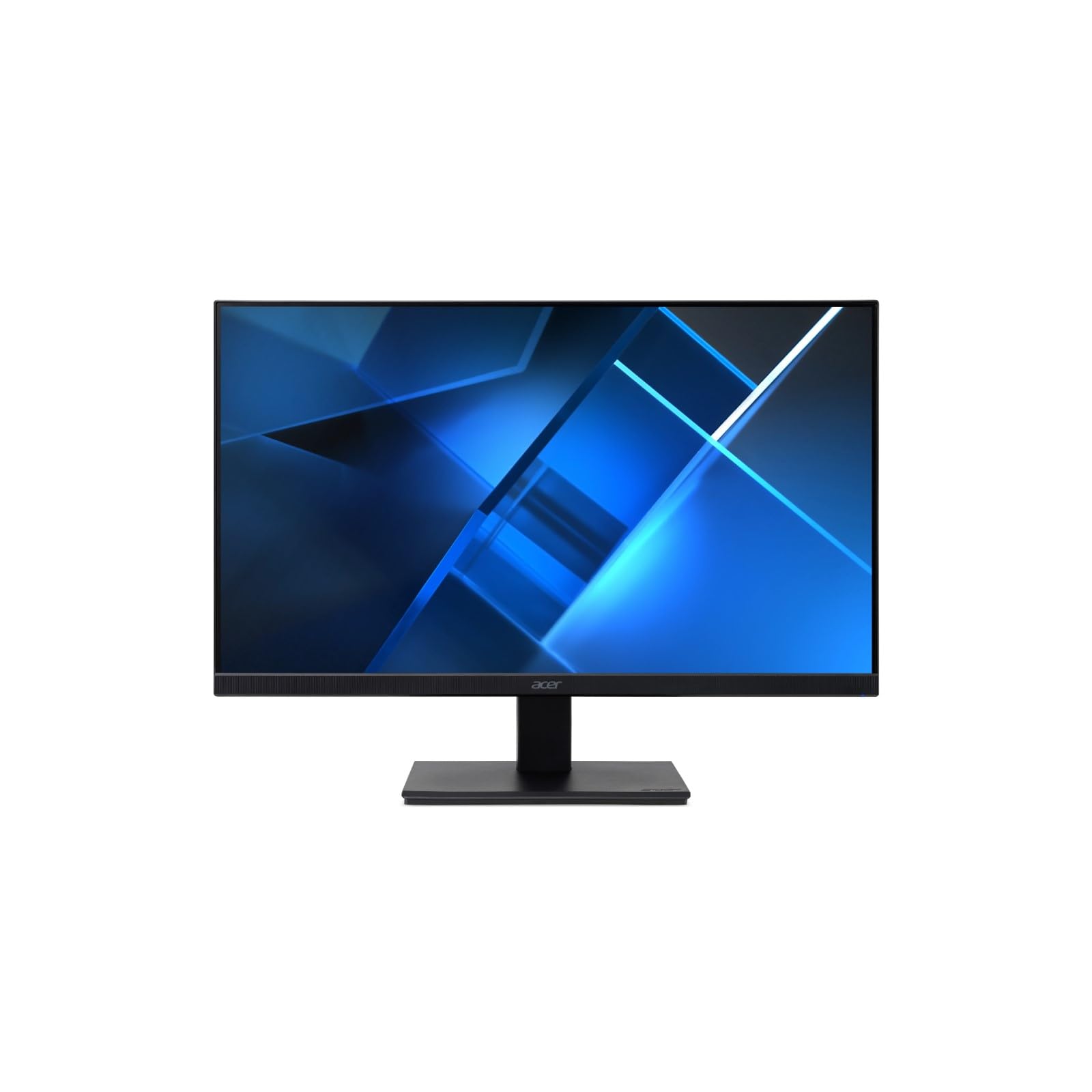
Acer V Epeat Silver White Led Backlight Lcd 27'' Ag Ips 1920 X 1080, Epeat Silver, Tco Certified, Black|164.99|0|None|None|
⚠️ WARNING (California Proposition 65): This product may contain chemicals known to the State of California to cause cancer, birth defects, or other reproductive harm. For more information, please visit www.P65Warnings.ca.gov.
Frequently Asked Questions
Q: What is the screen size of the acer Vero V7 V277 E Monitor?A: The screen size is twenty-seven inches. This size provides a lively viewing experience ideal for movies and gaming.
Q: What is the resolution of the acer Vero V7 V277 E Monitor?A: The maximum resolution is one thousand nine hundred twenty by one thousand eighty pixels. This Full HD resolution ensures crisp and clear visuals.
Q: What are the dimensions of the acer Vero V7 V277 E Monitor?A: The dimensions are seventeen point nine inches in height, twenty-four point one inches in width, and two point six inches in depth. This compact design fits well on most desks.
Q: What is the response time of the acer Vero V7 V277 E Monitor?A: The response time is four milliseconds. This fast response reduces ghosting and blurring during fast-moving scenes.
Q: What color is the acer Vero V7 V277 E Monitor?A: The monitor is black. This classic color complements various setups and environments.
Q: What technology does the acer Vero V7 V277 E Monitor use for brightness?A: It uses LED backlight technology. This technology enhances visual brilliance while maintaining energy efficiency.
Q: How do I adjust the viewing angle of the acer Vero V7 V277 E Monitor?A: You can adjust the monitor to find the perfect viewing angle. Its sturdy yet flexible design allows for comfortable positioning.
Q: Is the acer Vero V7 V277 E Monitor suitable for gaming?A: Yes, it is suitable for gaming. The monitor features a four milliseconds response time and a hundred Hertz refresh rate, minimizing lag.
Q: Can I use the acer Vero V7 V277 E Monitor for office work?A: Yes, it is great for office work. The widescreen resolution enhances productivity by providing ample screen space.
Q: How do I clean the acer Vero V7 V277 E Monitor?A: Use a soft, dry cloth to clean the monitor. Avoid using harsh chemicals that could damage the screen.
Q: What is the warranty for the acer Vero V7 V277 E Monitor?A: The warranty details may vary by retailer. It's best to check with the seller for specific warranty information.
Q: Is there a risk of screen burn on the acer Vero V7 V277 E Monitor?A: No, the monitor is designed with reduced screen burning. This feature ensures maximum efficiency and longevity.
Q: What ports are available on the acer Vero V7 V277 E Monitor?A: The monitor includes an HDMI port. This allows for easy connectivity to various devices for sound and video.
Q: What is the brightness level of the acer Vero V7 V277 E Monitor?A: The brightness level is two hundred fifty nits. This level provides vibrant colors for an enhanced viewing experience.
Q: How do I set up the acer Vero V7 V277 E Monitor?A: Connect the monitor to a power source and your computer using an HDMI cable. Follow the on-screen instructions for calibration.