

Cart
0


(Ul Safety Certified Product) Charger Fit For Gateway Laptop 12V 2A (Fit For Gwtc116 2Bl,Gwtn156 11Bk,Saw30 120 2000U,Gwtc116
Vendor: Superer
Type: Battery Chargers
Sku: WBEEAB0BFQLR25B
Availability: In Stock
Couldn't load pickup availability
Guarantee safe checkout

Sold by Electroeshop, an authorized reseller.
Returns accepted within 30 days | support@electroeshop.com
Shipping Information
- Free Standard Shipping — United States only
- Processing Time: 1–3 business days
- Estimated Delivery: 3–5 business days after dispatch
- Double-boxed, fully insured & discreetly packaged
- Tracking number sent via email once dispatched
- Orders over $250 require signature upon delivery. Taxes calculated at checkout.
Returns & Refund
Returns accepted within 30 days of delivery.
Damaged or Defective Item
Free return shipping + replacement or full refund
Wrong Item Received
Free return shipping + replacement or full refund
Change of Mind
Return shipping at customer's expense · 25% restocking fee applies
All returns require a Return Authorization (RA) number before sending.
View Full Return & Refund Policy
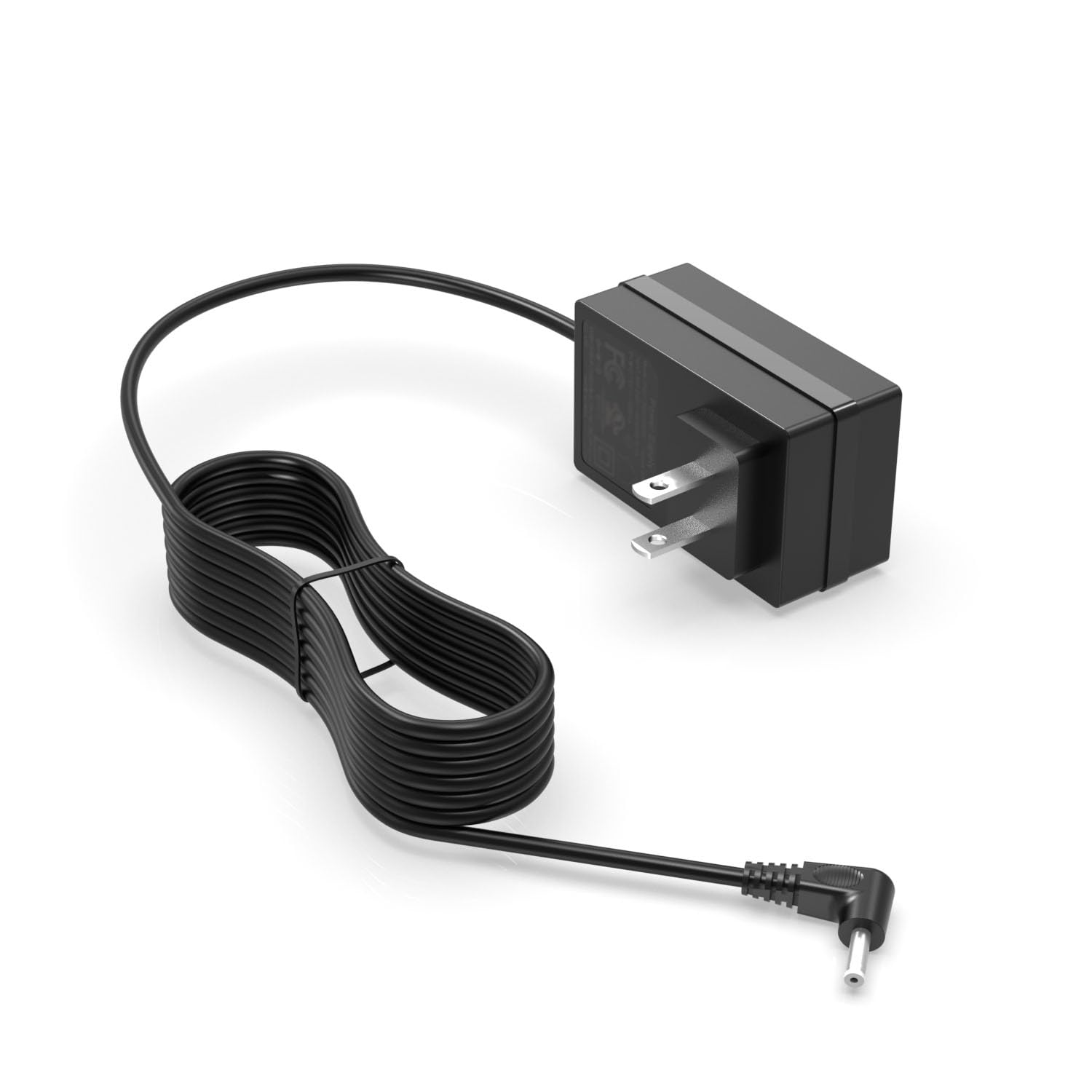
(Ul Safety Certified Product) Charger Fit For Gateway Laptop 12V 2A (Fit For Gwtc116 2Bl,Gwtn156 11Bk,Saw30 120 2000U,Gwtc116
$24.68

Frequently Asked Questions
- Q: What is the voltage and current rating of this charger? A: The charger has a voltage rating of twelve volts and a current rating of two amps. This makes it suitable for devices that require this specific power input.
- Q: What devices is this charger compatible with? A: This charger is compatible with various Gateway laptop models including GWNC21524, GWTC116, GWTN116, GWTN133, and GWTN141. It is designed to fit multiple models, ensuring versatility.
- Q: What is the model number of this AC charger? A: The model number of this AC charger is RSF-DY080A-1202000US. This identifier can help you ensure compatibility with your device.
- Q: How do I use this AC charger? A: To use the AC charger, simply plug it into a standard wall outlet and connect it to your compatible laptop. Ensure the connection is secure for optimal charging.
- Q: Is this charger suitable for Gateway laptops? A: Yes, this charger is specifically designed for various Gateway laptop models. It provides the necessary power for safe and efficient charging.
- Q: Can I use this charger with my non-Gateway laptop? A: No, this charger is optimized for Gateway laptops only. Using it with non-Gateway devices may not provide the correct voltage or current.
- Q: How do I keep this charger in good condition? A: To maintain this charger, avoid exposing it to extreme temperatures and keep it dry. Store it in a cool, dry place when not in use to prolong its lifespan.
- Q: What should I do if the charger stops working? A: If the charger stops working, first check all connections to ensure they are secure. If issues persist, consider contacting customer support for troubleshooting or a replacement.
- Q: Is there a warranty for this AC charger? A: Yes, this AC charger typically comes with a warranty. Check the packaging or product details for specific terms and duration of the warranty.
- Q: Can this charger be used with international voltage? A: No, this charger is designed for a voltage of twelve volts and may not be compatible with international voltage standards. Always check compatibility before use abroad.
- Q: How do I know if my device is charging with this adapter? A: You can tell if your device is charging by looking for a charging indicator on your laptop. If the light is on, it is receiving power.
- Q: What is the length of the power cord for this charger? A: The length of the power cord for this charger is typically around six feet. This length allows for flexible placement near power outlets.
- Q: Is this charger safe to use with my laptop? A: Yes, this charger is designed to meet safety standards for charging Gateway laptops. Always use the charger as recommended to ensure safety.
- Q: What should I do if the charger gets damaged? A: If the charger is damaged, stop using it immediately to prevent potential hazards. Contact the manufacturer for advice on repair or replacement.
- Q: Can I charge my laptop while using it? A: Yes, you can charge your laptop while using it. The charger is designed to provide power while allowing you to use your device simultaneously.