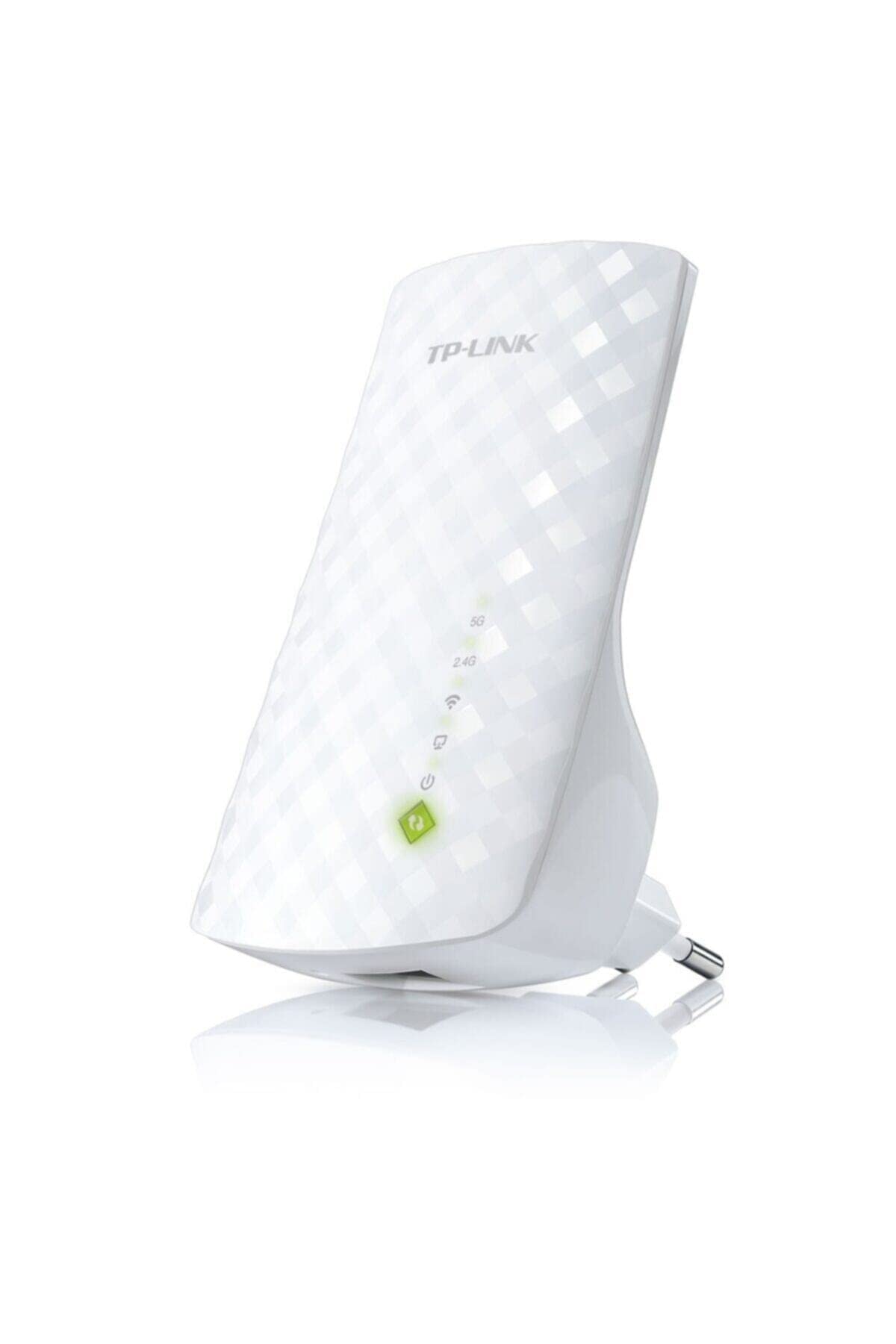
Destaques:- Fortalece O Sinal Wi-Fi Para Reas Previamente Inalcan Veis Ou Dif Ceis De Se Cabear Com Perfeio- Compat Vel Com As Tecnologias Anteriores De Dispositivos Wi-Fi De 802.11 B/G/N E 802.11Ac- Velocidade Dual Band Em At 750Mbps- Tamanho Compacto E Design Adequado Para Paredes Tornam Seu Posicionamento Flex Vel E Discreto- Porta Ethernet Permite O Extensor Funcionar Como Um Adaptador Wireless Para Conectar Dispositivos Cabeadosaumente A Cobertura Do Seu Roteador E Transforme-A Em Wi-Fi Dual Bando Re200 Expande Sua Cobertura Wi-Fi J Existente Com A Nova Gerao De Tecnologia Wi-Fi 11Ac. Ele Funciona Com Qualquer Padro De Roteador Wi-Fi Al M De Criar Conexes Dual Band Em Reas Dif Ceis De Se Alcanar, Proporcionando Uma Cobertura Wireless Sem Impedimentos Por Toda Sua Residncia Ou Escrit Rio.Wireless 11Ac - A Nova Gerao Do Wi-Fitenha Acesso R Pido Aos Dispositivos Wi-Fi 802.11 B/G/N E 802.11Ac. O Re200 Oferece Alta Velocidade Wi-Fi Dual Band Em At 750Mbps E Conexes Confi Veis Para Notebooks, Smartphones, Tablets E Outros Dipositivos Habilitados Com O Servio Wireless.*As Velocidades Do Wi-Fi Podem Variar Devido Aos Ambientes Diferentes Dos Usu Rios.Curta A Tecnologia Wi-Fi De Alta Velocidadecom A Tecnologia De Alta Velocidade, O Re200 Faz O Melhor Uso Das Duas Bandas Para Estabelecer Uma Super Conexo - Ideal Para Streaming De V Deos Em Hd, Jogos Online E Outras Tarefas Com Controle De Banda Exigente.*Em Modo De Alta Velocidade, O Re200 Oferece M Ximo Desempenho Embora Sua Conexo Torna-Se Limitada Para Uma Banda (2.4Ghz Ou 5Ghz).F Cil Configurao E Posicionamento Flex Velbasta Pressionar O Boto Wps Do Seu Roteador E Do Extensor De Alcance Re200 Em At 2 Minutos Para Facilmente Conect -Lo Rede. Uma Vez Conectado Ao Roteador J Existente, Voc Pode Plugar E Desplugar O Re200 Em Diferentes Tomadas Da S...
⚠️ WARNING (California Proposition 65): This product may contain chemicals known to the State of California to cause cancer, birth defects, or other reproductive harm. For more information, please visit www.P65Warnings.ca.gov.
Frequently Asked Questions
Q: What are the dimensions of the TP-Link RE200 range extender?A: The TP-Link RE200 measures two point six inches in length, two point ninety-five inches in width, and four point thirty-three inches in height. These compact dimensions make it easy to install in various locations.
Q: What is the maximum speed of the TP-Link RE200?A: The TP-Link RE200 supports a maximum speed of seven hundred fifty megabits per second. This dual-band capability enhances your internet experience for activities like streaming and gaming.
Q: Is the TP-Link RE200 compatible with all routers?A: Yes, the TP-Link RE200 is compatible with any Wi-Fi router or wireless access point. It works seamlessly with both older and newer Wi-Fi standards including 802.11 b/g/n and 802.11ac.
Q: How do I set up the TP-Link RE200?A: To set up the TP-Link RE200, plug it into a power outlet and connect it to your Wi-Fi network using the TP-Link Tether app or web interface. Follow the on-screen instructions for a quick installation.
Q: Can I use the TP-Link RE200 for gaming?A: Yes, the TP-Link RE200 is ideal for online gaming. It provides stable connections on both the 2.4 GHz and 5 GHz bands, ensuring a smooth gaming experience.
Q: Is the TP-Link RE200 suitable for large homes?A: Yes, the TP-Link RE200 extends your Wi-Fi coverage up to one hundred eighty-five square meters. This makes it a great choice for larger homes that need better wireless connectivity.
Q: How do I maintain the TP-Link RE200?A: To maintain your TP-Link RE200, ensure it is placed in a well-ventilated area to prevent overheating. Regularly check for firmware updates to enhance performance and security.
Q: Does the TP-Link RE200 consume a lot of power?A: No, the TP-Link RE200 has a power consumption of about six point five watts. This is relatively low, making it energy-efficient for continuous use.
Q: Can I use the TP-Link RE200 outdoors?A: No, the TP-Link RE200 is designed for indoor use only. It should be installed in a dry area to prevent damage from moisture.
Q: What if the TP-Link RE200 doesn’t connect to my router?A: If the TP-Link RE200 doesn’t connect to your router, ensure that you are within range of the Wi-Fi signal. You may also try resetting the extender and reconfiguring the settings.
Q: Is there a warranty for the TP-Link RE200?A: Yes, the TP-Link RE200 comes with a one-year warranty. This provides peace of mind in case of any manufacturing defects or issues.
Q: How does the TP-Link RE200 compare to other range extenders?A: The TP-Link RE200 offers a balanced performance with its dual-band capability and a maximum speed of seven hundred fifty megabits per second. It is particularly suitable for users needing reliable connections for streaming and gaming.
Q: Is the TP-Link RE200 easy to install for beginners?A: Yes, the TP-Link RE200 is designed for easy installation. The intuitive app and straightforward instructions make it accessible even for those new to technology.
Q: What security features does the TP-Link RE200 have?A: The TP-Link RE200 supports WPA/WPA2 encryption, ensuring your network remains secure from unauthorized access. This is important for maintaining a safe online environment.
Q: Can I use multiple TP-Link RE200s in my home?A: Yes, you can use multiple TP-Link RE200s in your home to further extend Wi-Fi coverage. Make sure they are placed strategically to maximize signal strength.