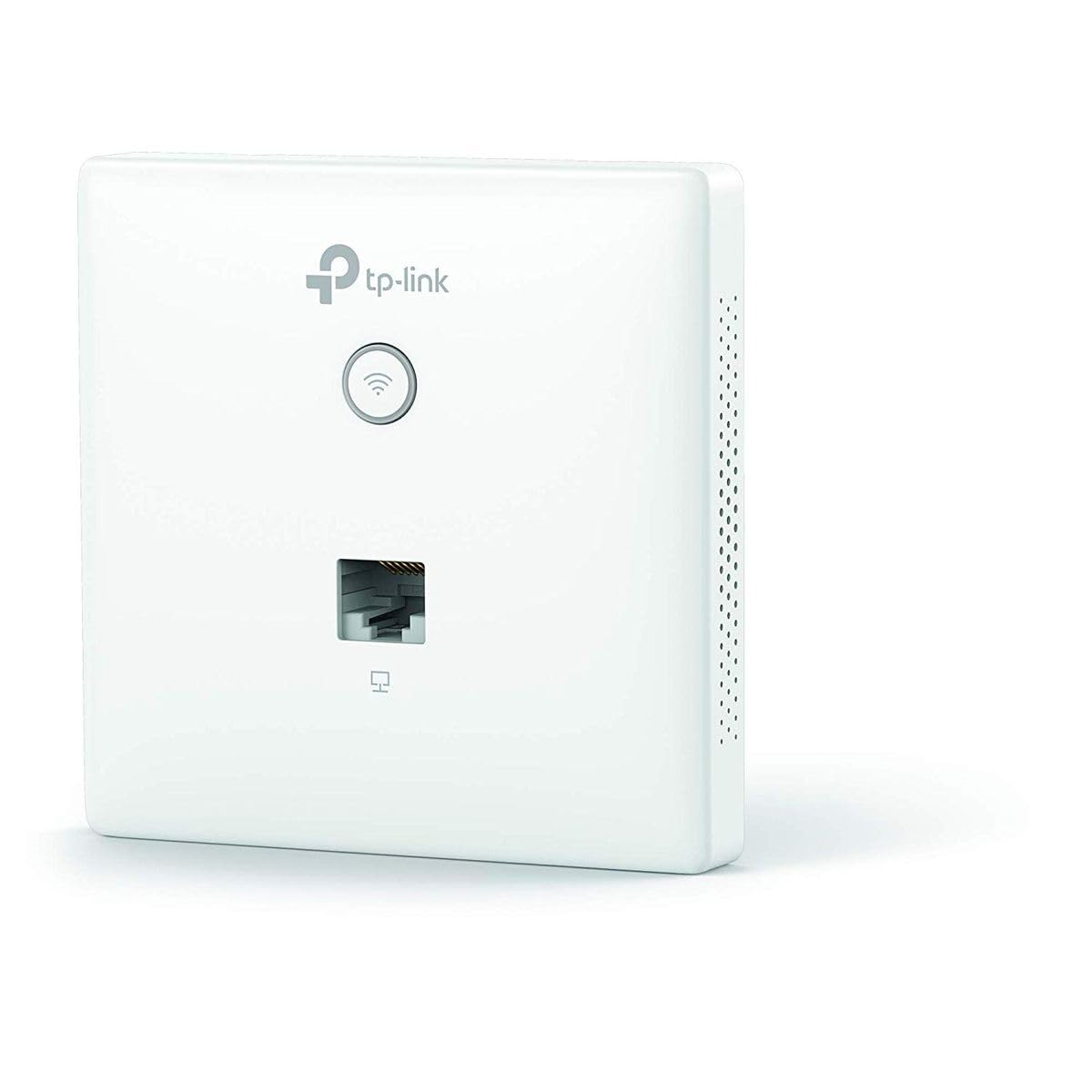
Wireless Access Point N 300Mbps Wall Eap115-Wall - Easy Assembly That Allows Installation In Any Standard Eu-Type Wall Box - Compact, Low Profile Design That Discreetly Adapts To Any Existing Interior Style - Free Auranet Software Driver Allows Administrators To Easily Manage Hundreds Of Eaps - Supports Poe Power (802.3Af) For A Reasonable And Practical Installation - Enterprise-Class Wi-Fi Security Helps Reduce Network Security Threats - The Captive Portal Provides The Most Appropriate Authentication Method For Wi-Fi Clients - Supports Vlan Management For Improved Network Management Brand Tp Link Model Eap115-Wall Characteristics Hardware Features - Interface: 2 Ports 10 / 100Mbps Ethernet (Rj-45) - Buttons: Led / Wi-Fi Button, Reset - Power Supply: Poe (Ieee 802.3Af) - Power Consumption: 2.8 W - Dimensions: 86.8 * 86.8 * 30.2 Mm (3.4 X 3.4 X 1.2 In) - Antenna Type: 2 1.8Dbi Omnidirectional Internal Antennas - Assembly: Mounting The Wall Plate - Watch Dog: Yes Software Features - Wireless Standards: Ieee 802.11N / G / B / A - Frequency: 2.4Ghz - Signal Rate: 11N: Up To 300Mbps (Dynamic) 11G: Up To 54Mbps (Dynamic) 11B: Up To 11Mbps (Dynamic) - Transmission Power: Ce:
⚠️ WARNING (California Proposition 65): This product may contain chemicals known to the State of California to cause cancer, birth defects, or other reproductive harm. For more information, please visit www.P65Warnings.ca.gov.
Frequently Asked Questions
Q: What are the dimensions of the TP-Link Omada EAP115-Wall?A: The dimensions are three point four three inches by three point four three inches by one point one nine inches. This compact size allows for discreet wall mounting.
Q: What color is the TP-Link Omada EAP115-Wall?A: The color is white. This neutral color fits well with various interior styles.
Q: What type of material is the TP-Link Omada EAP115-Wall made from?A: The specific material is not disclosed. However, it is designed for durability and long-term use.
Q: How do I install the TP-Link Omada EAP115-Wall?A: Installation is simple due to its easy-mount construction. It fits into any standard EU-type data wall box.
Q: Does the TP-Link Omada EAP115-Wall support Power over Ethernet?A: Yes, it supports Power over Ethernet, specifically the eight hundred two point three af standard. This feature allows for convenient installation.
Q: Can I use the TP-Link Omada EAP115-Wall for guest Wi-Fi access?A: Yes, it features a captive portal for guest authentication. This makes it easy to manage Wi-Fi access for visitors.
Q: How do I clean the TP-Link Omada EAP115-Wall?A: To clean, use a soft, damp cloth. Avoid using harsh chemicals that could damage the surface.
Q: What are the security features of the TP-Link Omada EAP115-Wall?A: It includes enterprise-class Wi-Fi security. This helps to minimize network security threats.
Q: Is the TP-Link Omada EAP115-Wall suitable for indoor use?A: Yes, it is designed for indoor use, fitting seamlessly into various interior environments.
Q: What is the warranty period for the TP-Link Omada EAP115-Wall?A: The warranty period typically lasts one year. Please check with the retailer for specific details.
Q: What should I do if the TP-Link Omada EAP115-Wall arrives damaged?A: You should contact the retailer immediately for a replacement or return. Most retailers have customer support for such issues.
Q: How many Ethernet ports does the TP-Link Omada EAP115-Wall have?A: It has two Ethernet ports, both supporting ten by one hundred Mbps speeds.
Q: Can I manage multiple TP-Link Omada EAP115-Wall devices?A: Yes, the free EAP Controller Software allows management of hundreds of EAPs. This is ideal for larger installations.
Q: Is the TP-Link Omada EAP115-Wall easy to set up?A: Yes, it is designed for straightforward installation and setup. Users can quickly get it operational.
Q: Does the TP-Link Omada EAP115-Wall have a low-profile design?A: Yes, it features a compact, low-profile design. This makes it discreet and aesthetically pleasing in any environment.