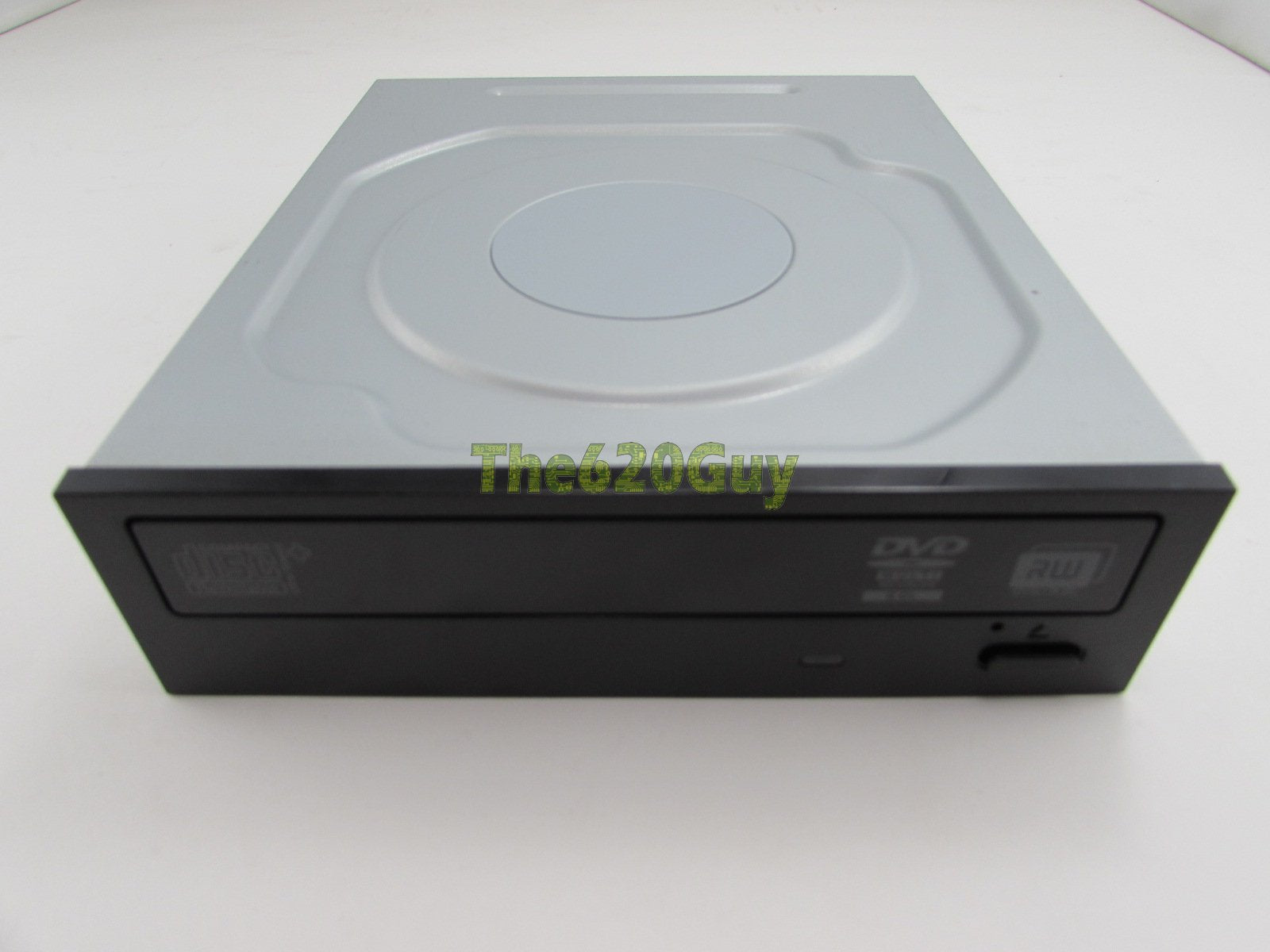
Condition Note: Used Hp Dvdrw Dl Sata Internal Optical Drive Model: Dh-16Absh (Dh-16Absh-Ht2) Hp Spare: 660408-001 Hp P/N: 575781-800
⚠️ WARNING (California Proposition 65): This product may contain chemicals known to the State of California to cause cancer, birth defects, or other reproductive harm. For more information, please visit www.P65Warnings.ca.gov.
Frequently Asked Questions
Q: What is the model of this DVD writer?A: The model of this DVD writer is DH-16ABSH. It is a product from HP designed for internal optical drive use.
Q: What type of drive is the HP 660408-001?A: The HP 660408-001 is a DVD±RW DL SATA Internal Optical Drive. It supports both DVD and CD formats for versatility.
Q: What is the color of the HP 660408-001?A: The color of the HP 660408-001 is black. This sleek design fits well with most computer setups.
Q: Is this drive compatible with SATA interfaces?A: Yes, this drive is compatible with SATA interfaces. It ensures fast data transfer rates for efficient use.
Q: What are the key features of the HP DH-16ABSH?A: Key features include DVD±RW DL capability, SATA interface, and HP Spare part number 660408-001. It provides reliable performance for reading and writing discs.
Q: How do I install the HP 660408-001 drive?A: To install the HP 660408-001 drive, open your computer case, connect the SATA and power cables, and secure the drive in place. Ensure your computer is powered off during installation.
Q: Can this drive read and write dual-layer DVDs?A: Yes, this drive can read and write dual-layer DVDs. This feature allows for greater storage capacity on a single disc.
Q: Is the HP 660408-001 suitable for gaming consoles?A: No, the HP 660408-001 is designed for internal computer use only. It is not compatible with gaming consoles.
Q: What should I do if the drive doesn't read discs?A: If the drive doesn't read discs, first check the connections. Ensure the SATA and power cables are securely connected. If issues persist, consult the user manual for troubleshooting.
Q: Does this product come with a warranty?A: Warranty details may vary, but typically refurbished products like this one have limited warranties. Check with the seller for specific warranty information.
Q: How do I clean the HP DVD writer?A: To clean the HP DVD writer, use a soft, lint-free cloth to wipe the exterior. Avoid using liquid cleaners directly on the drive.
Q: Can I use this drive to burn CDs?A: Yes, you can use this drive to burn CDs. It supports various formats including CD-R and CD-RW.
Q: What is the HP part number for this drive?A: The HP part number for this drive is 575781-800. This number is useful for identifying compatible parts.
Q: Is the HP 660408-001 easy to install?A: Yes, the HP 660408-001 is designed for easy installation. Most users can complete the installation process in a few simple steps.
Q: What type of discs does the HP DH-16ABSH support?A: The HP DH-16ABSH supports various disc types including DVD±R, DVD±RW, DVD±R DL, and CD-R/RW. This versatility makes it suitable for many applications.