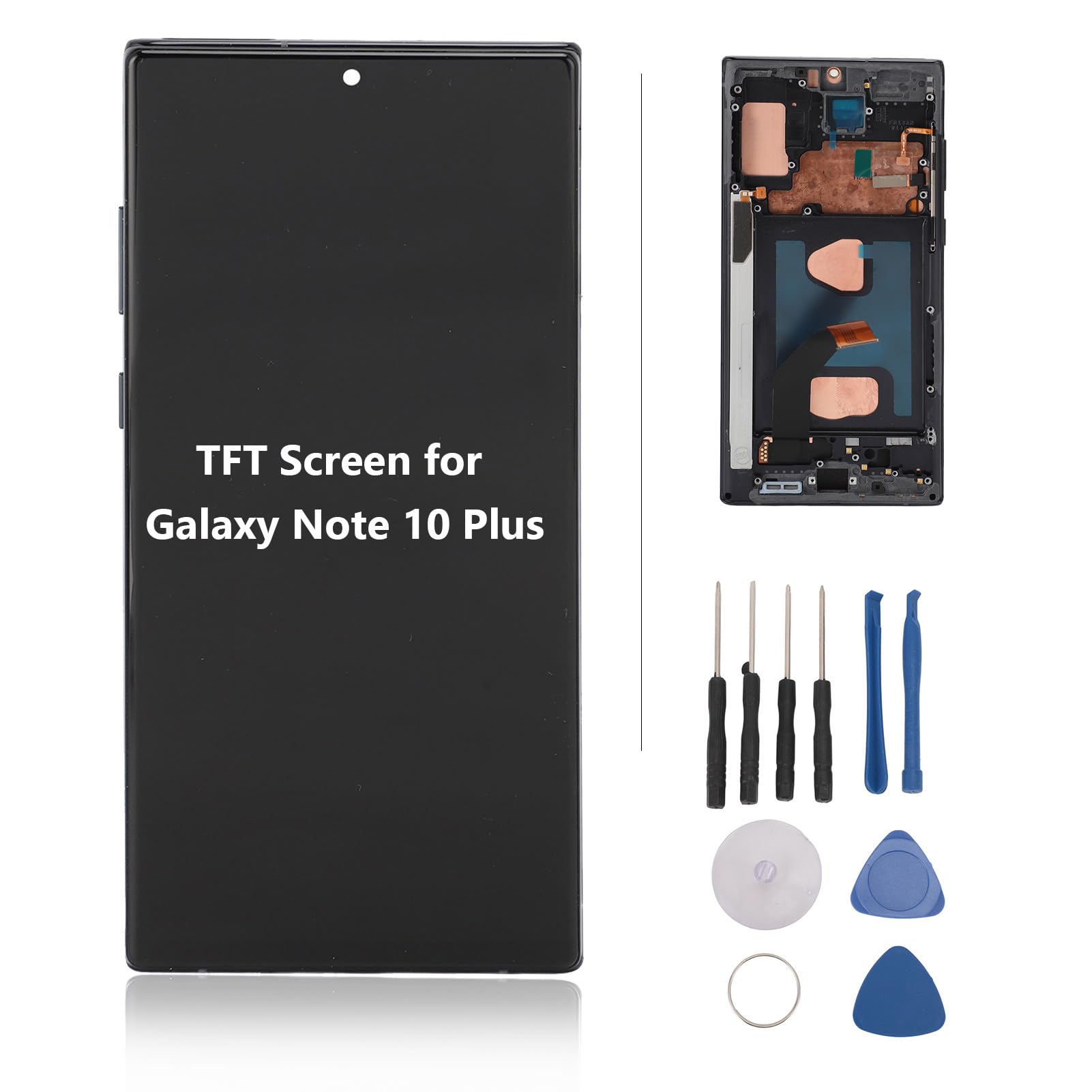
Spec:Item Type: Lcd Phone Screen Replacementmaterial: Tftweight: Approx. 117G/4.1Ozapplication: Suitable For Galaxy Note 10 Pluspacking List:1 X Screen Assembly4 X Screwdriver2 X Pry Bar2 X Pick1 X Suction Cupnote:No Fingerprint Function
⚠️ WARNING (California Proposition 65): This product may contain chemicals known to the State of California to cause cancer, birth defects, or other reproductive harm. For more information, please visit www.P65Warnings.ca.gov.
Frequently Asked Questions
Q: What type of material is used for this screen replacement?A: This screen replacement is made of premium TFT material. TFT, or Thin Film Transistor, is known for its vibrant display and durability.
Q: What is the weight of the TFT screen replacement?A: The weight of the TFT screen replacement is approximately one hundred seventeen grams or four point one ounces. This lightweight design ensures easy handling during installation.
Q: Is the TFT screen replacement compatible with other models?A: No, this screen replacement is specifically designed for the Galaxy Note 10 Plus. It is not compatible with other phone models.
Q: How do I install the TFT screen replacement?A: To install the screen replacement, use the included professional repair tools. It is recommended to seek assistance from a professional technician for proper installation.
Q: Does the screen assembly come with installation tools?A: Yes, the screen assembly includes a total of four screwdrivers, two pry bars, two picks, and one suction cup. These tools facilitate the installation process.
Q: Is the screen replacement suitable for DIY projects?A: Yes, the screen replacement is suitable for DIY projects. However, professional installation is advised to avoid damage during the installation process.
Q: How should I store the TFT screen replacement before installation?A: Store the TFT screen replacement in a cool, dry place, away from direct sunlight. This helps prevent any damage before installation.
Q: Are there any safety precautions for using this replacement?A: Yes, ensure the phone is powered off before installation. Handle the screen carefully to avoid any static damage.
Q: How do I clean the TFT screen after installation?A: To clean the screen, use a soft, lint-free cloth. Avoid using harsh chemicals that may damage the TFT material.
Q: What if the screen arrives damaged?A: If the screen arrives damaged, contact the seller immediately for a replacement or return. Ensure to keep the original packaging for the return process.
Q: Is there a warranty for the TFT screen replacement?A: Yes, this product typically comes with a warranty. Check the seller's policy for specific warranty details.
Q: How can I troubleshoot installation issues?A: If you encounter issues, recheck the connections and ensure all screws are properly tightened. If problems persist, consult a professional technician.
Q: Can I return the screen replacement if I change my mind?A: Yes, most sellers have a return policy. Be sure to review the return policy before purchasing to understand the terms.
Q: What types of defects can this screen replacement fix?A: This screen replacement can fix defects such as cracked screens, incorrect display colors, pixel distortion, and touch failures.
Q: Will this screen replacement restore fingerprint functionality?A: No, this screen replacement does not support fingerprint functionality. It is designed solely for display and touch capabilities.
Q: Does the screen assembly come with a user manual?A: Yes, the screen assembly typically comes with installation instructions. Follow these guidelines for proper installation.