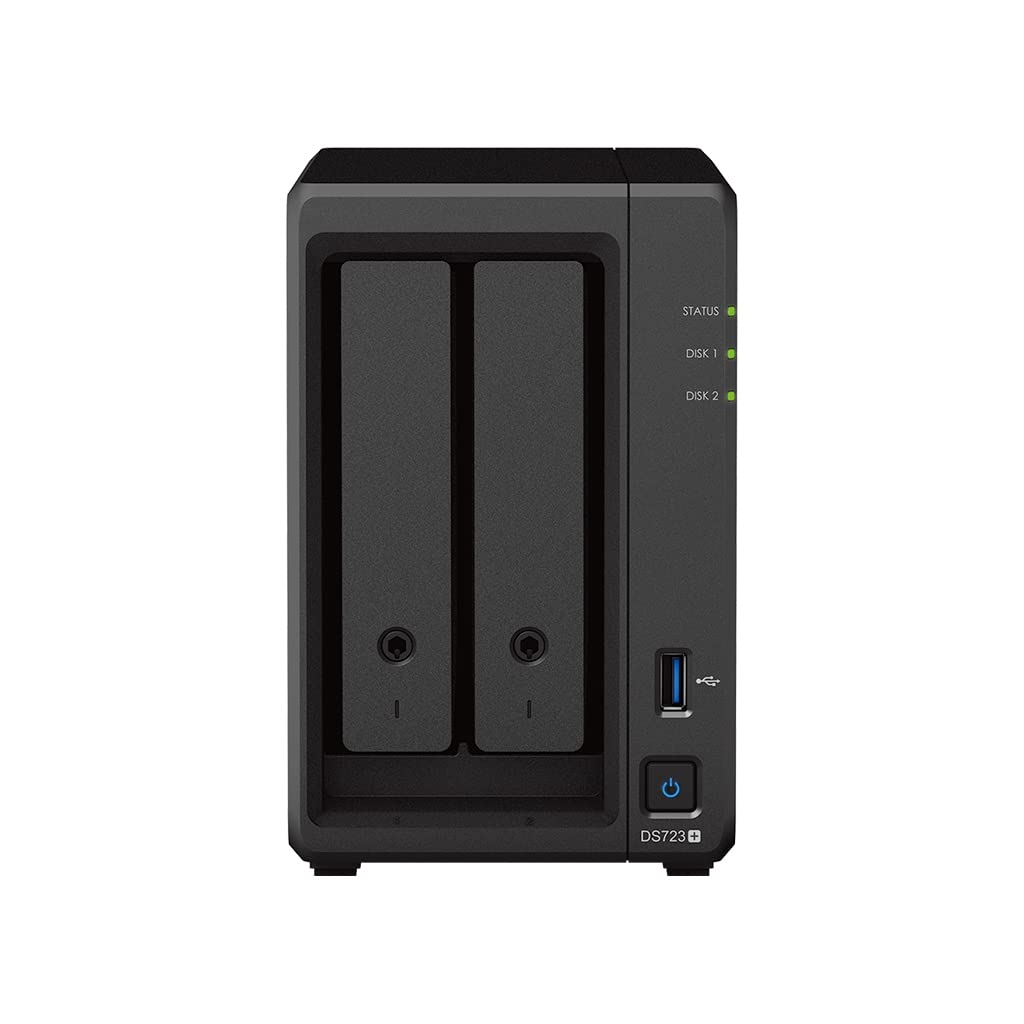
Make The Most Of High-Performance Networking And File Access Without Taking Up Unnecessary Space. Ds723+ Comes Equipped With 2 Bays And Can Scale Up To 7 Bays With The Dx517 Expansion Unit As Your Data Needs Grow. The Performance You Need Reduce Transfer Times With The Ds723+, Designed To Accelerate Your Workloads. Easily Add Faster Networking And Nvme Drives To Further Boost Performance. The Performance You Need Reduce Transfer Times With The Ds723+, Designed To Accelerate Your Workloads. Easily Add Faster Networking And Nvme Drives To Further Boost Performance.
⚠️ WARNING (California Proposition 65): This product may contain chemicals known to the State of California to cause cancer, birth defects, or other reproductive harm. For more information, please visit www.P65Warnings.ca.gov.
Frequently Asked Questions
Q: What are the dimensions of the Synology DS723+?A: The dimensions are eight point seventy-eight inches in length, four point seventeen inches in width, and six point fifty-four inches in height.
Q: What type of processor does the Synology DS723+ use?A: It uses an AMD Ryzen R1600 dual-core processor with four threads, providing efficient performance.
Q: How much memory does the Synology DS723+ have?A: The device is equipped with two gigabytes of DDR4 ECC RAM for reliable operation.
Q: What is the total storage capacity of the Synology DS723+ bundle?A: The total storage capacity is twelve terabytes, provided by two six terabyte WD Red Plus drives.
Q: How many bays does the Synology DS723+ have?A: The Synology DS723+ has two bays, expandable up to seven bays with the DX517 expansion unit.
Q: How do I set up the Synology DS723+?A: To set up the device, connect it to your network using the LAN ports, install the drives, and follow the setup wizard via the web interface.
Q: Is the Synology DS723+ suitable for home use?A: Yes, it is ideal for home use, providing high-performance networking and file access for personal and small business needs.
Q: Can I upgrade the RAM in the Synology DS723+?A: Yes, the RAM can be upgraded beyond the factory-installed two gigabytes, allowing for better performance under heavy loads.
Q: What is the best way to maintain the Synology DS723+?A: Regularly check for firmware updates, ensure proper ventilation, and monitor drive health to maintain optimal performance.
Q: Is the Synology DS723+ energy efficient?A: Yes, it is designed to be energy efficient, making it suitable for continuous operation without high power consumption.
Q: What warranty does the Synology DS723+ come with?A: The Synology DS723+ typically comes with a two-year limited warranty from the manufacturer.
Q: How do I troubleshoot issues with the Synology DS723+?A: For troubleshooting, refer to the user manual, check the network connections, and ensure that the drives are properly installed.
Q: What if my Synology DS723+ arrives damaged?A: If it arrives damaged, contact the retailer immediately to initiate a return or exchange process.
Q: Can I use the Synology DS723+ for media streaming?A: Yes, the DS723+ is capable of media streaming, supporting various file formats and streaming protocols.
Q: Does the Synology DS723+ support RAID configurations?A: Yes, it supports multiple RAID configurations to enhance data protection and performance.
Q: How much data can I expand to with the DX517 expansion unit?A: With the DX517 expansion unit, you can expand your storage capacity by adding up to five additional bays, increasing your total storage.