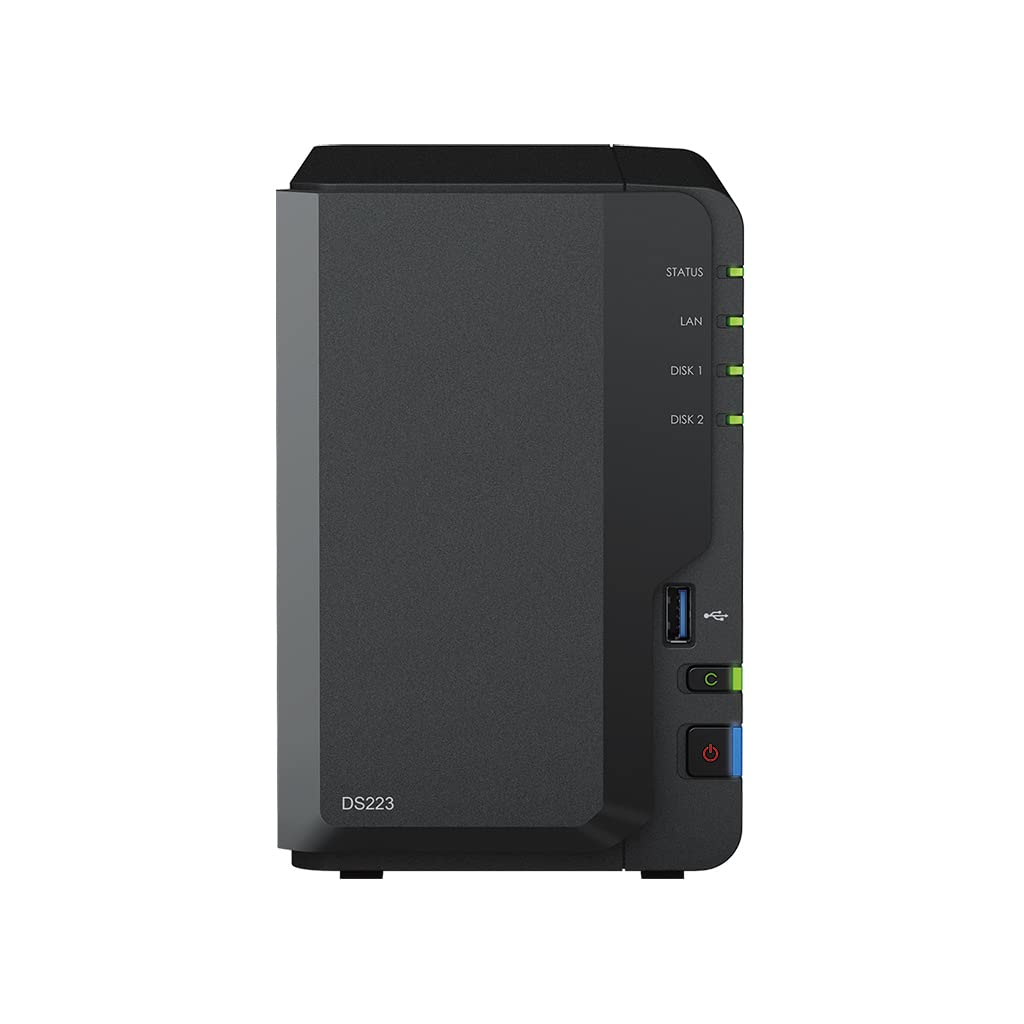
Get Your Data Under Control Consolidate Files From Various Sources Into Your Own Private Cloud. The Ds223 Keeps The Process Simple And Offers Everything You Need To Keep Your Data Safe And Organized. Private Cloud Made Easy Quickly And Easily Import Data From Pcs, Macs, And External Storage Devices, And Keep All Your Devices In Sync For Smoother File Management Access From Any Device Get To Your Files From Pc, Mac, Linux, Chromebook, Android, Ios, Or Any Device Equipped With A Browser. Keep Your Data Private Or Easily Share It Using Secure Links. Your Data Is In Safe Hands Not All Data Storage Is Created Equal. Synology Diskstation Manager (Dsm), The Operating System That Powers The Ds223, Leverages The Efficient Btrfs File System To Protect Your Data Against Data Corruption And Roll Back Any Accidental Or Malicious Changes Thanks To The Snapshot Technology. 1 Unit: Synology Ds223, 2Gb Ram, 1X Gb Lan, 2X 6Tb Wd Red Plus Sata (Total 12Tb)
⚠️ WARNING (California Proposition 65): This product may contain chemicals known to the State of California to cause cancer, birth defects, or other reproductive harm. For more information, please visit www.P65Warnings.ca.gov.
Frequently Asked Questions
Q: What is the storage capacity of the Synology DS223?A: The storage capacity is twelve terabytes, consisting of two six terabyte WD Red Plus drives.
Q: What are the dimensions of the Synology DS223?A: The dimensions are nine point seventeen inches in length, four point twenty-five inches in width, and six point five inches in height.
Q: What type of RAM does the Synology DS223 have?A: The Synology DS223 is equipped with two gigabytes of DDR4 non-ECC RAM.
Q: How do I access my files on the Synology DS223?A: You can access your files from any device with a browser, including PC, Mac, Linux, Chromebook, Android, and iOS.
Q: Can I use the Synology DS223 for file sharing?A: Yes, you can easily share files using secure links provided by the Synology DiskStation Manager.
Q: Is the Synology DS223 suitable for home use?A: Yes, the Synology DS223 is designed for home and small office environments, making data management simple.
Q: How do I keep my Synology DS223 in good condition?A: To maintain your Synology DS223, ensure it is placed in a well-ventilated area and regularly update the firmware.
Q: What is the warranty period for the Synology DS223?A: The warranty period for the Synology DS223 is typically two years, but this may vary by retailer.
Q: Can I expand the storage on the Synology DS223?A: No, the Synology DS223 has a fixed two-bay design, limited to the drives installed.
Q: What should I do if my Synology DS223 does not power on?A: If it does not power on, check the power cable and try a different outlet; if the issue persists, contact support.
Q: Is the Synology DS223 compatible with third-party apps?A: Yes, the Synology DS223 supports a variety of third-party applications through its DiskStation Manager ecosystem.
Q: Does the Synology DS223 support RAID configurations?A: Yes, the Synology DS223 supports various RAID configurations, including RAID 0 and RAID 1 for data redundancy.
Q: What file systems does the Synology DS223 use?A: The Synology DS223 utilizes the Btrfs file system, which enhances data protection and management.
Q: Can the Synology DS223 be used for media streaming?A: Yes, the Synology DS223 can stream media to compatible devices, making it ideal for home entertainment.
Q: How do I reset the Synology DS223 to factory settings?A: To reset it, press and hold the reset button on the back for approximately four seconds until you hear a beep.