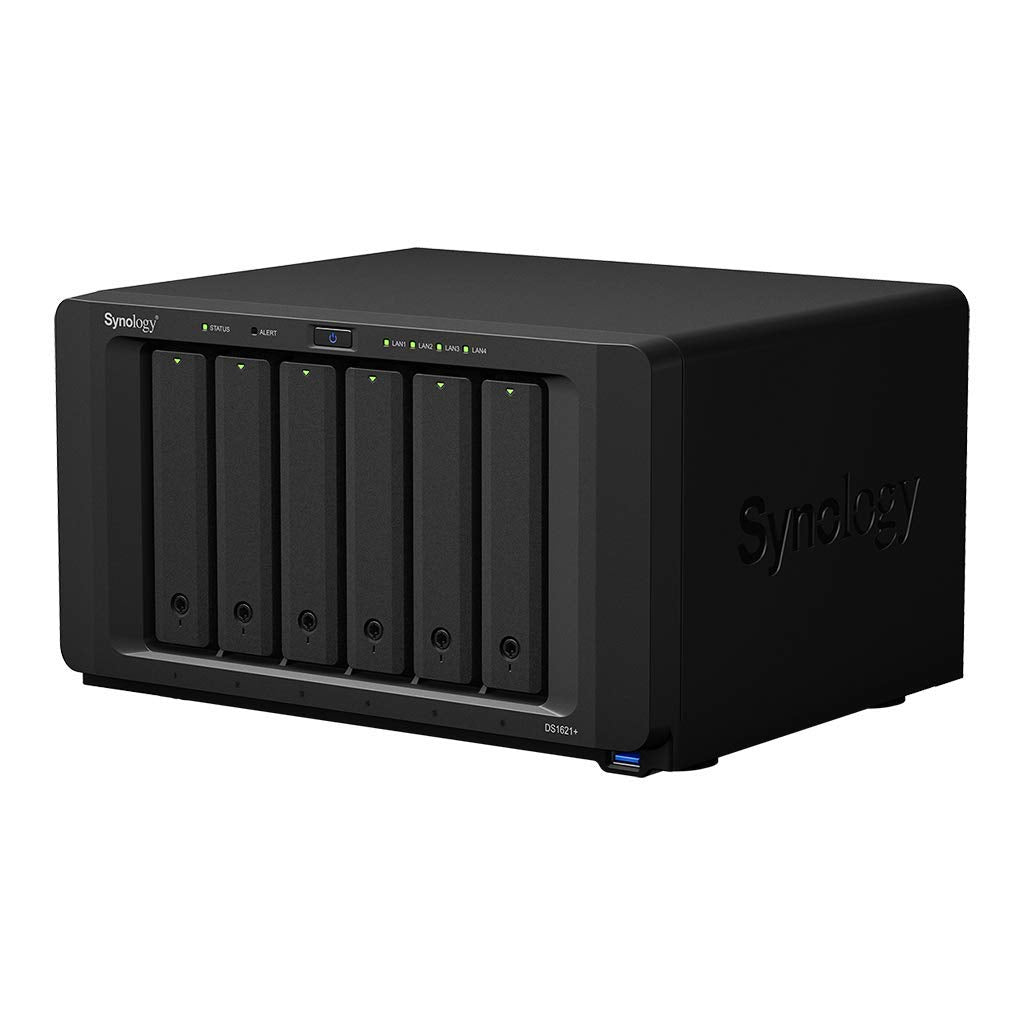
Synology Ds1621+ Is A Powerful And Compact 6-Bay Network Attached Storage Solution Designed To Store And Protect Critical Data Assets. Todays Growing Amount Of Unstructured Data Requires Smarter And Increasingly Higher Performance Methods Of Storing, Accessing, And Collaborating. Designed For Scalability, The Ds1621+ Enables You To Start Small, Then Expand As Your Data Grows.
⚠️ WARNING (California Proposition 65): This product may contain chemicals known to the State of California to cause cancer, birth defects, or other reproductive harm. For more information, please visit www.P65Warnings.ca.gov.
Frequently Asked Questions
Q: What is the storage capacity of the Synology DiskStation DS1621+?A: The storage capacity is twenty-four terabytes. This is achieved with six four-terabyte WD Red Plus drives, providing ample space for your data.
Q: What are the dimensions of the Synology DiskStation DS1621+?A: The dimensions are nine point five seven inches in length, eleven point one inches in width, and six point five four inches in height. This compact size makes it suitable for various setups.
Q: What type of CPU does the Synology DiskStation DS1621+ have?A: It features an AMD Ryzen quad-core two point two gigahertz CPU. This powerful processor ensures efficient performance for data handling.
Q: How much memory does the Synology DiskStation DS1621+ come with?A: It comes with four gigabytes of memory. This is adequate for smooth operation and file management tasks.
Q: What connectivity options are available on the Synology DiskStation DS1621+?A: It includes four gigabit LAN ports. This allows for high-speed network connections and efficient data transfer.
Q: How do I set up the Synology DiskStation DS1621+?A: To set it up, connect it to your network and power it on. Follow the on-screen instructions using the Synology Assistant software for configuration.
Q: Can I expand the storage of the Synology DiskStation DS1621+?A: Yes, you can expand the storage. The device is designed for scalability, allowing you to add more drives as your data needs grow.
Q: Is the Synology DiskStation DS1621+ suitable for home use?A: Yes, it's suitable for home use. Its compact design and powerful features make it ideal for personal data storage and backup.
Q: How do I backup data using the Synology DiskStation DS1621+?A: You can back up data using Synology's built-in backup solutions. It supports multiple backup methods, including cloud and local backups.
Q: What should I do to maintain the Synology DiskStation DS1621+?A: Regular software updates and monitoring drive health are essential. Ensure proper ventilation and keep it dust-free for optimal performance.
Q: Is the Synology DiskStation DS1621+ safe for storing sensitive data?A: Yes, it is safe for sensitive data. It offers advanced security features, including encryption options for data protection.
Q: What happens if the Synology DiskStation DS1621+ arrives damaged?A: If it arrives damaged, you should contact customer support immediately. They will assist you with the return or replacement process.
Q: Does the Synology DiskStation DS1621+ come with a warranty?A: Yes, it comes with a standard warranty. Check the manufacturer's warranty policy for specific details regarding coverage.
Q: Can I use the Synology DiskStation DS1621+ for media streaming?A: Yes, it is suitable for media streaming. You can use it to store and stream videos, music, and photos across your devices.
Q: What file management features are included with the Synology DiskStation DS1621+?A: It includes ultimate file management and sharing capabilities. You can easily organize, share, and access files from anywhere.