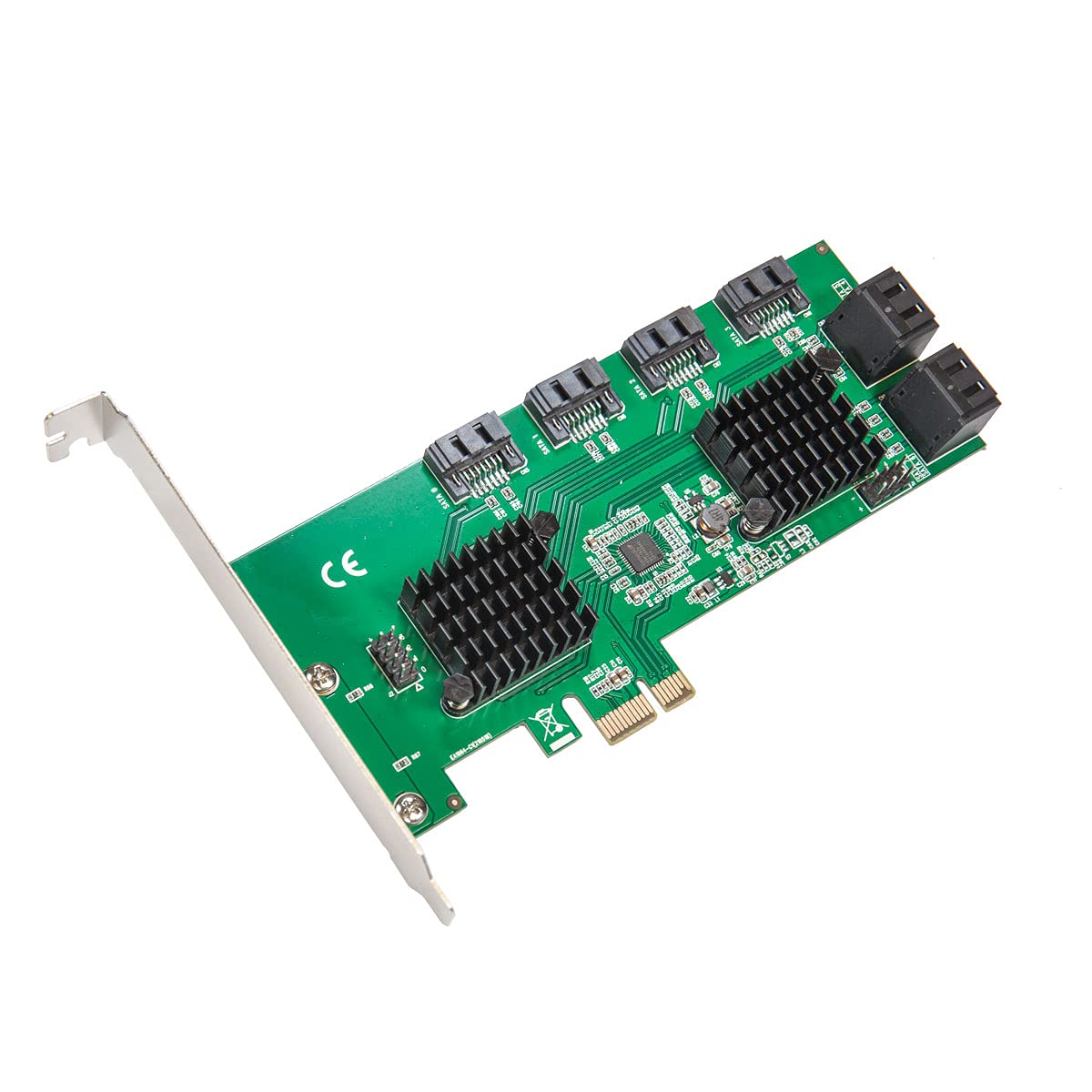
Supports 8 Port 6Gb/S Sata Iii Interface,Supports Port Multiplier,Supports Hot-Plug,Supports Drive Power Control And Staggered Spin-Up.Supports Sata Partial / Slumber Power Management State. Asm1064, A Sata Host Controller(Ahci) With Upstream Pcie Gen3 X1 And Downstream Four Sata Gen3 Ports. Its A Low Latency, Low Cost And Low Power Ahci Controller. With Four Sata Ports And Cascaded Port Multipliers, Asm1064 Can Enable Users To Build Up Various High Speed Io Systems, Including Server, High Capacity System Storage Or Surveillance Platforms.
⚠️ WARNING (California Proposition 65): This product may contain chemicals known to the State of California to cause cancer, birth defects, or other reproductive harm. For more information, please visit www.P65Warnings.ca.gov.
Frequently Asked Questions
Q: What are the dimensions of the Syba 8 Port SATA III Expansion Card?A: The dimensions are six inches long, four point seventy-six inches wide, and zero point seventy-five inches high.
Q: What type of interface does this expansion card use?A: It uses a PCIe Gen3 x1 interface, allowing for a maximum total bandwidth of eight gigabits per second.
Q: How many SATA ports does this card support?A: It supports eight SATA III ports, enabling extensive storage expansion for PCs, servers, and NAS systems.
Q: Is this expansion card suitable for AHCI boot use?A: Yes, the card is designed for AHCI boot use, offering up to six gigabits per second maximum speed per SATA port.
Q: What features support data management on this card?A: It supports port multiplier, hot-plug capability, drive power control, and staggered spin-up for improved data management.
Q: How do I install the Syba 8 Port SATA III Expansion Card?A: Simply insert the card into an available PCIe slot on your motherboard, secure it with screws, and connect your SATA drives.
Q: Can this card be used in low-profile cases?A: Yes, it comes with a low profile bracket, making it suitable for low-profile cases and compact systems.
Q: How do I manage power settings for connected drives?A: The card supports drive power control, allowing you to manage power settings for connected SATA drives effectively.
Q: What is the warranty period for this expansion card?A: The warranty period is typically one year from the date of purchase, but you should check with the retailer for specifics.
Q: Is it possible to hot-swap drives with this card?A: Yes, the card supports hot-swapping, allowing you to connect or disconnect drives without powering down your system.
Q: What should I do if the expansion card does not work after installation?A: Check that the card is seated correctly in the PCIe slot and ensure all necessary drivers are installed on your operating system.
Q: What if the card arrives damaged?A: If the card arrives damaged, you should contact the retailer for their return policy and to initiate a replacement.
Q: How do I keep the expansion card in good condition?A: Ensure the card is kept free from dust and debris, and avoid exposing it to moisture or extreme temperatures.
Q: Can I use this card with both Windows and Linux systems?A: Yes, it is compatible with both Windows and Linux operating systems, making it versatile for various setups.
Q: Is the Syba Expansion Card suitable for gaming applications?A: Yes, it can enhance gaming setups by providing additional storage options for games and other large files.
Q: Does this card support Native Command Queuing?A: Yes, it supports Native Command Queuing (NCQ), which optimizes the performance of SATA drives under heavy workloads.