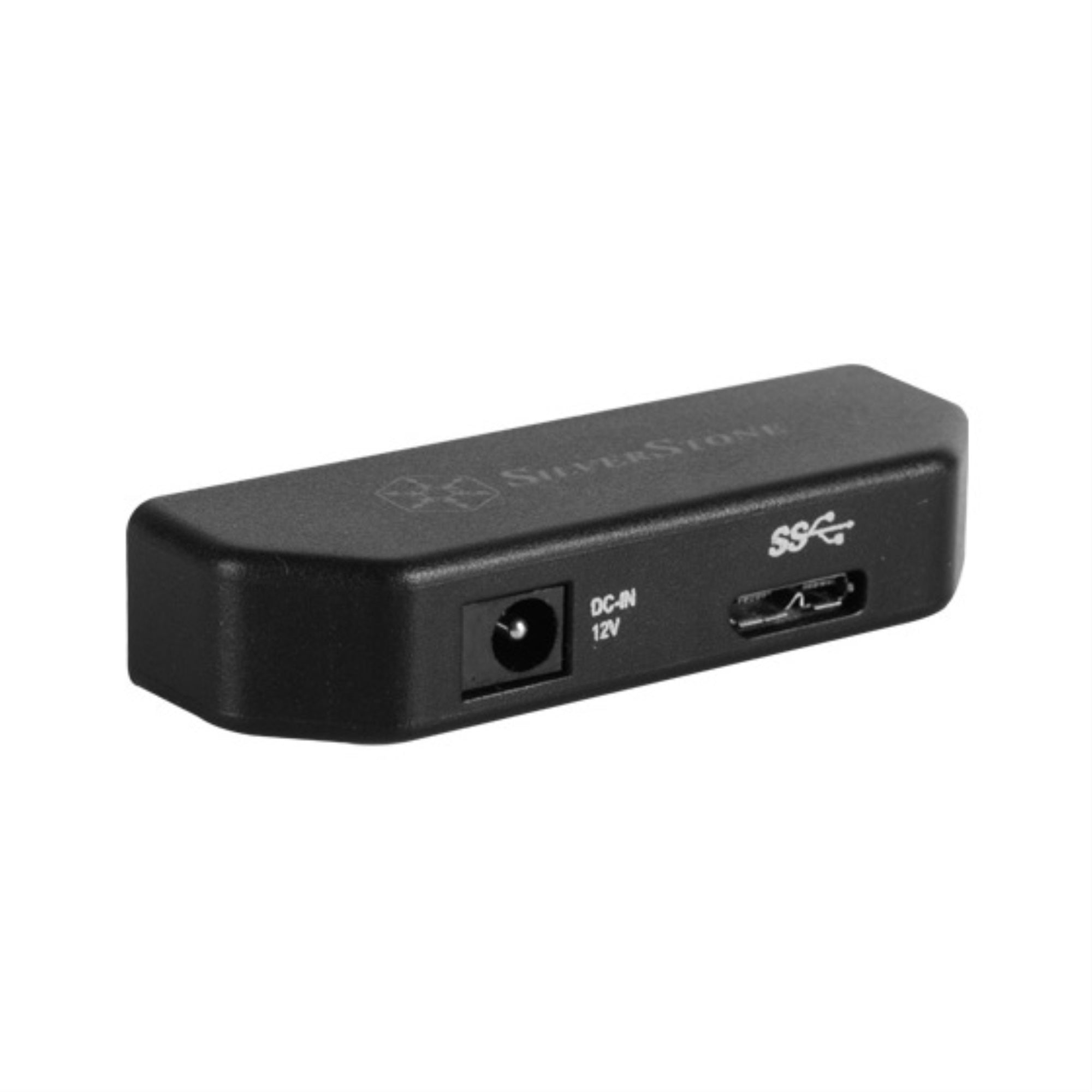
Silverstones Ep02 Is A Convenient Usb 3.0 To Sata Adapter That Easily Connects To 2.5 Hdd Or Sdd For Data Access. It Supports Usb 3.0S Maximum 5Gbps Transfer Speed To Ensure Maximum Data Transfer Speed While Being Very Compact For Easy Transport. If Used In Conjunction With Silverstones Ms07, A 2.5 Hdd/Ssd Silicone Enclosure, The User Will Have A Superb External Drive Enclosure That Is Easy To Use And Safe To Take On The Go.
⚠️ WARNING (California Proposition 65): This product may contain chemicals known to the State of California to cause cancer, birth defects, or other reproductive harm. For more information, please visit www.P65Warnings.ca.gov.
Frequently Asked Questions
Q: What are the dimensions of the Silverstone Tek USB 3.0 to SATA Adapter?A: The dimensions are six point five inches in length, three point five inches in width, and two inches in height. This compact size makes it easy to transport.
Q: What type of materials is the Silverstone Tek Adapter made from?A: The Silverstone Tek Adapter is made from high-quality plastic and metal components. However, specific material details are not disclosed.
Q: What is the maximum transfer speed of the Silverstone Tek Adapter?A: The maximum transfer speed is five gigabits per second. This allows for fast data access and transfer when connected to compatible devices.
Q: How do I use the Silverstone Tek USB to SATA Adapter?A: To use the adapter, simply connect it to a compatible two point five inch HDD or SSD and plug it into a USB port. It supports plug and play functionality for easy access.
Q: Is the Silverstone Tek Adapter compatible with three point five inch drives?A: Yes, the adapter supports both two point five inch and three point five inch SSDs and HDDs. Ensure to provide appropriate power for three point five inch drives.
Q: Can I use the Silverstone Tek Adapter with USB 2.0 devices?A: Yes, it is compatible with USB 2.0 devices. However, the transfer speed will be limited to USB 2.0 specifications.
Q: How should I store the Silverstone Tek USB Adapter?A: Store the adapter in a cool, dry place away from direct sunlight. It's best to keep it in a protective case to avoid physical damage.
Q: How do I clean the Silverstone Tek Adapter?A: To clean the adapter, use a soft, dry cloth to wipe down the exterior. Avoid using harsh chemicals or liquids that may damage the device.
Q: What precautions should I take when using the Silverstone Tek Adapter?A: Ensure that the adapter is connected securely to avoid data loss. Do not unplug it during data transfer to prevent corruption.
Q: Is the Silverstone Tek USB Adapter easy to transport?A: Yes, the compact design makes it very portable. It easily fits in a bag or pocket, making it convenient for on-the-go use.
Q: What if the Silverstone Tek Adapter doesn't work after I plug it in?A: If it doesn't work, ensure the connections are secure and that the drive is powered on. Try connecting to a different USB port or device.
Q: Does the Silverstone Tek Adapter come with a warranty?A: Yes, the adapter typically comes with a manufacturer's warranty. Check the packaging or the manufacturer's website for specific details.
Q: Can I use the Silverstone Tek Adapter with a Mac?A: Yes, the adapter is compatible with Mac systems as well as Windows. Ensure the appropriate drivers are installed if needed.
Q: What should I do if the adapter arrives damaged?A: If the adapter arrives damaged, contact the retailer or manufacturer for a return or exchange. Keep the original packaging for reference.
Q: Is this adapter suitable for professional use?A: Yes, the Silverstone Tek Adapter is suitable for professional use, especially for tasks requiring fast data transfer and reliability.