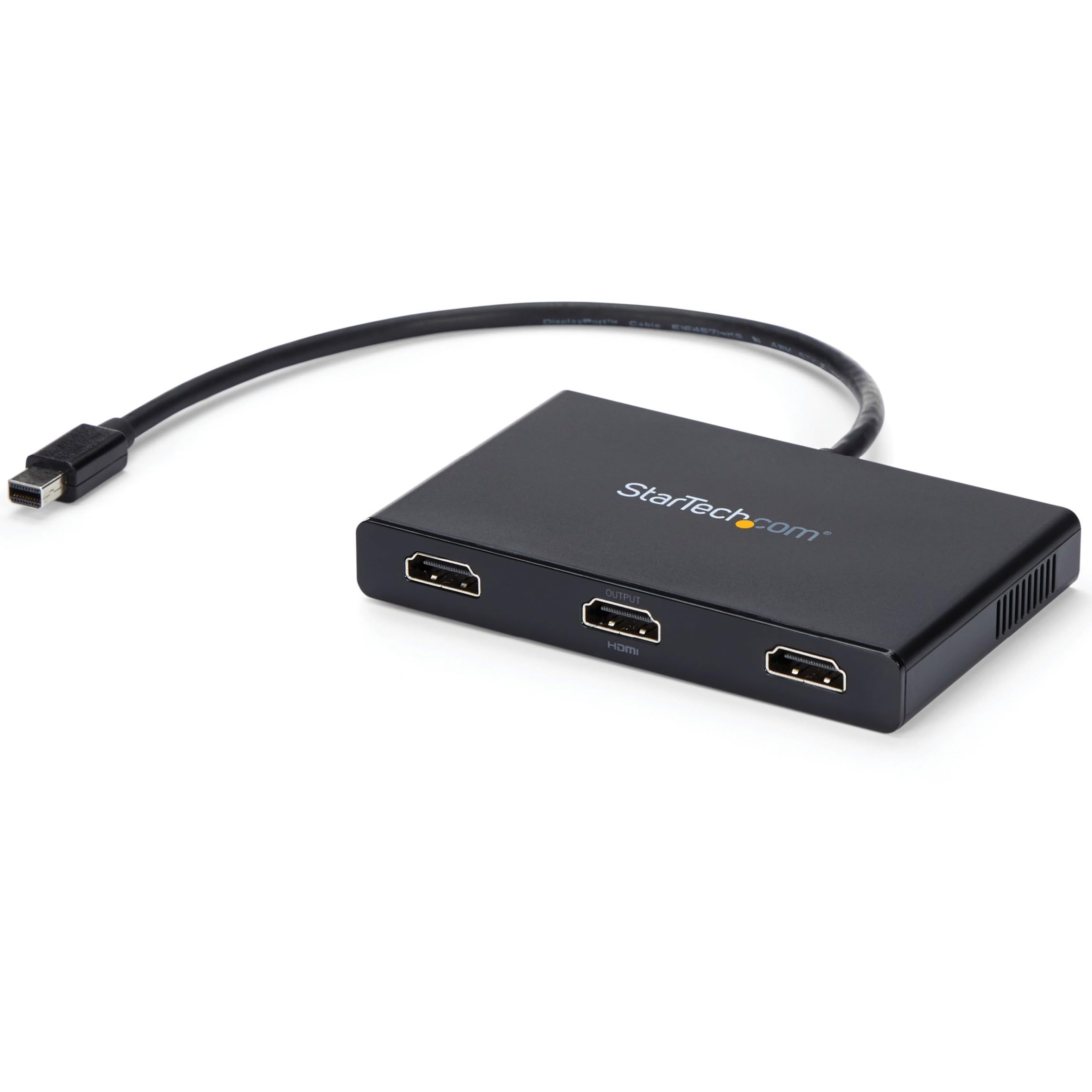
Multi-Tasking Made Easy This Mini Displayport Mst Hub Lets You Connect 3 Hdmi Monitors To Your Mdp Windows Device, Conveniently Helping You To Increase And Maximize Your Productivity. With Devices Becoming More Portable Than Ever, You Are Limited To Fewer Video Outputs And Confined To Your Small Integrated Screen. This Mst Hub Solves That Problem By Enabling You To Connect 3 Separate Monitors Or Displays To Your Mini Dp Computer, Making Multi-Tasking Much Easier. Using This 4K Hdmi Splitter Hub, You Can Mirror Your Display Onto Multiple Monitors Or Stream Independent Content To Each Display Which Makes It The Ideal Accessory For Travel Or Hot-Desking Environments. Astonishing Picture Quality Mst Technology Uses Your Existing Video Card To Minimize The Use Of System Resources While Delivering Uhd 4K Resolutions For Up To Two Monitors Simultaneously. Plus, Because The Mdp Mst Hub Can Output Hd 1080P On Triple Monitors, Its Perfect For All High-Resolution Applications Such As Graphic Design And Medical Imaging. Broad Capabilities This Mini Displayport To Hdmi Splitter Lets You Create A Functional And Easy To Use Multi Monitor Workstation. Mst Works On Any Windows Device That Supports Displayport 1.2, Such As Models Of The Lenovo Think Pad And Microsoft Surface. When Connected To Earlier Revisions Of Displayport, Such As Dp 1.1 This Mst Hub Acts As A Video Splitter. This Triple Monitor Mini Displayport Mst Hub Is Backed By A Startech. And Free Lifetime Technical Support.
⚠️ WARNING (California Proposition 65): This product may contain chemicals known to the State of California to cause cancer, birth defects, or other reproductive harm. For more information, please visit www.P65Warnings.ca.gov.
Frequently Asked Questions
Q: What are the dimensions of the StarTech.com 3-Port Multi Monitor Adapter?A: The dimensions are four point five inches long, two point six inches wide, and zero point six inches high.
Q: What video resolutions does this adapter support?A: The adapter supports up to three times one thousand eighty p at sixty hertz on three monitors or dual four k at thirty hertz on two monitors.
Q: What type of material is used in this adapter?A: The specific material used in the adapter is unspecified.
Q: How do I connect the StarTech.com adapter to my computer?A: Connect the adapter to a Mini DisplayPort on your Windows device and then connect up to three HDMI monitors.
Q: Is this Multi Monitor Adapter suitable for Mac computers?A: No, this adapter is not compatible with macOS and works only with Windows devices.
Q: Can I use this adapter with older DisplayPort versions?A: Yes, when connected to DisplayPort version one point one, it acts as a video splitter.
Q: How should I clean the adapter to keep it in good condition?A: Use a soft, dry cloth to clean the adapter. Avoid using any abrasive materials that could scratch the surface.
Q: What is the warranty on the StarTech.com Multi Monitor Adapter?A: The adapter is backed by a lifetime technical support and warranty from StarTech.com.
Q: Is this adapter easy to set up?A: Yes, it provides an easy driverless setup for connecting multiple monitors.
Q: What if the adapter does not work after I connect it?A: Ensure that your computer supports DisplayPort version one point two and that all connections are secure.
Q: Can I use this adapter for gaming on multiple monitors?A: Yes, this adapter is suitable for gaming, allowing you to extend your desktop across multiple screens.
Q: Is this Multi Monitor Adapter compatible with all Windows devices?A: No, it requires a Windows device that supports DisplayPort version one point two or later.
Q: How many HDMI monitors can I connect to this adapter?A: You can connect up to three HDMI monitors using this Multi Monitor Adapter.
Q: What is the maximum resolution supported for ultrawide monitors?A: The adapter can support three ultrawide displays with a resolution of two thousand five hundred sixty by one thousand eighty at sixty hertz.
Q: Does this product require any additional software to function?A: No, the StarTech.com adapter does not require any additional software or drivers for installation.
Q: Is it safe to use this adapter for extended periods?A: Yes, the adapter is designed for prolonged use, ensuring stable performance without overheating.