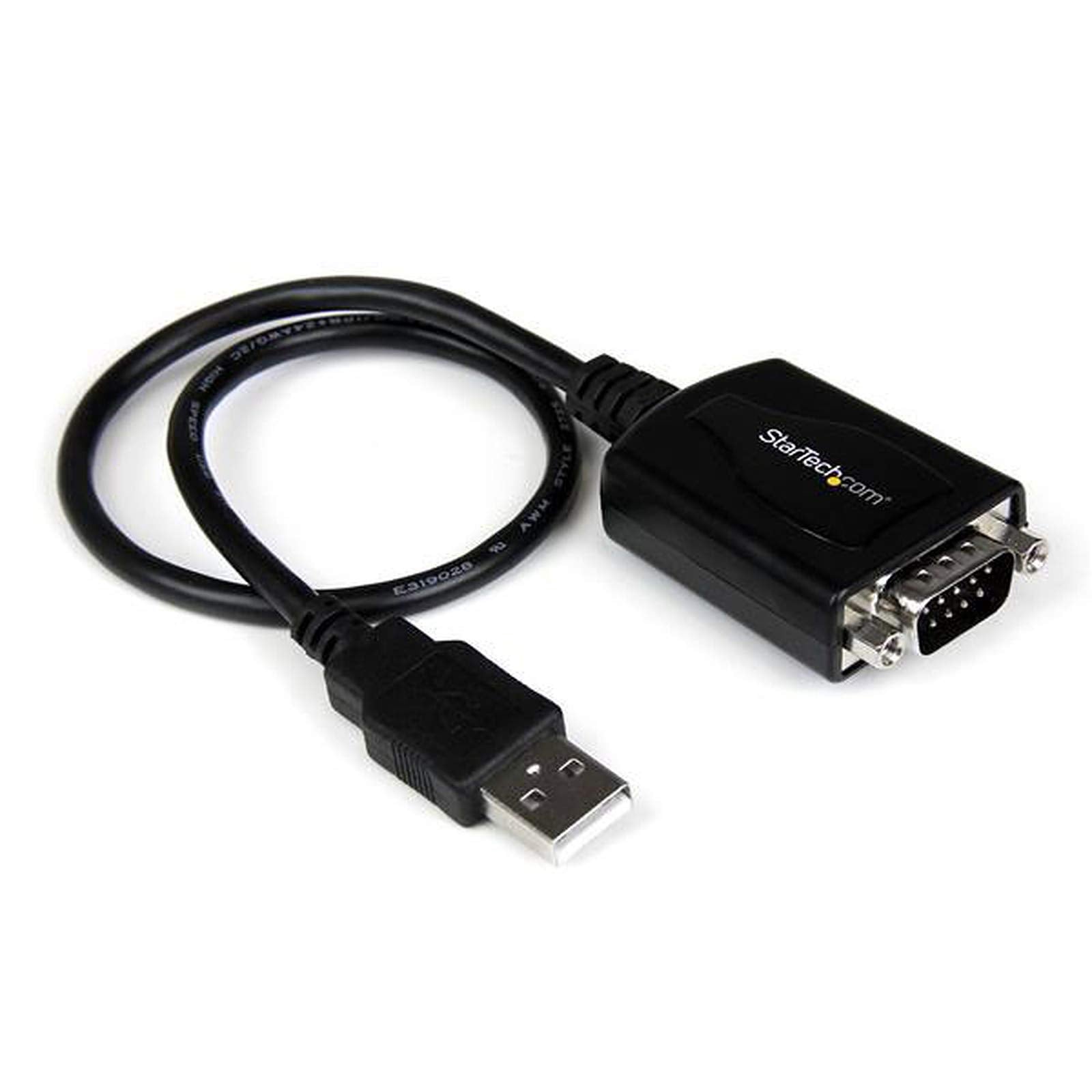
Usb To Rs-232 Adapter With Com Retention Primary Informationnetworking Type&Nbsp;Network Adapter&Nbsp;Networking Interface&Nbsp;Usb&Nbsp;Data Link Protocol&Nbsp;Rs-232&Nbsp;Special Featurerohs&Nbsp;Yes&Nbsp;Unspsc Codeunspsc Code&Nbsp;43201601&Nbsp;
⚠️ WARNING (California Proposition 65): This product may contain chemicals known to the State of California to cause cancer, birth defects, or other reproductive harm. For more information, please visit www.P65Warnings.ca.gov.
Frequently Asked Questions
Q: What are the dimensions of the USB to RS-232 adapter?A: The dimensions of the adapter are six point seven inches in length, five point six inches in width, and one point three inches in height.
Q: What material is the USB to RS-232 adapter made of?A: The adapter is made of plastic, ensuring durability and lightweight design for easy handling.
Q: What is the model number of this adapter?A: The model number of this USB to RS-232 adapter is zero zero six five zero three zero eight two zero zero eight zero.
Q: How do I install the USB to RS-232 adapter?A: To install the adapter, simply connect it to an available USB port on your computer, and it will automatically be recognized.
Q: Is this adapter compatible with Windows and Mac?A: Yes, this adapter is compatible with both Windows and Mac operating systems, making it versatile for various users.
Q: Can this adapter retain COM port settings?A: Yes, the adapter features COM port retention, which preserves your COM port settings even after unplugging.
Q: How should I clean the USB to RS-232 adapter?A: To clean the adapter, use a soft cloth dampened with a mild cleaning solution, avoiding any harsh chemicals that could damage it.
Q: Is there a warranty for the USB to RS-232 adapter?A: Yes, there is a three-year warranty against manufacturing defects, providing peace of mind for your purchase.
Q: How do I store the USB to RS-232 adapter?A: Store the adapter in a cool, dry place, preferably in its original packaging to protect it from dust and damage.
Q: What should I do if the adapter doesn't work?A: If the adapter doesn't work, check the USB connection and try using a different USB port or restart your computer.
Q: Can I use this adapter with older serial devices?A: Yes, this adapter is designed to work with older serial devices that utilize RS-232 connections, providing seamless integration.
Q: Does the USB to RS-232 adapter require additional drivers?A: Typically, no additional drivers are required as it is usually recognized by the operating system automatically.
Q: What is the UNSPSC code for this product?A: The UNSPSC code for the USB to RS-232 adapter is four three two zero one six zero one.
Q: Is the adapter RoHS compliant?A: Yes, the adapter is RoHS compliant, which means it adheres to environmental standards by restricting hazardous substances.
Q: What brand is the USB to RS-232 adapter?A: The adapter is manufactured by StarTech, a reputable brand known for high-quality connectivity solutions.