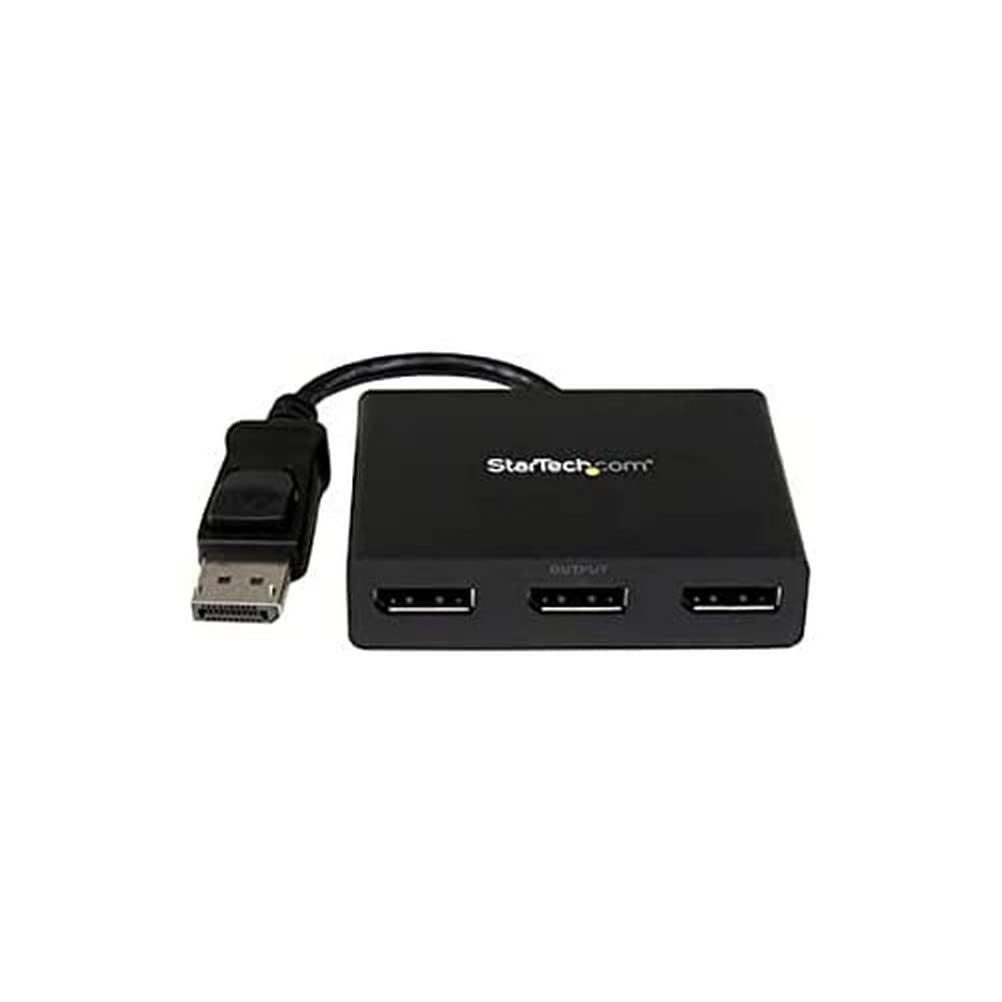
Startech.Com 3-Port Multi Monitor Adapter, Displayport 1.2 Mst Hub, Dual 4K 30Hz & 1X 1080P, Video Splitter For Extended Desktop Mode On Windows Pcs Only, Dp To 3X Dp Monitors Mst Hub - Multi Stream Transport (Mstdp123Dp) - Video Splitter - Desktop - Ac 100/230 V - For P/N: Sv231Dpu34K, Sva5N3Neua
⚠️ WARNING (California Proposition 65): This product may contain chemicals known to the State of California to cause cancer, birth defects, or other reproductive harm. For more information, please visit www.P65Warnings.ca.gov.
Frequently Asked Questions
Q: What is the size of the StarTech DisplayPort to DisplayPort Multi Monitor Splitter?A: The splitter measures zero point seventy-four inches in length, zero point thirty-five inches in width, and one point twenty-four inches in height.
Q: What materials are used in the construction of the StarTech MST hub?A: The StarTech MST hub is made of plastic, ensuring durability and lightweight design.
Q: What is the input voltage for the StarTech DisplayPort splitter?A: The splitter operates on an input voltage of one hundred to two hundred thirty volts AC.
Q: How do I connect my monitors using the StarTech DisplayPort splitter?A: To connect your monitors, plug the splitter into a single DisplayPort one point two port, then connect up to three DisplayPort monitors.
Q: Is the StarTech MST hub compatible with HDMI or VGA displays?A: Yes, the MST hub can connect to HDMI, VGA, or DVI displays using appropriate adapters.
Q: Can I use the StarTech splitter with a laptop?A: Yes, it is compatible with DisplayPort one point two equipped Windows laptops and desktops.
Q: What is the best way to clean the StarTech DisplayPort splitter?A: To clean the splitter, use a soft, dry cloth to wipe it down; avoid using harsh chemicals.
Q: How should I store the StarTech MST hub when not in use?A: Store the MST hub in a dry place, away from direct sunlight and extreme temperatures, to maintain its condition.
Q: Is the StarTech DisplayPort splitter safe to use?A: Yes, it is safe to use as it is VESA and DisplayPort certified, ensuring compatibility and reliable performance.
Q: How do I know if the StarTech splitter is suitable for my three monitor setup?A: The splitter supports dual four K thirty Hertz and one hundred eighty p resolution, making it suitable for most three monitor setups.
Q: What should I do if the StarTech splitter does not work after installation?A: If the splitter does not work, ensure all connections are secure and compatible; if issues persist, contact StarTech support.
Q: What warranty does the StarTech DisplayPort splitter come with?A: The splitter is backed by a two-year warranty and includes free lifetime technical support.
Q: Can I use the StarTech MST hub for gaming?A: Yes, the MST hub is optimized for high-resolution applications, making it suitable for gaming as well.
Q: What happens if I connect the splitter to a DisplayPort one point one video card?A: When connected to a DisplayPort one point one video card, the splitter will mirror your video source across all displays.
Q: Does the StarTech DisplayPort splitter support plug-and-play installation?A: Yes, the splitter supports plug-and-play installation for a hassle-free setup.