⚠️ WARNING (California Proposition 65): This product may contain chemicals known to the State of California to cause cancer, birth defects, or other reproductive harm. For more information, please visit www.P65Warnings.ca.gov.
Frequently Asked Questions
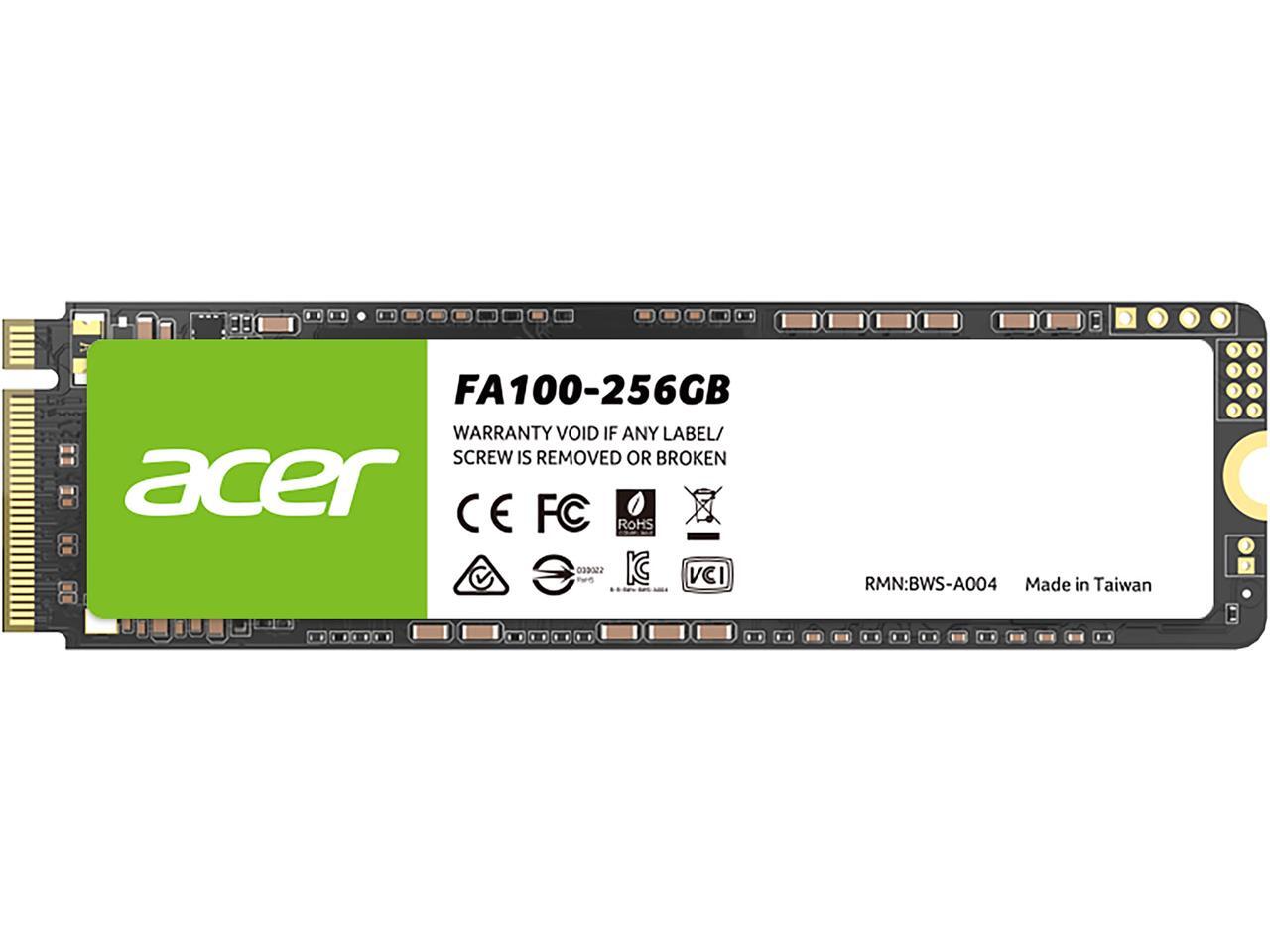
Q: What are the dimensions of the acer FA100 256GB M.2 SSD?A: The acer FA100 M.2 SSD measures three point fifteen inches in length, zero point eighty-seven inches in width, and one hundred ten millimeters in height.
Q: What type of NAND technology is used in the acer FA100 SSD?A: The acer FA100 SSD is built using original high-quality three-dimensional NAND technology, ensuring durability and stability.
Q: What is the maximum read and write speed of the acer FA100 SSD?A: The acer FA100 SSD offers a maximum sequential read speed of three thousand three hundred megabytes per second and a write speed of two thousand seven hundred megabytes per second.
Q: How do I install the acer FA100 M.2 SSD?A: To install the acer FA100 M.2 SSD, locate the M.2 slot on your motherboard, align the SSD with the slot, and gently secure it using a screw.
Q: Is the acer FA100 SSD compatible with laptops?A: Yes, the acer FA100 SSD is compatible with most laptops that support M.2 NVMe drives, making it an ideal choice for storage upgrades.
Q: What features enhance the performance of the acer FA100 SSD?A: The acer FA100 SSD features a host memory buffer (HMB) function, which reduces latency and improves read-write performance by simulating an SLC cache.
Q: How do I care for my acer FA100 SSD to ensure longevity?A: To maintain the acer FA100 SSD, ensure proper ventilation in your computer case and avoid extreme temperatures to prevent overheating.
Q: What type of warranty does the acer FA100 SSD come with?A: The acer FA100 SSD typically comes with a limited warranty, which covers manufacturing defects for a specified period.
Q: Can I use the acer FA100 SSD for gaming?A: Yes, the acer FA100 SSD is ideal for gaming due to its high-speed performance, providing quick load times and smooth gameplay.
Q: How should I store my acer FA100 SSD when not in use?A: When not in use, store the acer FA100 SSD in a cool, dry place, preferably in its original packaging to protect it from damage.
Q: What is the power consumption of the acer FA100 SSD?A: The acer FA100 SSD is designed with ultra-low power consumption, which helps extend the battery life of laptops during operation.
Q: Does the acer FA100 SSD support error correction?A: Yes, the acer FA100 SSD supports ECC (Error Correction Code) technology based on four thousand LDPC for enhanced data integrity.
Q: What is the difference between the acer FA100 SSD and traditional hard drives?A: The acer FA100 SSD is significantly faster than traditional hard drives, providing quicker data access and improved overall system performance.
Q: Is the acer FA100 SSD suitable for heavy workloads?A: Yes, the acer FA100 SSD is designed to handle high workloads efficiently, making it suitable for demanding applications and multitasking.
Q: Does the acer FA100 SSD come with backup software?A: Yes, the acer FA100 SSD includes Acronis True Image backup software to help users safely back up their data.