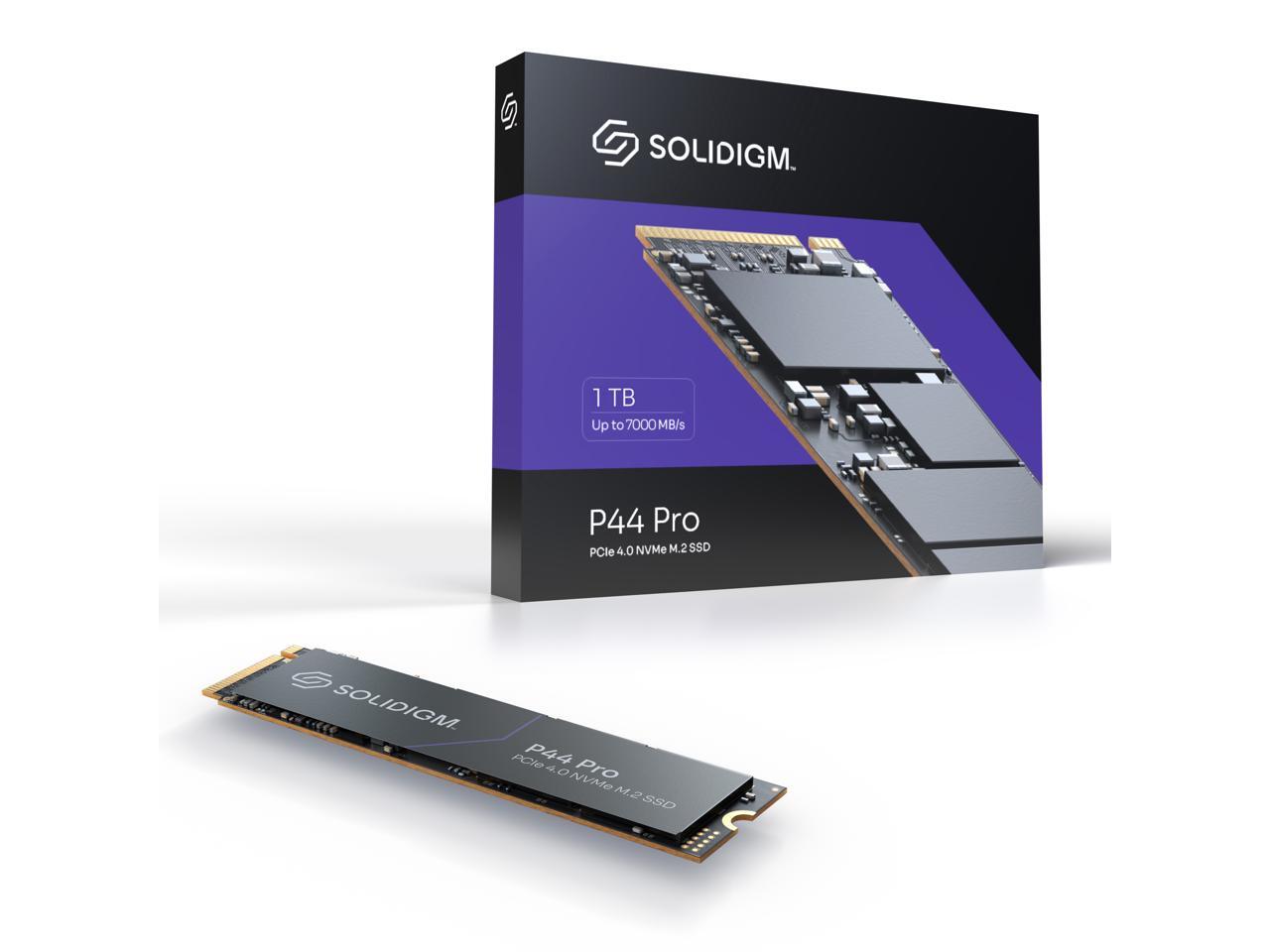
Solidigm P44 Pro 1Tb M2 2280 Pcie 40 Nvme Gen4 Gaming Tlc Internal Solid State Drive (Ssd) Ssdpfkkw010X7X1
⚠️ WARNING (California Proposition 65): This product may contain chemicals known to the State of California to cause cancer, birth defects, or other reproductive harm. For more information, please visit www.P65Warnings.ca.gov.
Frequently Asked Questions
Q: What is the storage capacity of the Solidigm P44 Pro SSD?A: The Solidigm P44 Pro SSD has a storage capacity of one terabyte. This allows for ample space for games, applications, and large files.
Q: What are the read and write speeds of this SSD?A: The read speed is up to seven thousand megabytes per second, while the write speed is up to six thousand five hundred megabytes per second. These speeds enhance performance for demanding applications.
Q: What type of interface does the Solidigm P44 Pro use?A: The Solidigm P44 Pro uses a PCIe Generation 4 interface. This ensures faster data transfer rates compared to previous generations.
Q: What is the form factor of the Solidigm P44 Pro SSD?A: The Solidigm P44 Pro SSD comes in an M.2 twenty-two millimeters by eighty millimeters form factor. This compact size is ideal for modern laptops and desktops.
Q: Is the Solidigm P44 Pro SSD suitable for gaming?A: Yes, the Solidigm P44 Pro SSD is ideal for gaming. Its high read and write speeds significantly reduce load times, enhancing the gaming experience.
Q: Can I use the Solidigm P44 Pro for video editing?A: Yes, this SSD is excellent for video editing. Its fast performance allows for smooth playback and quicker file transfers.
Q: How do I install the Solidigm P44 Pro SSD?A: To install, insert the SSD into the M.2 slot on your motherboard and secure it with a screw. Ensure your device is powered off during installation.
Q: Is there any software included with the Solidigm P44 Pro SSD?A: Yes, it comes with Solidigm Synergy Software. This software helps optimize performance and provides faster access to files.
Q: How do I maintain the Solidigm P44 Pro SSD?A: To maintain it, keep your system clean and updated. Regularly check for firmware updates to ensure optimal performance.
Q: What warranty does the Solidigm P44 Pro SSD have?A: The Solidigm P44 Pro SSD has a five-year warranty. This assures you of its durability and reliability over time.
Q: Is the Solidigm P44 Pro SSD reliable for data storage?A: Yes, it is highly reliable due to its high endurance ratings. This makes it suitable for intense performance workloads.
Q: Can I use the Solidigm P44 Pro SSD with older systems?A: No, it requires a PCIe Generation 4 compatible motherboard. Older systems may not support this interface.
Q: What happens if the Solidigm P44 Pro SSD arrives damaged?A: If it arrives damaged, you should contact customer support immediately. They will assist you with the return or replacement process.
Q: Does the Solidigm P44 Pro SSD support TRIM?A: Yes, it supports TRIM. This helps maintain the SSD's performance over time by managing unused data blocks.
Q: Is the Solidigm P44 Pro SSD suitable for everyday use?A: Yes, it is perfect for everyday use, including tasks like web browsing and office applications. Its performance enhances overall system responsiveness.
Q: How can I check the health of my Solidigm P44 Pro SSD?A: You can use the Solidigm Synergy Software to monitor the health of your SSD. This tool provides insights on performance and health status.