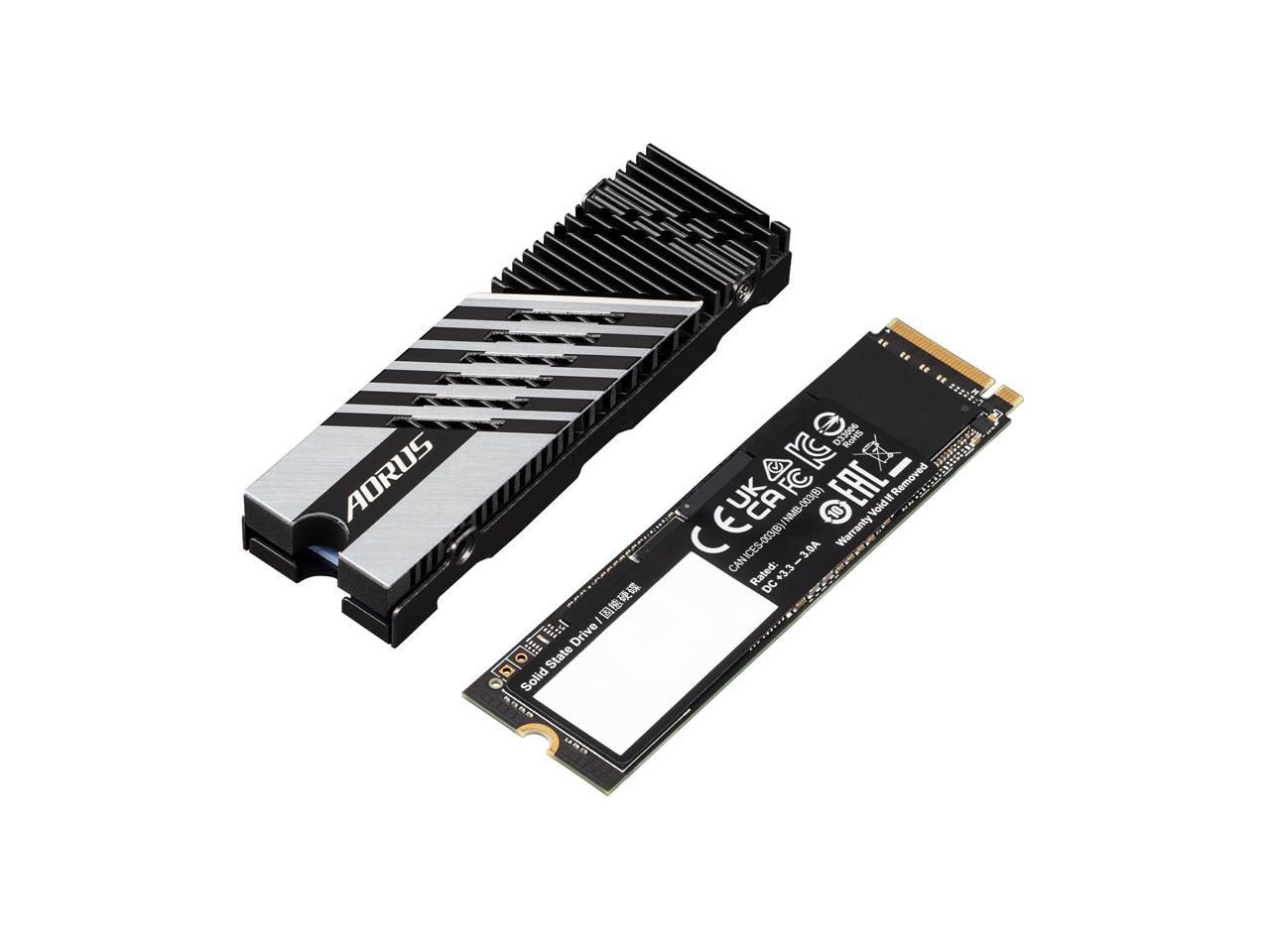
Gigabyte Aorus Gen4 7300 Ssd 2Tb Pcie 40 Nvme M2 Internal Solid State Hard Drive With Read Speed Up To 7300Mbs, Write Speed Up To 6850Mbs, Ag4732Tb
⚠️ WARNING (California Proposition 65): This product may contain chemicals known to the State of California to cause cancer, birth defects, or other reproductive harm. For more information, please visit www.P65Warnings.ca.gov.
Frequently Asked Questions
Q: What are the dimensions of the GIGABYTE AORUS Gen4 7300 SSD?A: The dimensions are five point one inches in length, three point one inches in width, and one point one inches in height.
Q: What is the total storage capacity of this SSD?A: The total storage capacity is two thousand gigabytes, which is equivalent to two terabytes.
Q: What type of interface does this SSD use?A: This SSD uses a PCI Express Gen four x four interface, compatible with NVMe one point four.
Q: How do I install the GIGABYTE AORUS Gen4 7300 SSD?A: To install, locate an M.2 slot on your motherboard, insert the SSD at an angle, and secure it with a screw.
Q: Is this SSD suitable for gaming?A: Yes, it is designed for PC enthusiasts and gamers, delivering high-speed performance for demanding applications.
Q: Can I use this SSD for content creation?A: Yes, it is suitable for rendering professionals due to its fast read and write speeds.
Q: How should I clean the GIGABYTE AORUS Gen4 7300 SSD?A: To clean, gently wipe the exterior with a soft, dry cloth. Avoid using any liquids.
Q: Does this SSD come with a heatsink?A: Yes, a heatsink is included to help dissipate heat during high-performance tasks.
Q: What is the warranty on this product?A: The warranty period is typically three years, but please check with the manufacturer for details.
Q: What speeds can I expect from this SSD?A: You can expect sequential read speeds up to seven thousand three hundred megabytes per second and write speeds up to six thousand eight hundred fifty megabytes per second.
Q: Is this SSD compatible with older motherboards?A: No, it is not compatible with older motherboards that do not support PCI Express Gen four.
Q: What should I do if my SSD is not recognized?A: Ensure it is properly seated in the M.2 slot and check your BIOS settings for detection.
Q: Can I use this SSD as an external drive?A: No, this SSD is designed for internal installation and cannot be used as an external drive without an adapter.
Q: What materials are used in the construction of this SSD?A: The SSD is constructed using polycarbonate and features a durable design for reliable performance.
Q: How can I monitor the SSD's performance?A: You can monitor performance using software tools like CrystalDiskMark or the manufacturer's own monitoring tools.
Q: Is this SSD safe for sensitive data storage?A: Yes, it is safe for sensitive data, but always ensure regular backups are made for security.