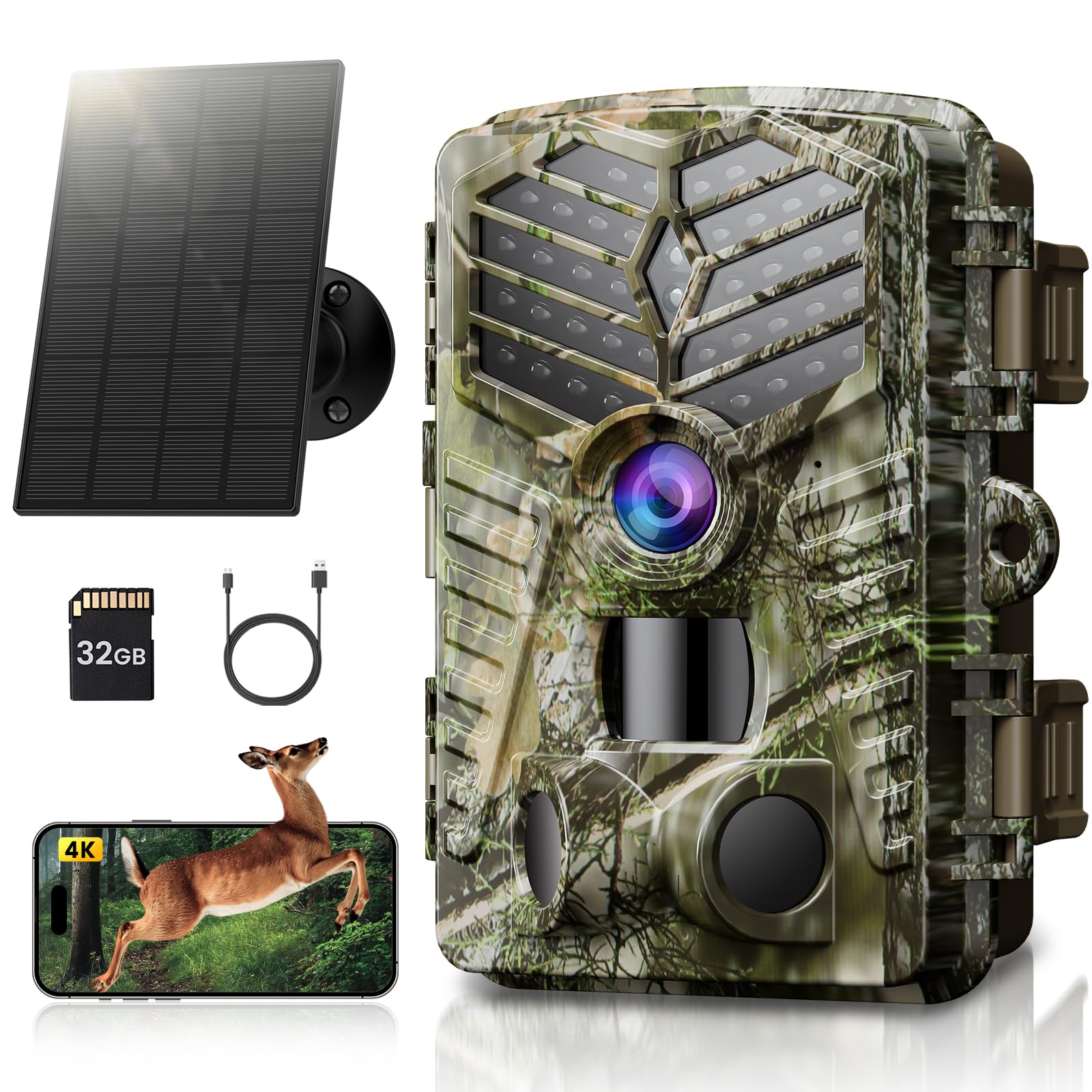
Solareye Trail Camera Wifi Bluetooth, This Game Camera Is Easy To Use And Can Be Fitted Up To A 256Gb Tf Card To Capture Wildlife Images. The Wildlfie Camera Can Produce Up To 4K Video & 64Mp Photo. Hotspot Feature Allows The Camera To Connect To A Smartphone For Photo/Video Downloading And Parameter Setting. A Remote Control Can Control The Hotspot Start And Close.
⚠️ WARNING (California Proposition 65): This product may contain chemicals known to the State of California to cause cancer, birth defects, or other reproductive harm. For more information, please visit www.P65Warnings.ca.gov.
Frequently Asked Questions
Q: What are the dimensions of the Solareye Trail Camera?A: The Solareye Trail Camera measures five point four three inches in length, four point zero five inches in width, and three point one nine inches in height.
Q: What is the resolution of photos and videos from this camera?A: The camera captures high-resolution photos at sixty-four megapixels and records videos in four K resolution.
Q: What materials are used in the construction of this trail camera?A: The Solareye Trail Camera is constructed from durable plastic, ensuring its longevity in various outdoor conditions.
Q: How do I set up the Solareye Trail Camera?A: To set up the camera, insert a compatible memory card, connect it to the app via Wi-Fi or Bluetooth, and adjust the settings to your preferences.
Q: Is this camera suitable for beginners to use?A: Yes, the Solareye Trail Camera is designed for easy use, making it suitable for beginners and experienced users alike.
Q: Can I control the camera remotely?A: Yes, you can control the camera remotely using the 'TrailCam Go' app, allowing you to download photos and videos.
Q: How do I maintain the camera's battery life?A: To maintain battery life, recharge the built-in five thousand milliampere-hour battery with the included Type-C cable or use the solar panel for continuous power.
Q: Is the Solareye Trail Camera waterproof?A: Yes, it has an IP66 waterproof rating, making it suitable for use in various weather conditions without damage.
Q: How can I ensure the camera captures wildlife effectively?A: Position the camera within the detection range of up to one hundred twenty degrees and ensure it has a clear view of animal paths.
Q: What should I do if the camera arrives damaged?A: If the camera arrives damaged, contact customer support immediately to initiate a return or exchange process.
Q: What is the maximum memory card size supported by this camera?A: The Solareye Trail Camera supports memory cards up to two hundred fifty-six gigabytes in size.
Q: How do I clean the trail camera?A: To clean the camera, gently wipe the exterior with a soft, damp cloth, avoiding any harsh chemicals that could damage the casing.
Q: What type of batteries does the camera use?A: The camera includes a rechargeable lithium-ion battery, and also has a backup AA battery pack option.
Q: Can I use the camera in extreme temperatures?A: Yes, the camera can operate in temperatures ranging from minus fifteen degrees Celsius to sixty degrees Celsius.
Q: How can I share videos captured by the camera?A: You can share videos directly from the 'TrailCam Go' app after connecting your smartphone to the camera.