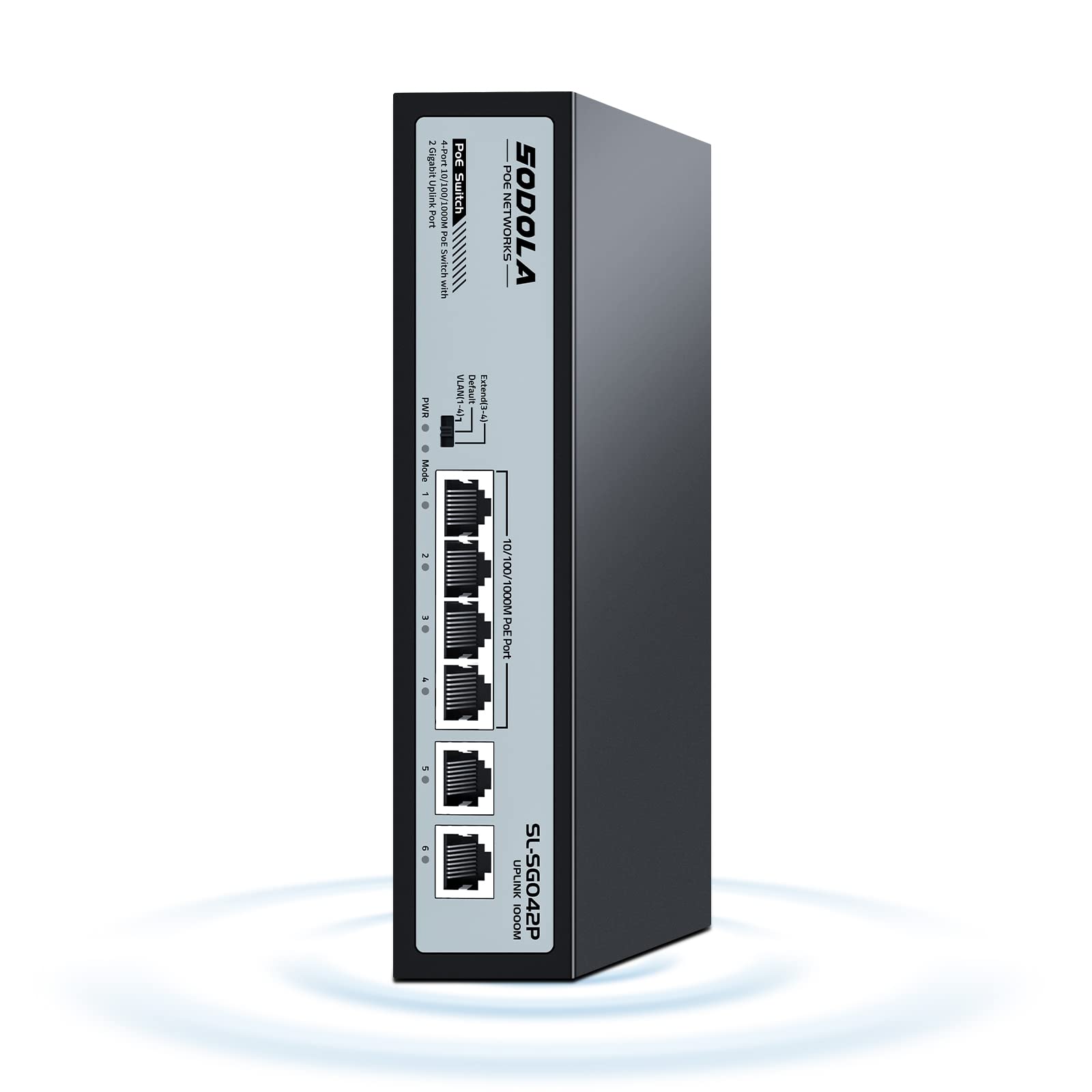
Sodola 4 Port Gigabit Poe Switch With 2 Uplinks, Ai Watchdog/Extend/Port Isolation, 802.3Af/At,Plug & Play Unmanaged Network Switch
⚠️ WARNING (California Proposition 65): This product may contain chemicals known to the State of California to cause cancer, birth defects, or other reproductive harm. For more information, please visit www.P65Warnings.ca.gov.
Frequently Asked Questions
Q: What are the dimensions of the SODOLA PoE Switch?A: The SODOLA PoE Switch measures seven point eight seven inches in length, four point seven two inches in width, and one point seven seven inches in height.
Q: How much power does the SODOLA PoE Switch provide?A: The SODOLA PoE Switch has a built-in power supply of sixty-five watts.
Q: What type of ports does the SODOLA PoE Switch have?A: The switch features four Gigabit PoE ports and two Gigabit Ethernet uplink ports.
Q: How do I install the SODOLA PoE Switch?A: Simply plug it into your network; this device is unmanaged and requires no software installation.
Q: Is the SODOLA PoE Switch suitable for outdoor use?A: No, this switch is designed for indoor use only.
Q: Can the SODOLA PoE Switch support long distances?A: Yes, it supports a link extension mode that allows transmission distances of up to two hundred fifty meters.
Q: How do I reset the SODOLA PoE Switch if needed?A: You can reset the switch by unplugging it from the power source and plugging it back in.
Q: Does the SODOLA PoE Switch come with a warranty?A: Yes, it comes with a one-year product replacement warranty.
Q: How do I keep the SODOLA PoE Switch clean?A: Simply wipe it down with a dry cloth to remove dust and debris.
Q: Is there lightning protection for the SODOLA PoE Switch?A: Yes, it has a professional lightning protection design with four kilovolts of protection for ports and power.
Q: What should I do if the SODOLA PoE Switch does not power on?A: Check the power connection and ensure the outlet is functioning; if the issue persists, contact customer support.
Q: Can I use the SODOLA PoE Switch with non-PoE devices?A: Yes, the switch can also be used with non-PoE devices connected to the uplink ports.
Q: Does the SODOLA PoE Switch support VLAN?A: Yes, when VLAN mode is enabled, the PoE ports cannot communicate with each other.
Q: What is the maximum power output per port on the SODOLA PoE Switch?A: Each PoE port can deliver up to thirty watts of power.
Q: Is the SODOLA PoE Switch suitable for small businesses?A: Yes, it is an excellent choice for small businesses needing a simple plug-and-play networking solution.
Q: What makes the SODOLA PoE Switch user-friendly?A: Its plug-and-play feature allows for easy setup without the need for complex configurations.