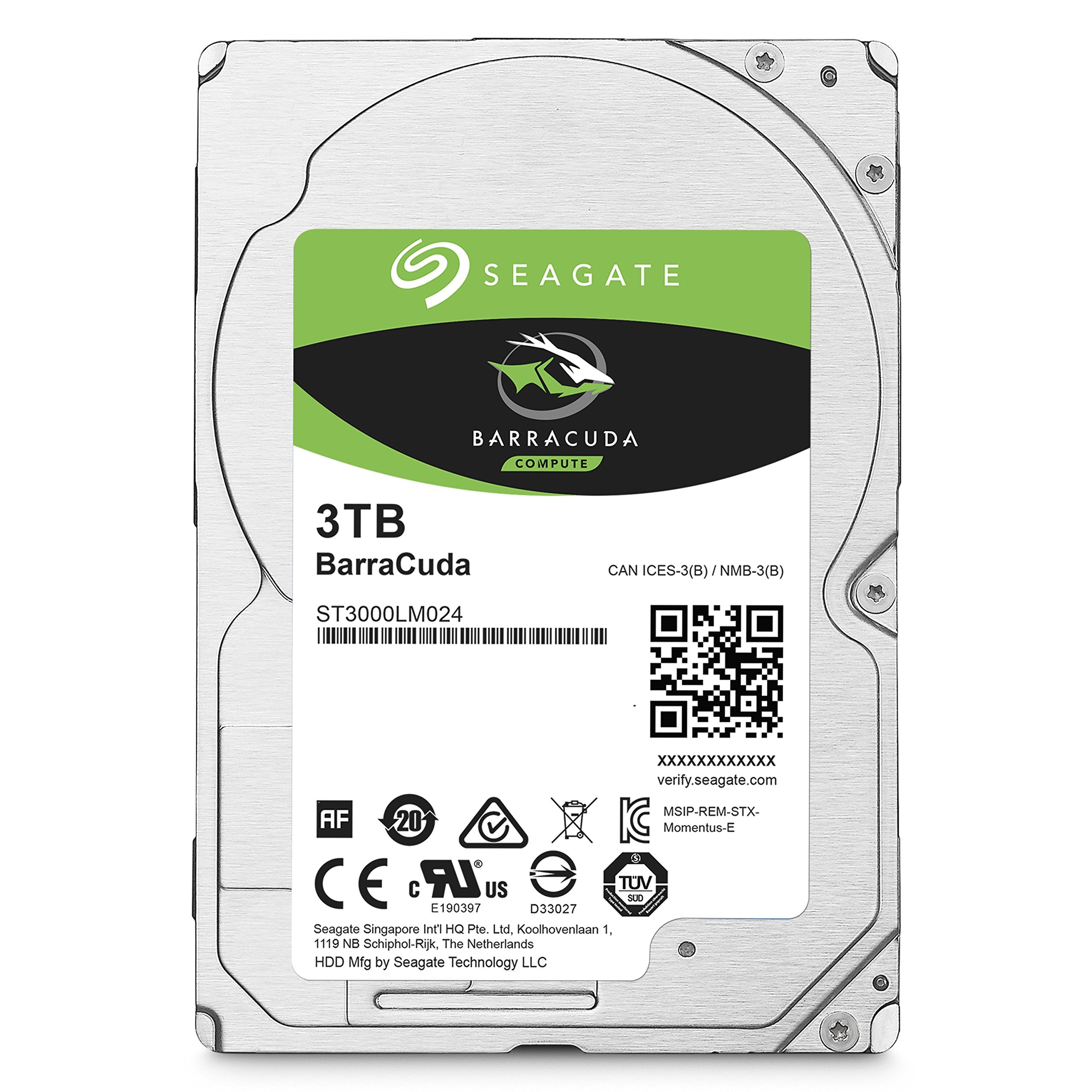
Store More, Compute Faster, And Do It Confidently With The Proven Reliability Of Barracuda Internal Hard Drives. Perfect For Designers, Musicians, Photographers, And Video Editors Using Multiple Applications At Once, These Solutions Offer Uninterrupted Performance, Optimized Read/Write Caching Technology, And A Variety Of Capacities And Form Factors To Choose From. The Result Is A Seamless Experience Backed By A Two-Year Limited Warranty And 20 Years Of Hard Drive Innovation.
⚠️ WARNING (California Proposition 65): This product may contain chemicals known to the State of California to cause cancer, birth defects, or other reproductive harm. For more information, please visit www.P65Warnings.ca.gov.
Frequently Asked Questions
Q: What is the storage capacity of the Seagate BarraCuda Internal Hard Drive?A: The storage capacity is three terabytes. This allows for extensive data storage, suitable for various applications.
Q: What are the dimensions of the Seagate BarraCuda Hard Drive?A: The dimensions are two point seventy-six inches in length, zero point fifty-nine inches in height, and three point ninety-five inches in width. This compact size makes it easy to fit into most computer setups.
Q: What is the cache size of the Seagate BarraCuda Hard Drive?A: The cache size is one hundred twenty-eight megabytes. This enhances the data retrieval speed, improving overall performance.
Q: How do I install the Seagate BarraCuda Hard Drive?A: To install, first power off the computer. Then, connect the drive to the SATA interface and secure it in place. Finally, power on the computer and configure it in the BIOS.
Q: Is the Seagate BarraCuda Hard Drive suitable for gaming?A: Yes, it is suitable for gaming. The drive's speed and capacity make it a solid choice for gamers needing quick load times and ample storage.
Q: Can I use the Seagate BarraCuda Hard Drive for video editing?A: Yes, it is excellent for video editing. Its optimized read/write caching technology ensures smooth performance when handling large files.
Q: How do I keep the Seagate BarraCuda Hard Drive in good condition?A: To maintain it, ensure proper ventilation and avoid physical shocks. Regularly check for software updates to keep performance optimal.
Q: Does the Seagate BarraCuda Hard Drive come with a warranty?A: Yes, it comes with a two-year limited warranty. This provides peace of mind regarding its reliability and performance.
Q: Is the Seagate BarraCuda Hard Drive reliable?A: Yes, it is highly reliable. Seagate has over twenty years of hard drive innovation backing this product.
Q: What if the Seagate BarraCuda Hard Drive arrives damaged?A: If it arrives damaged, contact customer support immediately. They will guide you through the return or replacement process.
Q: Is the Seagate BarraCuda Hard Drive compatible with all PCs?A: Yes, it is compatible with most PCs. It uses a SATA connection, which is standard in most desktop computers.
Q: What applications can I use the Seagate BarraCuda Hard Drive for?A: You can use it for music, video, photo editing, and general data storage. It is versatile enough for various computing needs.
Q: How does the Seagate BarraCuda Hard Drive perform under heavy load?A: It performs consistently well under heavy load. The optimized read/write caching technology ensures uninterrupted performance.
Q: Can the Seagate BarraCuda Hard Drive be used for backup purposes?A: Yes, it is great for backup purposes. Its large capacity allows you to store significant amounts of data securely.
Q: What type of SATA interface does the Seagate BarraCuda Hard Drive use?A: It uses a SATA six gigabits per second interface. This ensures fast data transfer rates for improved efficiency.
Q: How often should I check the health of the Seagate BarraCuda Hard Drive?A: It is advisable to check its health every few months. Regular checks can help identify potential issues before they become significant problems.