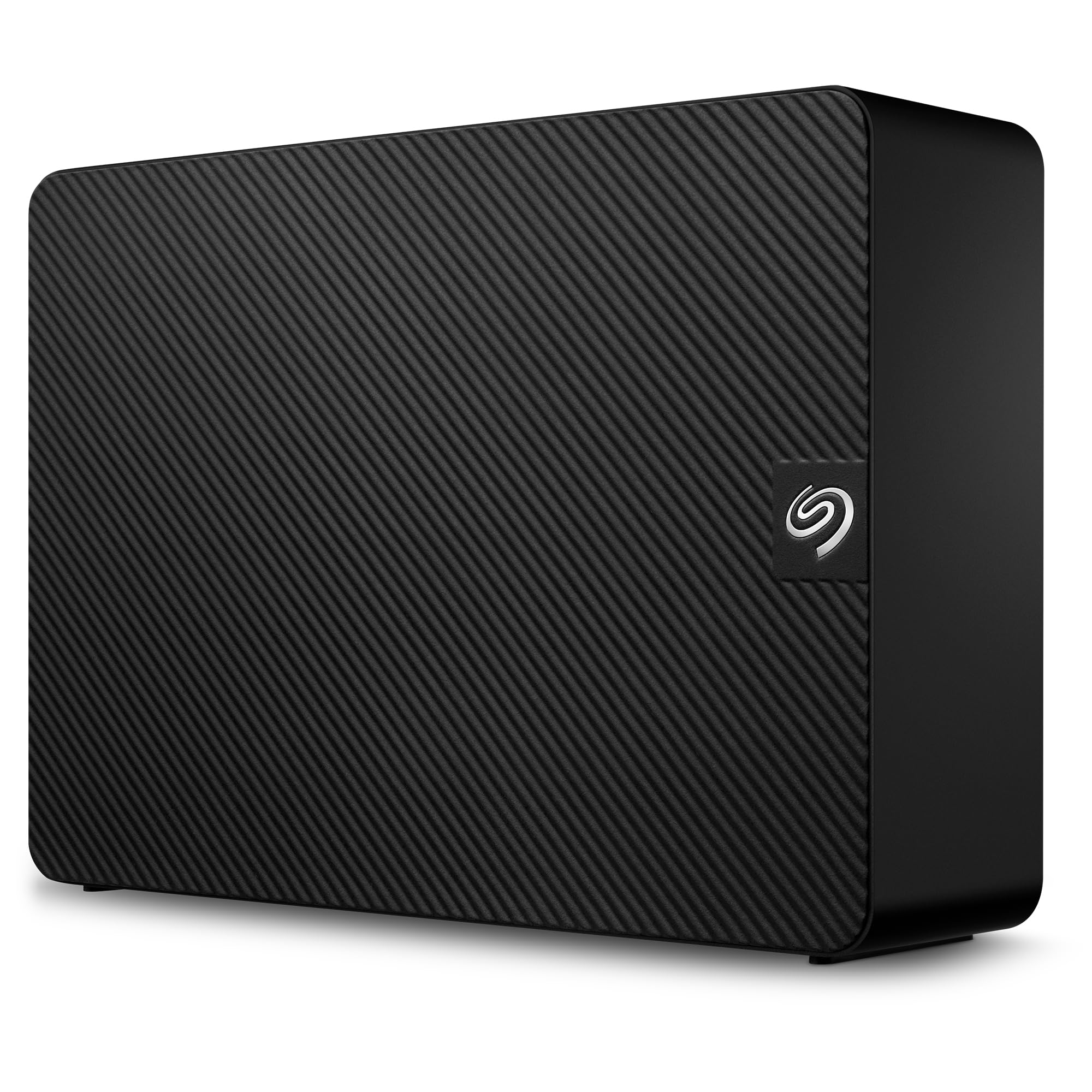
Seagate Expansion Desktop Drive, Add-On Storage For Your Pc And Mac. The Seagate Expansion Desktop Drive Provides Extra Storage For Your Ever-Growing Collection Of Files. Instantly Add Space For More Files, Consolidate All Of Your Files To A Single Location, Or Free Up Space On Your Computer S Internal Drive To Help Improve Performance. Setup Is Straightforward; Simply Plug In The Included Power Supply And Usb Cable, And You Are Ready To Go. It Is Automatically Recognized By The Windows Or Mac Operating System, So There Is No Software To Install And Nothing To Configure. Saving Files Is Easy Too Just Drag-And-Drop. Take Advantage Of The Fast Data Transfer Speeds With The Usb 3.0 Interface By Connecting To A Usb 3.0 Port. Plus, Seagate Expansion Comes With Rescue Data Recovery Services 1 For Additional Peace Of Mind.
⚠️ WARNING (California Proposition 65): This product may contain chemicals known to the State of California to cause cancer, birth defects, or other reproductive harm. For more information, please visit www.P65Warnings.ca.gov.
Frequently Asked Questions
Q: What is the storage capacity of the Seagate Expansion External Hard Drive?A: The storage capacity is twenty-four terabytes. This allows for massive storage of photos, videos, and documents.
Q: What are the dimensions of the Seagate Expansion External Hard Drive?A: The dimensions are eleven point eight one inches by eleven point eight one inches by eleven point eight one inches. This makes it compact enough for desktop use.
Q: What is the color of the Seagate Expansion External Hard Drive?A: The color is black. This provides a sleek and professional appearance suitable for any environment.
Q: How do I connect the Seagate Expansion External Hard Drive?A: You simply plug in the included power adapter and USB cable. It connects easily to both Windows and Mac computers.
Q: Is the Seagate Expansion External Hard Drive compatible with Time Machine?A: Yes, it is compatible with Time Machine after reformatting. This allows Mac users to back up their data efficiently.
Q: Can I use the Seagate Expansion External Hard Drive for gaming?A: Yes, you can use it for gaming. Its large capacity is great for storing games and other multimedia files.
Q: How should I store the Seagate Expansion External Hard Drive?A: Store it in a dry, cool place to prevent overheating. Ensure that it is not exposed to humidity or extreme temperatures.
Q: How do I clean the Seagate Expansion External Hard Drive?A: Use a soft, dry cloth to wipe the surface. Avoid using water or cleaners that could damage the electronics.
Q: What warranty does the Seagate Expansion External Hard Drive come with?A: It comes with a limited warranty. This gives you peace of mind regarding any manufacturing defects.
Q: What do I do if the Seagate Expansion External Hard Drive is not recognized by my computer?A: Check the connections and try a different USB port. If it still doesn't work, consider reinstalling drivers or checking for updates.
Q: Can I return the Seagate Expansion External Hard Drive if I change my mind?A: Yes, you can return it according to the retailer's return policy. Make sure to keep the packaging and receipt for easy returns.
Q: What if the Seagate Expansion External Hard Drive arrives damaged?A: Contact customer support immediately for assistance. They will guide you through the return or replacement process.
Q: Does the Seagate Expansion External Hard Drive require additional software to operate?A: No, it does not require additional software. It is designed for plug-and-play functionality with Windows and Mac.
Q: Is the Seagate Expansion External Hard Drive portable?A: No, it is designed as a desktop drive. It is not as portable as smaller external drives, but it offers greater storage capacity.
Q: What is included with the Seagate Expansion External Hard Drive?A: It includes an eighteen-inch USB 3.0 cable and an eighteen-watt power adapter. This ensures you have everything needed for setup.