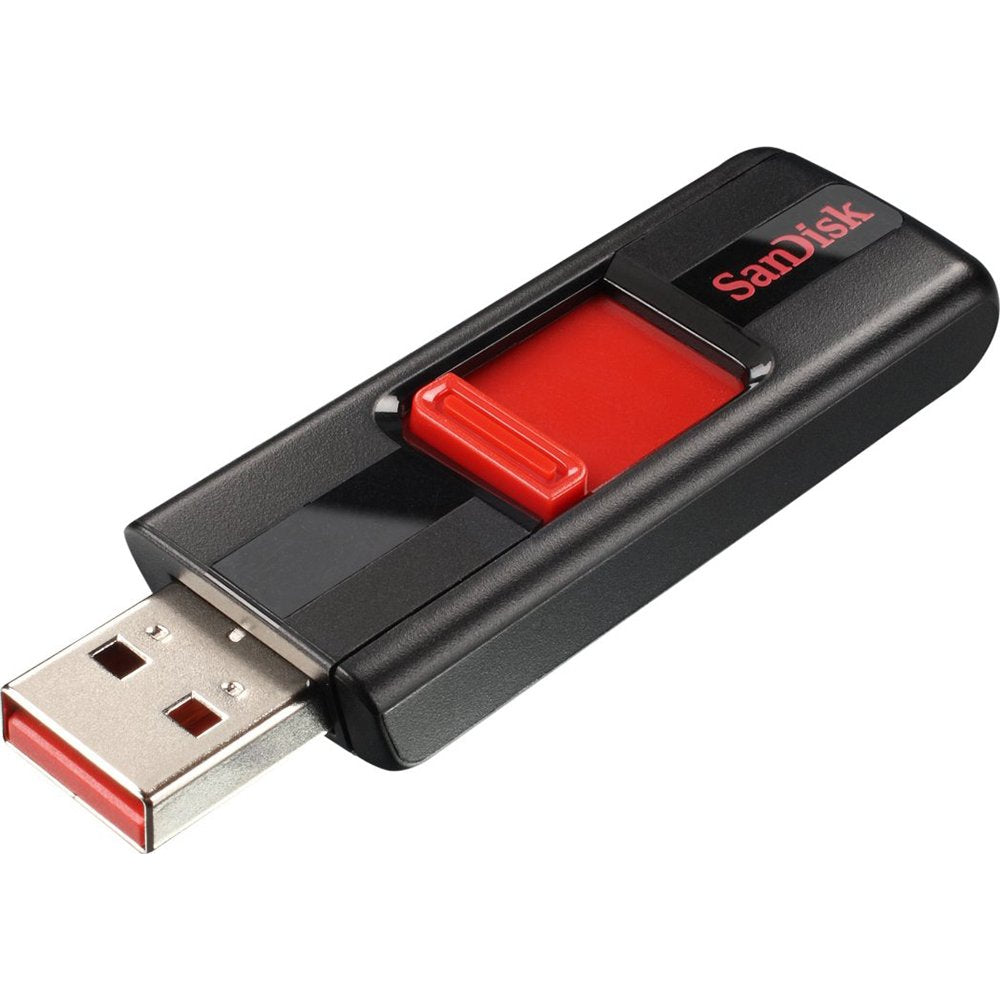
The SanDisk Cruzer 16GB USB Flash Drive is a reliable storage solution designed for convenient data transfer and storage. Ideal for users who need to carry important files, videos, and images on-the-go, this compact and lightweight USB drive ensures that your data is always within reach.
Constructed with high-quality materials, the SanDisk Cruzer features a sleek black design that is both stylish and functional. With USB 2.0 compatibility, it provides a straightforward way to transfer files between devices, making it suitable for both personal and professional use. Its compact size allows it to fit easily in your pocket or bag, ensuring portability without sacrificing performance. This flash drive is particularly useful for students, professionals, and anyone who frequently shares files across different devices.
Key Features:
16GB storage capacity to accommodate a variety of files, including documents, images, and videos.
USB 2.0 interface for efficient data transfer speeds.
Compact and lightweight design for easy portability.
Durable construction to withstand everyday use and protect your data.
Compatible with both PCs and other CE devices for versatile connectivity.
Easy to use – simply plug and play without the need for additional software.
Ideal for storing and sharing videos, making it perfect for multimedia enthusiasts.
The SanDisk Cruzer 16GB USB Flash Drive is an excellent choice for anyone seeking a dependable and efficient way to store and transfer data. Whether you're a student needing to share project files, a professional transporting presentations, or just someone wanting to keep important documents handy, this USB drive delivers the performance and convenience you need. Experience the ease of file management with the SanDisk Cruzer today.
⚠️ WARNING (California Proposition 65): This product may contain chemicals known to the State of California to cause cancer, birth defects, or other reproductive harm. For more information, please visit www.P65Warnings.ca.gov.
Frequently Asked Questions
Q: What is the storage capacity of the SanDisk Cruzer USB Flash Drive?A: The storage capacity is sixteen gigabytes. This allows for ample space to store files, documents, and videos.
Q: What are the dimensions of the Cruzer USB Flash Drive?A: The dimensions are two point thirty-seven inches in height, zero point eighty-two inches in width, and zero point forty-four inches in depth. These compact dimensions make it easy to carry.
Q: What materials is the SanDisk Cruzer USB Flash Drive made of?A: The specific materials used in the construction are not disclosed. However, it features a durable design typical of SanDisk products.
Q: How do I use the SanDisk Cruzer USB Flash Drive?A: Simply plug it into a USB port on your computer or device. Once connected, you can transfer files by dragging and dropping.
Q: Is the Cruzer USB Flash Drive compatible with all computers?A: Yes, it is compatible with most computers that have a USB port. It works with both Windows and Mac operating systems.
Q: Can I use the Cruzer USB Flash Drive for video storage?A: Yes, it is ideal for storing and sharing video files. The drive provides a convenient way to access your favorite videos.
Q: How should I store the SanDisk Cruzer USB Flash Drive?A: Store it in a cool, dry place when not in use. Avoid exposure to extreme temperatures and moisture to maintain its condition.
Q: Can I clean the Cruzer USB Flash Drive?A: Yes, you can clean it. Use a soft, dry cloth to wipe the exterior. Avoid using chemical cleaners that could damage the surface.
Q: Is the SanDisk Cruzer USB Flash Drive water-resistant?A: No, it is not water-resistant. Keep it away from liquids to prevent damage.
Q: How does the Cruzer USB Flash Drive compare to other USB drives?A: It offers a reliable storage solution with a capacity of sixteen gigabytes, making it suitable for everyday file transfers compared to smaller capacity drives.
Q: Is the Cruzer USB Flash Drive suitable for beginners?A: Yes, it is very user-friendly and suitable for beginners. Just plug it in and start transferring files without any complicated setup.
Q: What should I do if my Cruzer USB Flash Drive is not recognized?A: Try plugging it into a different USB port or computer. If issues persist, ensure the drive is not damaged or try reformatting it.
Q: What is the warranty on the SanDisk Cruzer USB Flash Drive?A: SanDisk typically offers a limited warranty on their USB drives. Check the packaging or their website for specific warranty details.
Q: What if my Cruzer USB Flash Drive gets damaged?A: If it is damaged, contact SanDisk customer support for assistance. They can guide you on possible solutions or replacements.