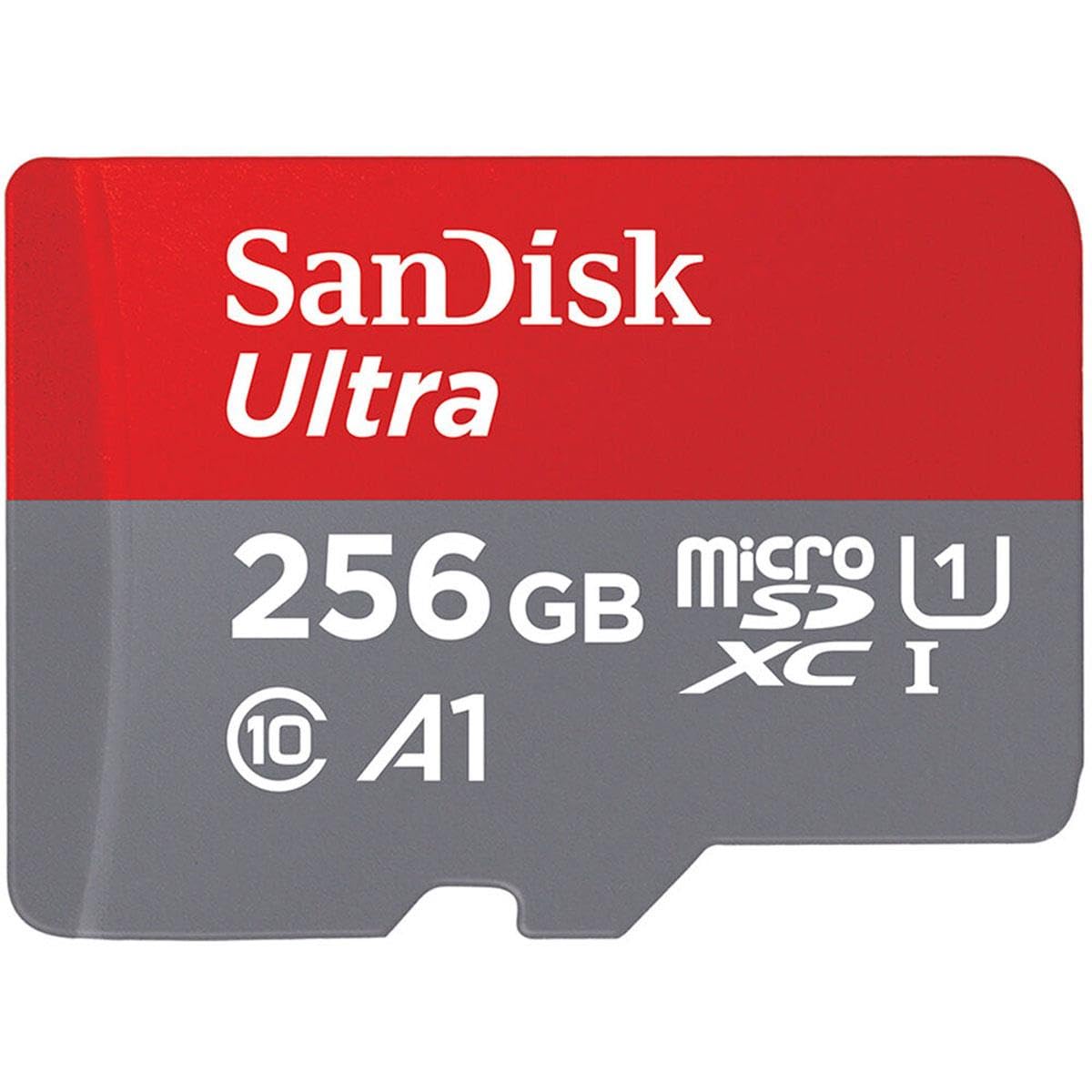
Designed For Capturing Full Hd Video And Still Photos Using Android Smartphones And Tablets, As Well As Other Microsd Photo And Video Cameras, The 256Gb Ultra Uhs-I Microsdxc Memory Card From Sandisk Features A Storage Capacity Of 256Gb And Takes Advantage Of The Uhs-I Bus To Support Read Speeds Of Up To 120 Mb/S. This Card Also Supports The Class 10 Standard, Which Guarantees Minimum Write Speeds Will Not Drop Below 10 Mb/S.
⚠️ WARNING (California Proposition 65): This product may contain chemicals known to the State of California to cause cancer, birth defects, or other reproductive harm. For more information, please visit www.P65Warnings.ca.gov.
Frequently Asked Questions
Q: What storage capacity does the SanDisk Ultra microSD card have?A: The SanDisk Ultra microSD card has a storage capacity of two hundred fifty-six gigabytes. This allows you to store hours of Full HD video, photos, and other files.
Q: What is the transfer speed of this microSD card?A: The transfer speed of the SanDisk Ultra microSD card is one hundred fifty megabytes per second. This high speed allows you to quickly move large amounts of data.
Q: What are the dimensions of the SanDisk Ultra microSD card?A: The dimensions of the SanDisk Ultra microSD card are six centimeters in length, four point zero two centimeters in width, and zero point two centimeters in height. This compact size makes it easy to use in various devices.
Q: Is the SanDisk Ultra microSD card compatible with Android devices?A: Yes, the SanDisk Ultra microSD card is compatible with Android smartphones and tablets. It is designed to enhance performance and storage for these devices.
Q: How do I install the SanDisk Ultra microSD card?A: To install the SanDisk Ultra microSD card, simply insert it into the designated microSD card slot on your device. Ensure that the card is properly seated for optimal performance.
Q: Is the SanDisk Ultra microSD card suitable for use with cameras?A: Yes, the SanDisk Ultra microSD card is ideal for use with MIL cameras. It supports high-resolution image and video capture.
Q: How do I manage files on the SanDisk Ultra microSD card?A: You can manage files on the SanDisk Ultra microSD card using the SanDisk Memory Zone app. This app allows you to view, access, and back up your files conveniently.
Q: What is the warranty period for the SanDisk Ultra microSD card?A: The SanDisk Ultra microSD card comes with a ten-year limited warranty. This provides you with assurance regarding its quality and reliability.
Q: How do I keep the SanDisk Ultra microSD card in good condition?A: To keep the SanDisk Ultra microSD card in good condition, avoid exposing it to extreme temperatures and moisture. Store it in a protective case when not in use.
Q: Can the SanDisk Ultra microSD card be used for gaming?A: Yes, the SanDisk Ultra microSD card is suitable for gaming applications. Its A1-rated performance allows for faster app launches and smoother gameplay.
Q: What if my SanDisk Ultra microSD card arrives damaged?A: If your SanDisk Ultra microSD card arrives damaged, you can return it under the manufacturer's warranty. Contact customer support for assistance with the return process.
Q: How do I format the SanDisk Ultra microSD card?A: You can format the SanDisk Ultra microSD card through your device's settings menu. Select the card and choose the format option to prepare it for use.
Q: Is the SanDisk Ultra microSD card safe for storing sensitive files?A: Yes, the SanDisk Ultra microSD card is safe for storing sensitive files. It provides reliable performance and data protection for your important documents.
Q: What devices can I use the SanDisk Ultra microSD card with?A: You can use the SanDisk Ultra microSD card with a variety of devices, including smartphones, tablets, and cameras. It is versatile and widely compatible.
Q: How can I increase the lifespan of my SanDisk Ultra microSD card?A: To increase the lifespan of your SanDisk Ultra microSD card, avoid frequent write and delete cycles. Regularly back up your data and safely eject the card before removal.