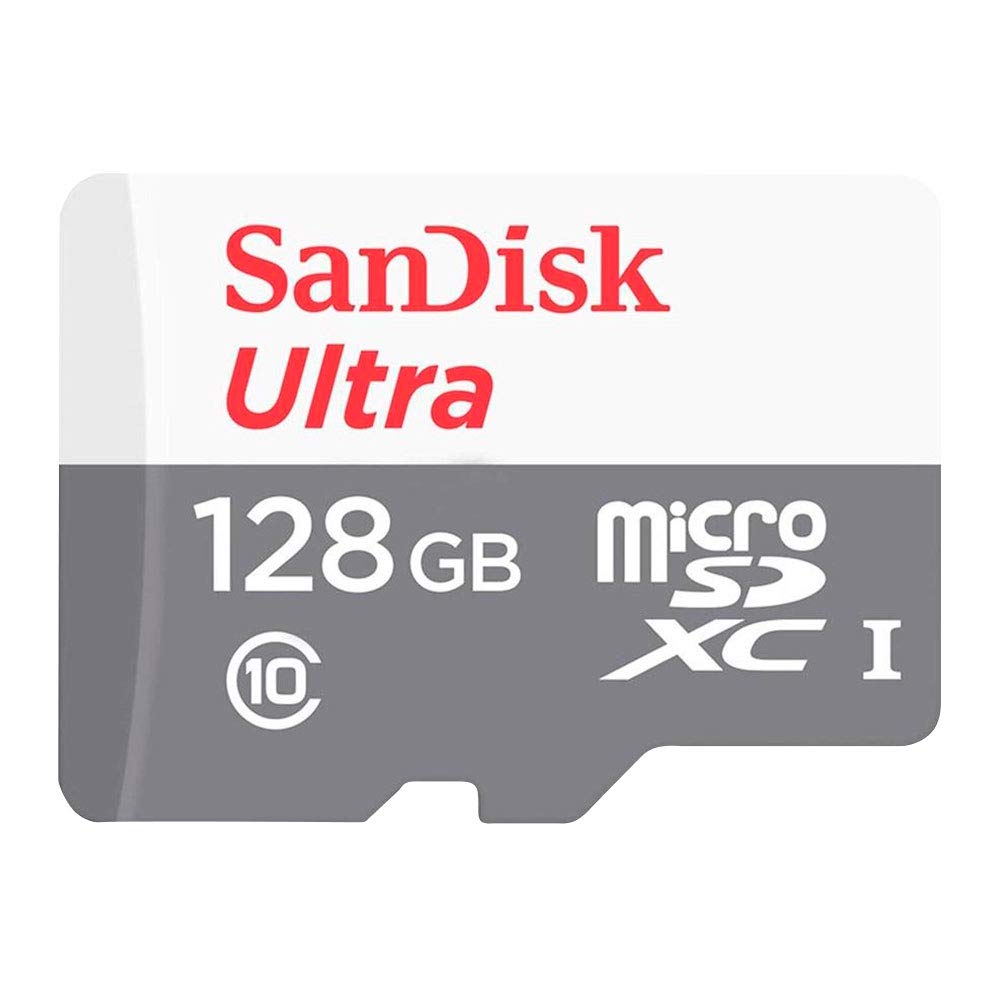
Sandisk Sandisk Ultra Lite Microsdxc 128Gb 100Mb/S Sdsqunr-128G-Gn6Mn
⚠️ WARNING (California Proposition 65): This product may contain chemicals known to the State of California to cause cancer, birth defects, or other reproductive harm. For more information, please visit www.P65Warnings.ca.gov.
Frequently Asked Questions
Q: What is the capacity of the SanDisk memory card?A: This memory card has a capacity of one hundred twenty-eight gigabytes. It provides ample storage for photos, videos, and apps.
Q: What is the speed rating of the SanDisk Ultra microSDXC card?A: The speed rating is one hundred megabytes per second. This allows for ultra-fast data transfers and quick access to files.
Q: What are the dimensions of the SanDisk memory card?A: The dimensions are approximately zero point five nine inches in length, zero point zero four inches in width, and zero point one inches in height. This compact size makes it easy to carry.
Q: How do I install the SanDisk microSDXC card?A: Simply insert the card into the microSD slot of your device until it clicks into place. Ensure the device is powered off during installation for safety.
Q: Is the SanDisk memory card suitable for all devices?A: Yes, it is compatible with most devices that support microSDXC cards. This includes cameras, smartphones, and tablets.
Q: What type of devices can use the SanDisk microSDXC card?A: You can use it in smartphones, tablets, cameras, and gaming consoles. It's designed for versatility across various devices.
Q: How should I store the SanDisk memory card?A: Store it in a cool, dry place away from direct sunlight. Use a protective case to prevent physical damage.
Q: Can I use the SanDisk memory card in a waterproof case?A: Yes, it can be used in waterproof cases as long as the case is compatible with microSDXC cards. This adds extra protection during outdoor activities.
Q: Is the SanDisk memory card waterproof?A: No, the card itself is not waterproof. It's best to keep it in a protective case when exposed to moisture.
Q: How do I clean the SanDisk memory card?A: Gently wipe the card with a soft, dry cloth to remove any dust or dirt. Avoid using liquids or abrasive materials.
Q: What should I do if my SanDisk memory card is not recognized?A: Try inserting it into another device to check compatibility. If it still isn't recognized, format the card using a compatible device.
Q: Does the SanDisk memory card come with a warranty?A: Yes, it typically comes with a limited lifetime warranty. Check the package or manufacturer's website for specific terms.
Q: How can I recover data from the SanDisk memory card?A: Use data recovery software designed for memory cards. Ensure you follow the instructions provided by the software.
Q: Is the SanDisk memory card safe for storing sensitive data?A: Yes, it is safe for sensitive data, but it's recommended to use encryption for extra security. Always keep backups of important files.
Q: Can I use the SanDisk memory card for 4K video recording?A: Yes, it supports recording 4K videos, provided your device is compatible with such high-definition formats. It delivers high-speed performance for such tasks.