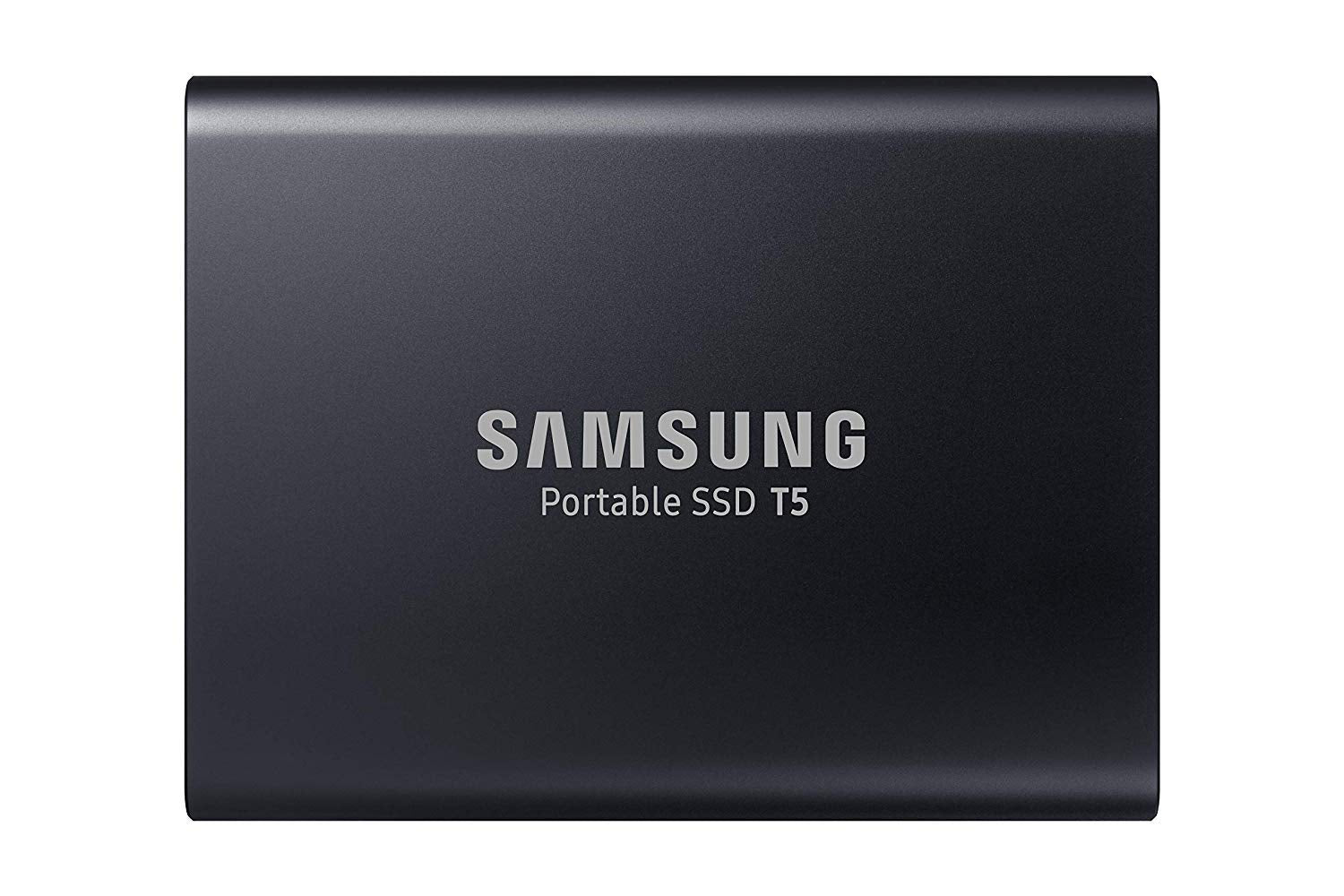
The Samsung T5 Portable Ssd Has The Latest In Samsung V-Nand Flash Memory Technology. Its Portable Design, Blazing Fast Transfer Speeds Of Up To 540 Mb/S, Shock Resistance, And Secure Encryption Make It The Best Portable Ssd On The Market.
⚠️ WARNING (California Proposition 65): This product may contain chemicals known to the State of California to cause cancer, birth defects, or other reproductive harm. For more information, please visit www.P65Warnings.ca.gov.
Frequently Asked Questions
Q: What is the storage capacity of the Samsung T5 Portable SSD?A: The storage capacity is two terabytes. This allows you to store a large amount of data, including photos, videos, and documents.
Q: What are the dimensions of the Samsung T5 Portable SSD?A: The dimensions are two point three inches in length, zero point four inches in width, and three inches in height. Its compact size makes it easy to carry.
Q: What materials are used in the Samsung T5 Portable SSD?A: The Samsung T5 Portable SSD is made of metal. This durable material contributes to its shock resistance and sleek design.
Q: How do I transfer files using the Samsung T5 Portable SSD?A: You can transfer files by connecting it to your computer using the included USB type C cables. Simply drag and drop the files you want to transfer.
Q: Is the Samsung T5 Portable SSD compatible with my laptop?A: Yes, it is compatible with most laptops that have a USB port. It includes USB type C to C and USB type C to A cables for versatility.
Q: Can I use the Samsung T5 Portable SSD with my gaming console?A: Yes, it can be used with compatible gaming consoles that support external storage. Make sure to format it according to the console's requirements.
Q: How should I clean the Samsung T5 Portable SSD?A: You can clean it by gently wiping the surface with a soft, dry cloth. Avoid using liquids or abrasive materials to prevent damage.
Q: Is the Samsung T5 Portable SSD water-resistant?A: No, it is not water-resistant. Keep it away from moisture to ensure it remains in good working condition.
Q: How do I store the Samsung T5 Portable SSD when not in use?A: Store it in a cool, dry place and avoid exposing it to extreme temperatures. Use the included case for added protection.
Q: What is the warranty on the Samsung T5 Portable SSD?A: The warranty period is typically three years. Check with the retailer for specific warranty details and conditions.
Q: How fast is the data transfer rate on the Samsung T5 Portable SSD?A: The transfer speed is up to five hundred forty megabytes per second. This ensures quick access to your files.
Q: Can I use password protection on the Samsung T5 Portable SSD?A: Yes, it offers optional password protection. Use this feature for added security of your sensitive data.
Q: Is the Samsung T5 Portable SSD suitable for backing up data?A: Yes, it is an excellent choice for data backup. Its high speed and large capacity make it ideal for storing backups.
Q: What color is the Samsung T5 Portable SSD available in?A: It is available in black. The sleek color complements its modern design.
Q: Does the Samsung T5 Portable SSD require external power?A: No, it does not require external power. It is powered through the USB connection to your device.