

Cart
0

Samsung Galaxy Tab A9+ (Sm X210), 64Gb 4Gb Ram, Wifi Only, 11'' Display, International Version (Graphite)
Free Standard Shipping Across USA
Vendor: SAMSUNG
Type: iPads & iOS Tablets
Sku: WBCOMB0D42BSXGQ
Availability: Sold Out
Couldn't load pickup availability
Guarantee safe checkout

Sold by Electroeshop, an authorized reseller.
Returns accepted within 30 days | support@electroeshop.com
Shipping Information
- Free Standard Shipping — United States only
- Processing Time: 3–5 business days
- Estimated Delivery: 6–10 business days after dispatch
- Double-boxed, fully insured & discreetly packaged
- Tracking number sent via email once dispatched
Returns & Refund
Returns accepted within 30 days of delivery.
Damaged or Defective Item
Free return shipping + replacement or full refund
Wrong Item Received
Free return shipping + replacement or full refund
Change of Mind
Return shipping at customer's expense · 25% restocking fee applies
All returns require a Return Authorization (RA) number before sending.
View Full Return & Refund Policy
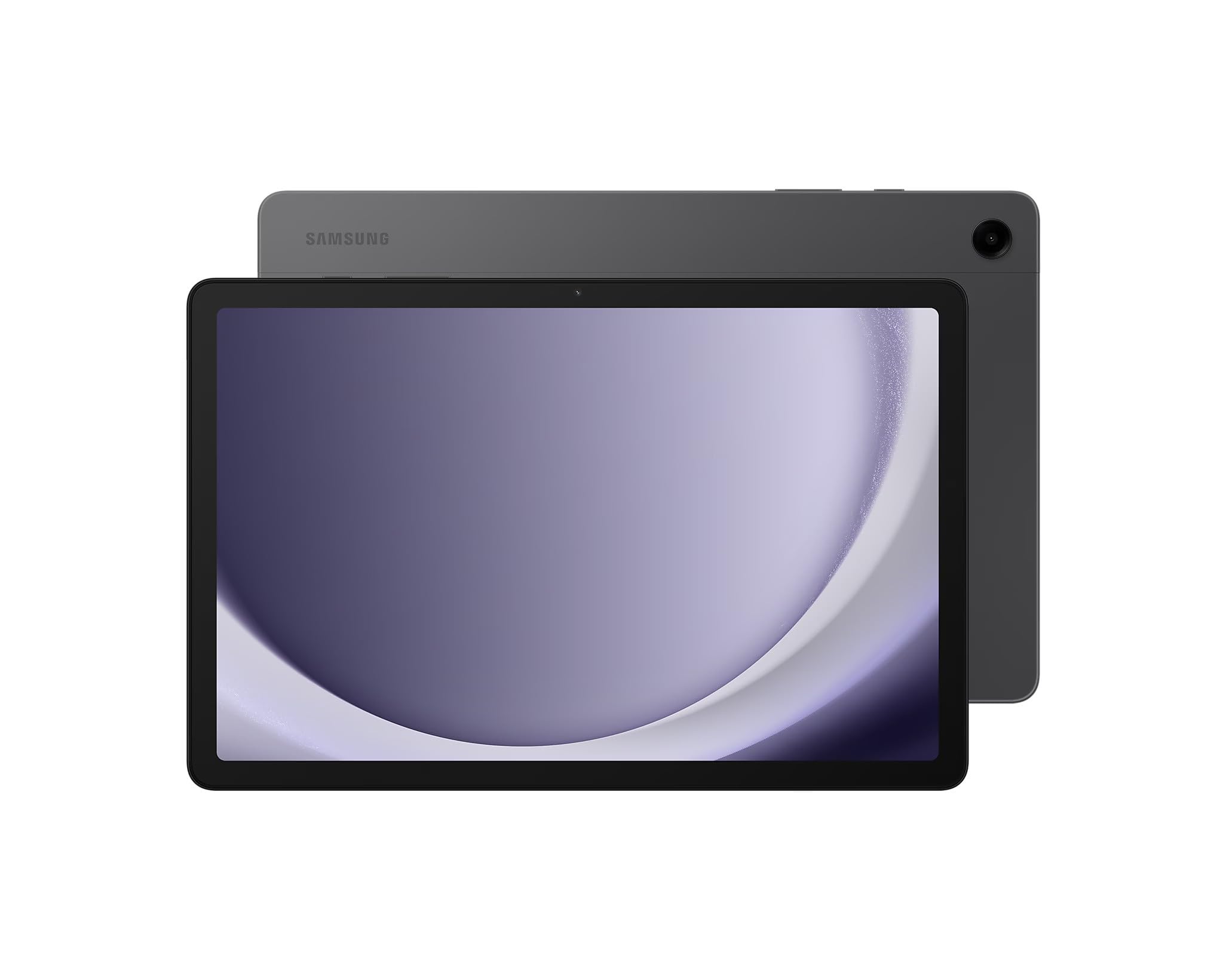
Samsung Galaxy Tab A9+ (Sm X210), 64Gb 4Gb Ram, Wifi Only, 11'' Display, International Version (Graphite)
$327.63

Frequently Asked Questions
- Q: What are the dimensions of the Samsung Galaxy Tab A9+? A: The Samsung Galaxy Tab A9+ measures six point sixty-five inches in length, ten point twelve inches in width, and zero point twenty-eight inches in height.
- Q: What is the storage capacity of the Samsung Galaxy Tab A9+? A: The Samsung Galaxy Tab A9+ comes with sixty-four gigabytes of internal storage, which can be expanded up to one terabyte using a microSD card.
- Q: What type of processor does the Samsung Galaxy Tab A9+ have? A: It is powered by a Qualcomm Snapdragon six ninety-five system on chip for efficient performance and multitasking.
- Q: How do I use the Samsung Galaxy Tab A9+ for media streaming? A: To stream media, simply connect the tablet to WiFi, open your preferred streaming app, and select your desired content.
- Q: Is the Samsung Galaxy Tab A9+ suitable for gaming? A: Yes, the Samsung Galaxy Tab A9+ is suitable for casual gaming due to its powerful processor and four gigabytes of RAM.
- Q: How do I set up the Samsung Galaxy Tab A9+ for the first time? A: To set up, power on the device, select your language, connect to WiFi, and follow the on-screen prompts to complete the setup.
- Q: What is the battery life of the Samsung Galaxy Tab A9+? A: The battery life lasts approximately seven hours on a single charge, depending on usage.
- Q: How do I charge the Samsung Galaxy Tab A9+? A: You can charge the tablet using the included fifteen-watt charger connected to a power source.
- Q: Can I use the Samsung Galaxy Tab A9+ outdoors? A: Yes, you can use it outdoors, but be cautious of direct sunlight affecting visibility on the eleven-inch display.
- Q: How do I maintain the Samsung Galaxy Tab A9+? A: To maintain it, keep the tablet away from extreme temperatures, avoid exposing it to liquids, and use a protective case.
- Q: Is the Samsung Galaxy Tab A9+ safe for kids? A: Yes, it is safe for kids, but parental supervision is recommended to manage screen time and content access.
- Q: What warranty does the Samsung Galaxy Tab A9+ have? A: The Samsung Galaxy Tab A9+ typically comes with a limited manufacturer's warranty covering defects in materials and workmanship.
- Q: What should I do if my Samsung Galaxy Tab A9+ arrives damaged? A: If it arrives damaged, contact the retailer for a return or exchange within the specified return policy timeframe.
- Q: Does the Samsung Galaxy Tab A9+ support face recognition? A: Yes, it includes face recognition technology for secure access, but it does not have a fingerprint scanner.
- Q: What features does the Samsung Galaxy Tab A9+ offer for productivity? A: It offers features like DeX mode for enhanced multitasking and productivity, making it suitable for work-related tasks.