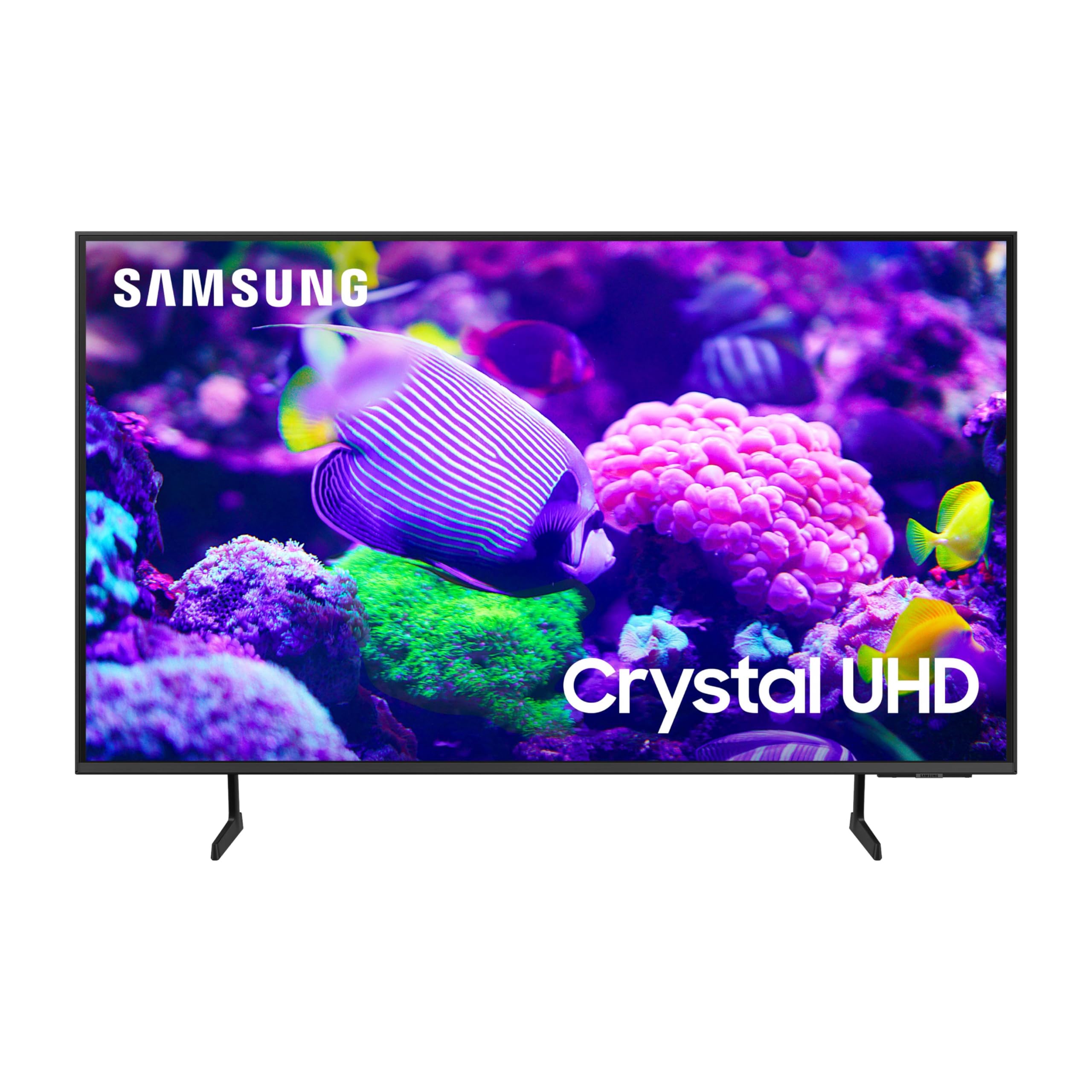
This Essential Tv Features A Range Of Contrast And Color And Smart Capabilities. Enjoy Your Content With Richer Details, Brighter Images And Clearer Resolution With 4K Upscaling.Q-Symphony Requires Compatible 2020-2024 Samsung Tv And Either A Q-Series Or S-Series Soundbar. Samsung Account Required For Network-Based Smart Services, Including Streaming Apps And Other Smart Features. Separate [Connected] Computer, Mobile Or Other Device May Be Necessary To Create/Log In To Samsung Account (Free To Download And Create). Without Account Log In, Only External Device Connections (E.G., Via Hdmi) And Terrestrial/Over-The-Air Tv (Only For Tvs With Tuners) Available.
⚠️ WARNING (California Proposition 65): This product may contain chemicals known to the State of California to cause cancer, birth defects, or other reproductive harm. For more information, please visit www.P65Warnings.ca.gov.
Frequently Asked Questions
Q: What is the size of the SAMSUNG 75-Inch Class Crystal UHD TV?A: The TV measures seventy-five inches diagonally. Its dimensions are approximately twelve point eight inches in depth, sixty-six inches in width, and thirty-nine point six inches in height.
Q: What is the model number of this Samsung TV?A: The model number is UN75DU7200FXZA. This identifies it as part of the DU7200 series from Samsung.
Q: What color is the Samsung 75-Inch TV?A: The TV is available in Titan Gray. This color adds a modern touch to any living space.
Q: How do I set up the Samsung Smart TV?A: To set it up, connect the TV to your Wi-Fi network and follow the on-screen instructions. You may need to create or log into a Samsung Account for full smart features.
Q: Can I use this TV for gaming?A: Yes, this TV is suitable for gaming. It features Motion Xcelerator technology for smoother gameplay and less lag.
Q: What streaming services can I access on the Samsung TV?A: You can access various streaming services via the Samsung Tizen OS. Popular apps include Netflix, Hulu, and Amazon Prime Video.
Q: How do I clean the Samsung TV screen?A: To clean the screen, use a microfiber cloth and a gentle, non-abrasive cleaner. Avoid using harsh chemicals or abrasive materials.
Q: Is the Samsung TV safe for children?A: Yes, the Samsung TV is safe for children. It complies with industry safety standards, and it features parental controls for content management.
Q: How do I store the TV when not in use?A: When not in use, keep the TV in a cool, dry location. Ensure it is covered to protect it from dust and debris.
Q: Can I return the Samsung TV if I'm not satisfied?A: Yes, you can return the TV if it’s within the return policy period. Be sure to keep the original packaging and receipt.
Q: What is the warranty on the Samsung TV?A: The TV typically comes with a one-year limited warranty. This covers defects in materials and workmanship.
Q: What should I do if the TV arrives damaged?A: If the TV arrives damaged, contact customer service immediately. They will guide you through the return or exchange process.
Q: Is this TV compatible with soundbars?A: Yes, this TV works with Q-series or S-series soundbars using Q-Symphony technology for enhanced audio experience.
Q: Does this TV support HDR content?A: Yes, the Samsung TV supports HDR content. It enhances the color spectrum and detail in dark scenes for a better viewing experience.
Q: What is the purpose of the Crystal Processor 4K?A: The Crystal Processor 4K upgrades content to stunning 4K resolution. It utilizes advanced technology for 3D color mapping and adaptive sound.
Q: How do I update the software on the Samsung TV?A: To update the software, navigate to Settings, select Support, and then choose Software Update. Follow the prompts to install any available updates.