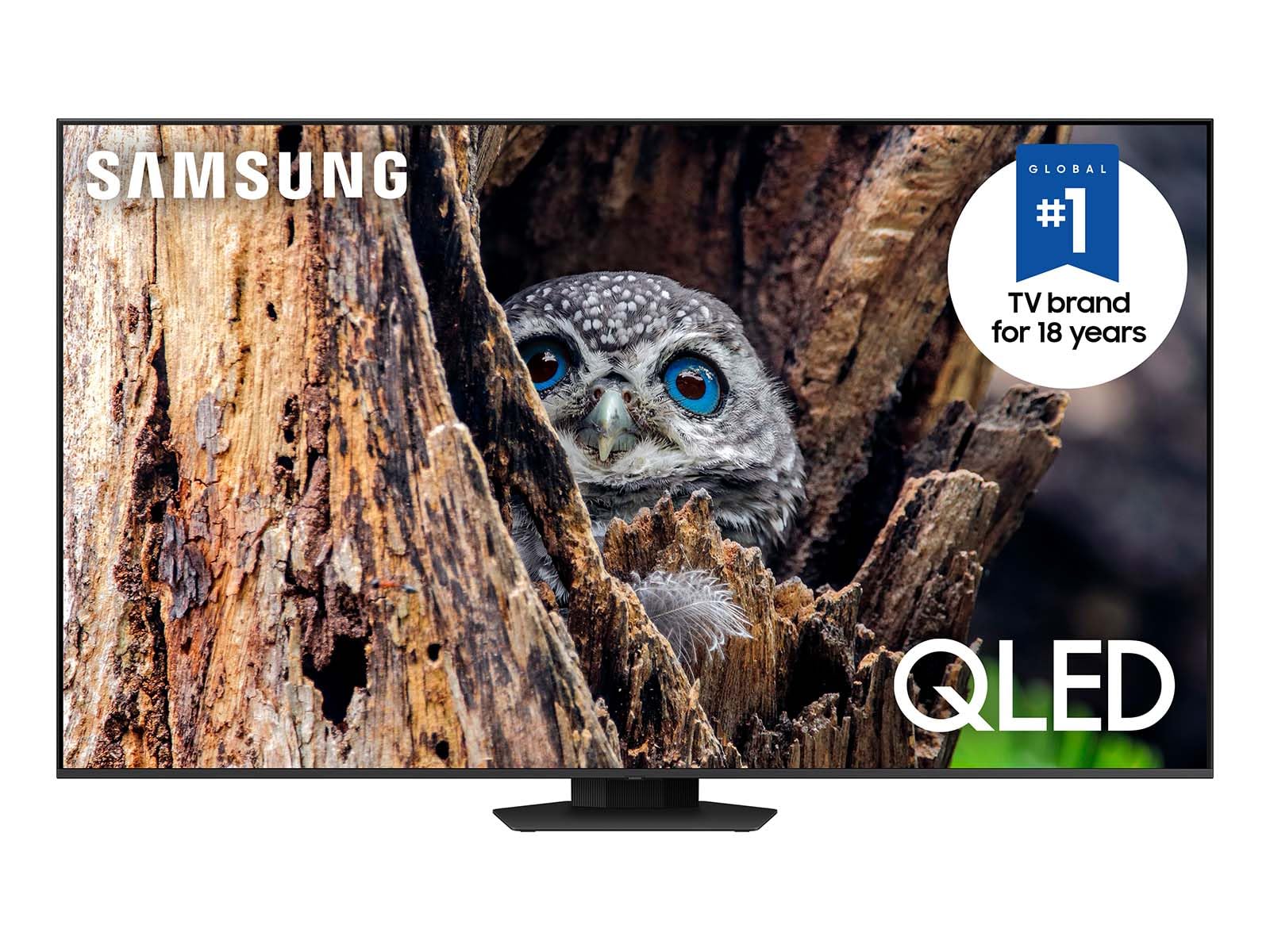
The SAMSUNG Q80D 65-Inch QLED TV is an advanced television designed to enhance your viewing experience with stunning picture quality and immersive sound. Ideal for movie enthusiasts and gamers alike, it seamlessly integrates smart features with exceptional performance.
This 65-inch TV utilizes super-precise LEDs to elevate color and contrast, ensuring that every scene is vivid and lifelike. With the ability to produce 100% Color Volume in the DCI-P3 color space, this television delivers spectacular visuals that rival cinema screens. The Q80D is equipped with Motion Xcelerator 120Hz technology, providing smooth motion for fast-paced action, making it perfect for sports and gaming. Its sleek Titan Black design complements any modern living space, enhancing both aesthetics and functionality.
Key Features:
DIRECT FULL ARRAY: Experience incredible contrast in any lighting condition with precise control over brightness across the screen.
100% COLOR VOLUME w/ QUANTUM DOT: Enjoy breathtaking colors that remain true at any brightness level, transforming light into over a billion shades.
QUANTUM HDR+: Benefit from a wide range of contrast and brightness, bringing rich colors and striking details to every scene.
MOTION XCELERATOR 120Hz: Experience smooth action with exceptional motion enhancements for crisp visuals at a speed of 120 frames per second.
REAL DEPTH ENHANCER: Enjoy enhanced depth and dimension on screen, mimicking the way the human eye perceives depth by increasing foreground contrast.
DOLBY ATMOS & OBJECT TRACKING SOUND LITE: Immerse yourself in 3D surround sound that follows the action on screen, providing an enhanced auditory experience.
4K AI UPSCALING: Automatically transforms content to sharp up to 4K resolution for a superior viewing experience, regardless of the source.
The SAMSUNG Q80D 65-Inch QLED TV is an excellent choice for anyone seeking a high-quality television that combines cutting-edge technology with user-friendly features. Perfect for families, avid gamers, and movie lovers, this TV provides a comprehensive entertainment solution that enhances any home viewing experience.
⚠️ WARNING (California Proposition 65): This product may contain chemicals known to the State of California to cause cancer, birth defects, or other reproductive harm. For more information, please visit www.P65Warnings.ca.gov.
Frequently Asked Questions
Q: What are the dimensions of the SAMSUNG 65-Inch Class QLED TV?A: The dimensions of this TV are approximately thirty-five point one inches in height, fifty-six point nine inches in width, and eleven point two inches in depth.
Q: What is the model number of this Samsung TV?A: The model number of this Samsung TV is QN65Q80DAFXZA, which is part of the Q80D series.
Q: What kind of display technology does this TV use?A: This TV uses Quantum Dot technology, specifically QLED, which enhances color accuracy and brightness.
Q: How do I set up my Samsung QLED TV?A: To set up your Samsung QLED TV, connect it to a power source, attach the stand if necessary, and follow the on-screen instructions to connect to Wi-Fi and configure settings.
Q: Is this TV suitable for gaming?A: Yes, this TV is suitable for gaming due to its Motion Xcelerator technology, which provides smooth visuals at a refresh rate of one hundred twenty hertz.
Q: Does the TV support voice control features?A: Yes, this Samsung TV has Alexa built-in, allowing for voice control and smart home integration.
Q: How do I clean the screen of my Samsung QLED TV?A: To clean the screen, use a microfiber cloth and a gentle screen cleaner. Avoid using any harsh chemicals or abrasive materials.
Q: What is the warranty period for the Samsung QLED TV?A: The warranty period for this Samsung TV typically covers one year from the date of purchase for parts and labor.
Q: Is the Samsung QLED TV safe for kids?A: Yes, the TV is safe for kids as it does not contain hazardous materials, but parental guidance is advised when accessing content.
Q: Can I wall-mount the Samsung QLED TV?A: Yes, you can wall-mount the Samsung QLED TV using a compatible VESA mount, allowing for flexible placement.
Q: How does the Dolby Atmos feature enhance the audio experience?A: The Dolby Atmos feature provides a three-dimensional surround sound experience that follows the action on screen, enhancing immersion.
Q: What is the resolution of the Samsung QLED TV?A: The resolution of this Samsung QLED TV is four thousand pixels by two thousand pixels, providing stunning clarity.
Q: What if my Samsung TV arrives damaged?A: If your Samsung TV arrives damaged, contact the retailer for a return or exchange within their specified return policy.
Q: Can I stream content from my phone to the Samsung TV?A: Yes, you can stream content from your smartphone to the Samsung TV using compatible apps and screen mirroring features.
Q: Does the TV have built-in streaming services?A: Yes, the Samsung QLED TV comes with Tizen OS, allowing access to various streaming services and apps.
Q: How do I update the software on my Samsung QLED TV?A: To update the software, go to the settings menu, select support, and then choose software update to check for the latest version.