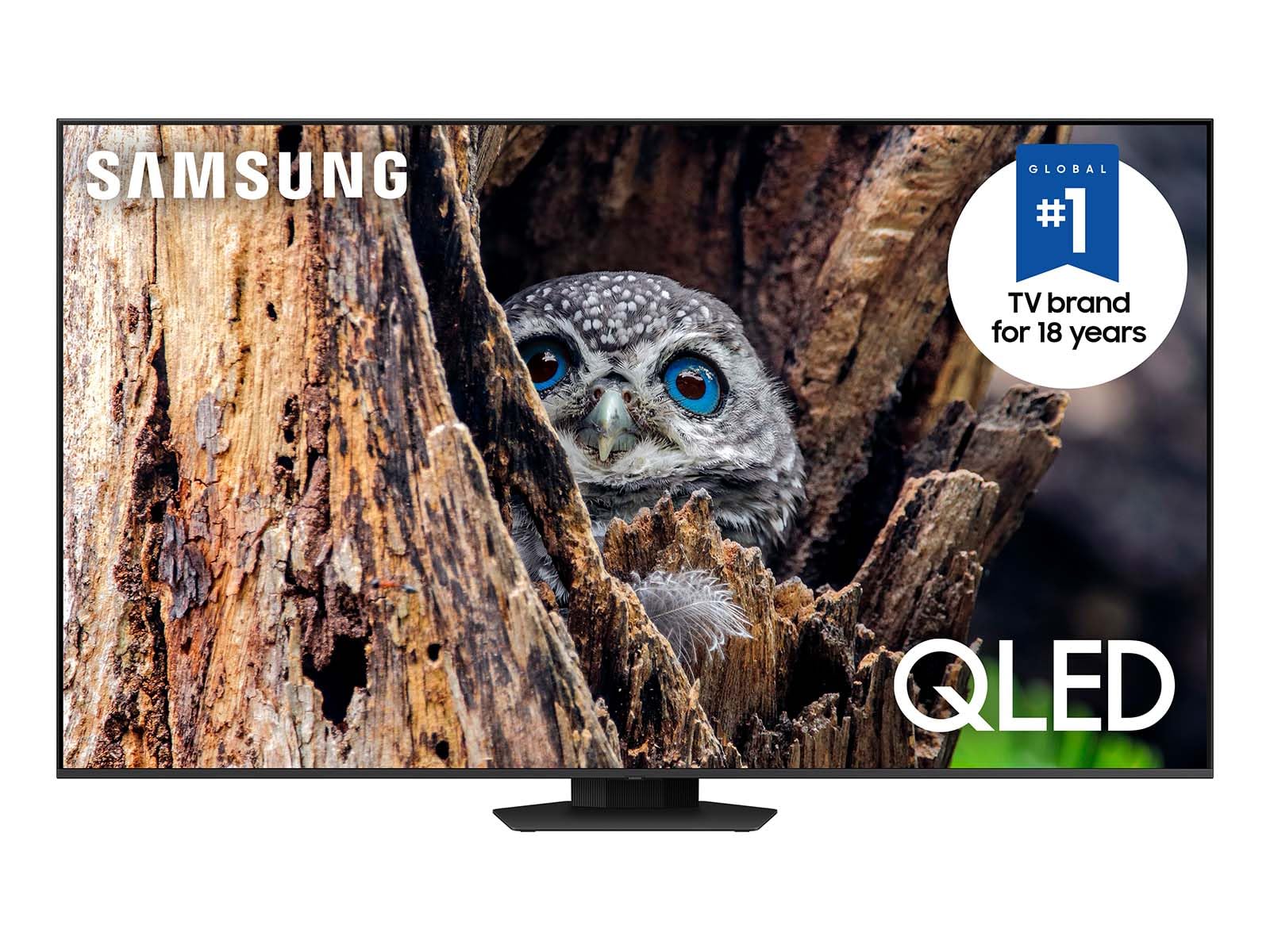
This Advanced Tv Features Super-Precise Leds That Elevate Color And Contrast. Dive Even Deeper Into Your Content With Dimensional Scenes And Seamless Action.Qled Televisions Can Produce 100% Color Volume In The Dci-P3 Color Space, The Format For Most Cinema Screens And Hdr Movies For Television. Q80D 50'' Has Motion Xcelerator. Motion Xcelerator 120Hz Is Sometimes Called Motion Xcelerator Turbo. Utilizes Ai-Based Formulas. 4 Samsung Account Required For Network-Based Smart Services, Including Streaming Apps And Other Smart Features. Separate [Connected] Computer, Mobile Or Other Device May Be Necessary To Create/Log In To Samsung Account (Free To Download And Create). Without Account Log In, Only External Device Connections (E.G., Via Hdmi) And Terrestrial/Over-The-Air Tv (Only For Tvs With Tuners) Available. .
⚠️ WARNING (California Proposition 65): This product may contain chemicals known to the State of California to cause cancer, birth defects, or other reproductive harm. For more information, please visit www.P65Warnings.ca.gov.
Frequently Asked Questions
Q: What is the screen size of the Samsung QLED TV?A: The screen size is fifty inches. This makes it suitable for mid-sized living rooms or entertainment spaces.
Q: What resolution does the Samsung QLED TV support?A: The TV supports four thousand pixel resolution. This ensures sharp and detailed images for all your favorite content.
Q: What is the weight of the Samsung QLED TV?A: The TV weighs approximately thirty-three pounds. This weight allows for easy wall mounting or placement on furniture.
Q: How do I set up the Samsung QLED TV?A: To set up the TV, connect it to power and follow on-screen instructions. You'll also need a Samsung Account for network features.
Q: Can I use the Samsung QLED TV for gaming?A: Yes, the TV is suitable for gaming. It features Motion Xcelerator for smooth action at one hundred twenty frames per second.
Q: Is the Samsung QLED TV compatible with voice assistants?A: Yes, the TV has Alexa built-in. This allows you to control the TV and smart home devices using voice commands.
Q: How do I clean the screen of the Samsung QLED TV?A: To clean the screen, use a soft, dry microfiber cloth. Avoid using harsh chemicals that could damage the screen.
Q: Is the Samsung QLED TV safe for kids?A: Yes, the TV is safe for kids. It has no hazardous materials and adheres to safety standards for electronic devices.
Q: How do I store the Samsung QLED TV when not in use?A: Store the TV in a cool, dry place, ideally in its original packaging. Avoid exposing it to extreme temperatures or humidity.
Q: What makes the Samsung QLED TV different from other TVs?A: The QLED TV features Quantum HDR+ technology. This enhances color and contrast for a superior viewing experience.
Q: Is the Samsung QLED TV good for watching movies at night?A: Yes, the TV performs well in low light. Its DIRECT FULL ARRAY technology optimizes contrast for dark scenes.
Q: What type of apps can I install on the Samsung QLED TV?A: You can install various streaming apps. The TV runs on Samsung Tizen OS, providing access to popular services.
Q: Does the Samsung QLED TV have a warranty?A: Yes, the TV comes with a manufacturer warranty. This covers defects and issues under normal use conditions.
Q: What should I do if my Samsung QLED TV is damaged upon arrival?A: Contact the retailer immediately for return or exchange options. Keep all packaging materials for the return process.
Q: How do I update the software on my Samsung QLED TV?A: To update the software, go to the settings menu and check for updates. Ensure the TV is connected to the internet.
Q: Does the Samsung QLED TV support 4K content?A: Yes, the TV supports four thousand pixel content. Enjoy streaming movies and shows in stunning clarity.